Memorex MT2024 / Haier 21F7A-P / Durabrand BH2004D / Insignia NS-13CTV Service Menu Access
The service manual lists the remote button combo to get into the service menu for these sets as “MUTE” -> “CALL” -> “-/–“ -> “CALL” -> “MUTE” which is misleading because “CALL” is NOT the button labeled “RECALL”.
The “CALL” button label is actually referring to the button labelled “DISPLAY”.
So the combo is “MUTE” -> “DISPLAY” -> “-/–“ -> “DISPLAY” -> “MUTE”.
I was trying to get into the service menu for a Memorex MT2024 and I kept interpreting “CALL” as referring to the button named “RECALL” on the remote, which you can see below.
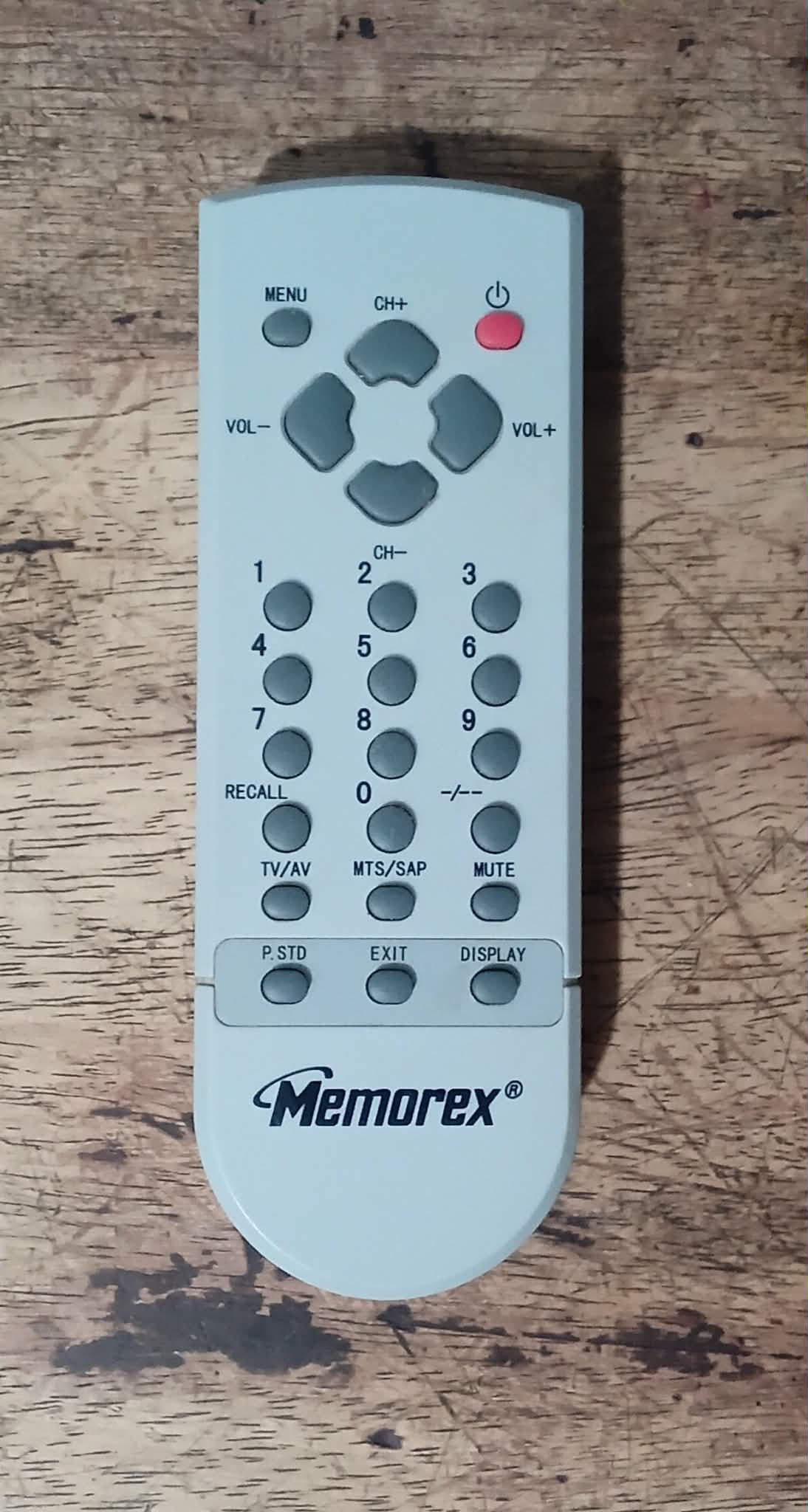
After trying several times, it seemed odd to me that the sequence would include the “RECALL” button as it causes the screen to go blank and switch to another channel and pressing buttons during this does nothing, it just seemed wrong. So I tried pressing a different button for “CALL” because I wasn’t convinced that meant the “RECALL” button, and pressing “DISPLAY” worked!
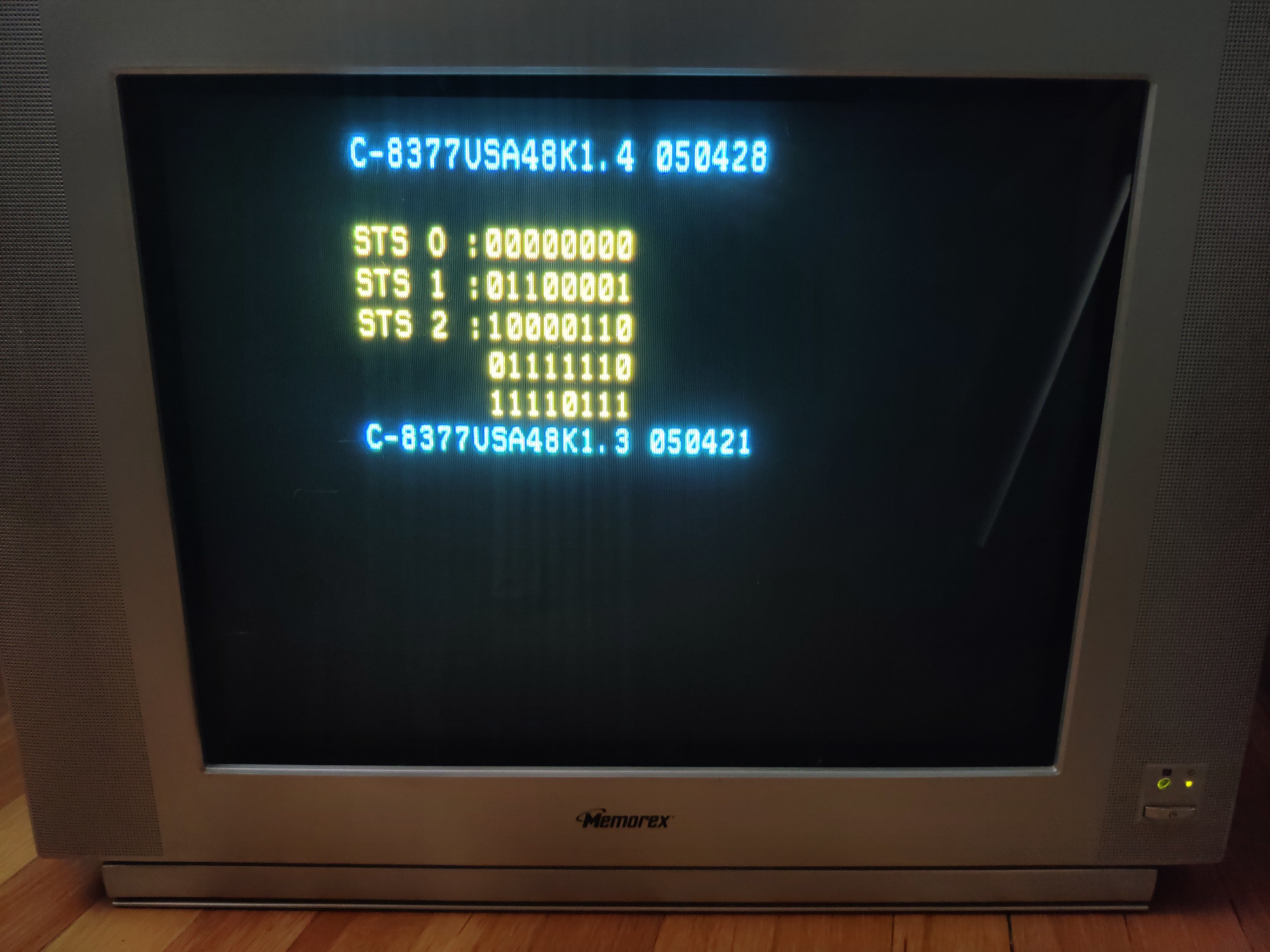
The remote for the Durabrand BH2004D is the same layout as you can see here. The Insignia remote has a lot more buttons, as can be seen in the user manual available here, and notably it is missing the “–/-“ button, but the service manual for this set has the exact same combo listed as the other sets. I don’t have the set and remote to verify this, but I suspect the possible replacements for “–/-“ are “10+”, “TIME”, “EXIT”, “PROGRAM” or “D.CALL”. If you have this set and remote and are able to get into the service menu, please send me a message using the contact form on my store website so I can update this article with the correct combo.
Back to top