Notch and Comb Filter Comparison for Composite Video Decoding and Retro Gaming
When it comes to Composite video, there are two means of decoding the analog video stream, Notch and Comb filtering. This article will compare the two in the context of retro gaming by comparing several different external Notch and Comb filters.
This article has the following sections:
Aren’t Comb Filters the Best Option?
- Tributaries C2S
- Kramer 401D
- Extron VYC 100N
- Radioshack 15-1238 S-Video Signal Converter
- Entech CSVC-1
- manadream Notch Filter
Basic Composite Video Theory
Composite video (the Yellow RCA connector on a console’s AV cable) is constructed by overlaying separate Luma (brightness) and Chroma (color) signals on top of each other so that only one wire (aside from ground) is needed to transmit the video. This is typically done inside a game console, which makes Composite video one of the output options the console has.
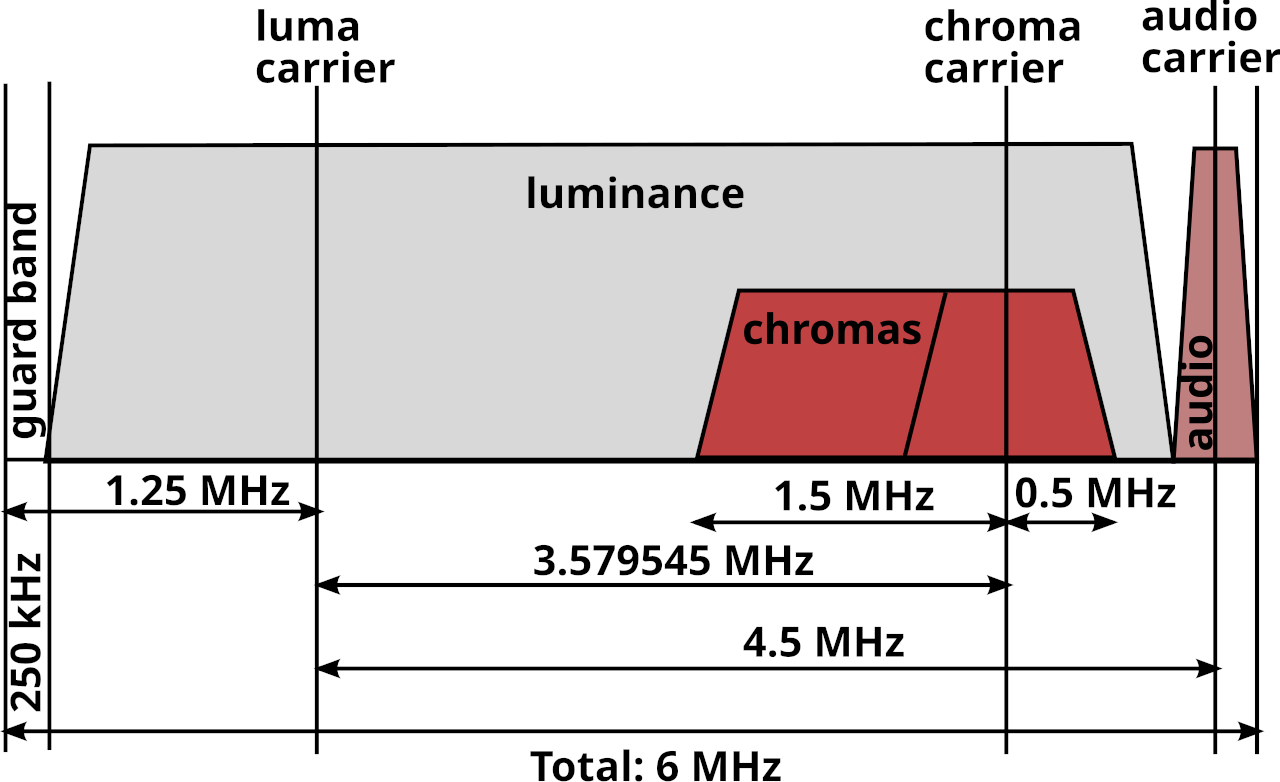
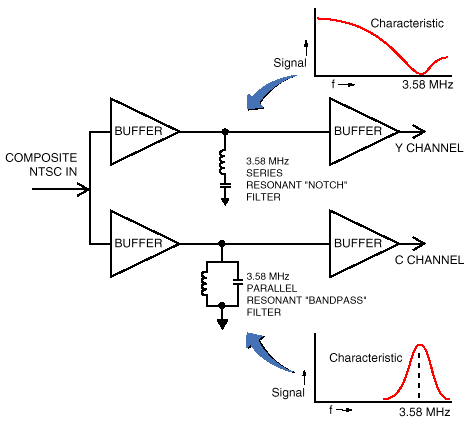
External Notch and Comb filters decode Composite video back into separate Luma and Chroma signals, typically known as S-Video. Inside any CRT there is going to be an internal filter that does this for you when you plug Composite video into it. Using an external filter takes this job away from the TV and allows you to choose the means and quality of this conversion.
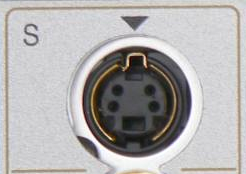
In order to use an external filter, the TV or Capture device you are connecting to needs to have S-Video input available. This is what that connector looks like:
Why Use Composite?
A lot of people consider Composite video to be the worst option (aside from RF) when it comes to video output. This is simply not true as Composite video offers some artistic benefits that other output options do not (including raw S-Video output from your console.)
This Article by Eli Krause goes into great detail on why Composite is the best video format for a lot of retro games, even into the PS1/Saturn/N64 era. I highly recommend giving that article a read to better understand why Composite video is important.
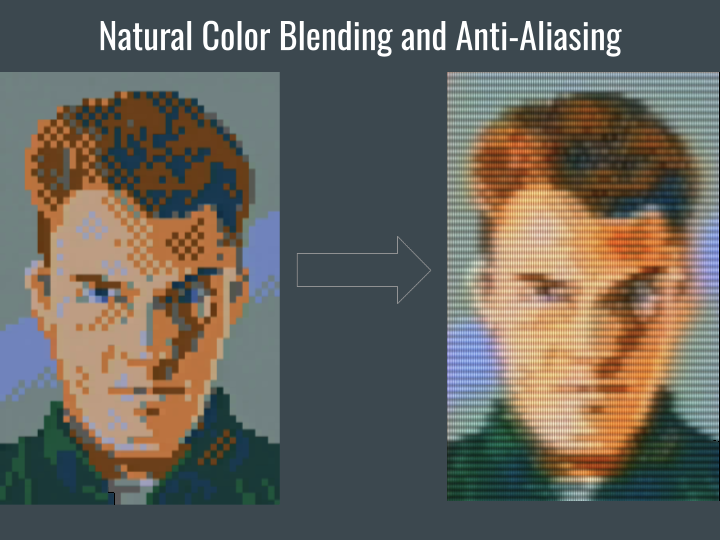
The TL;DR of that article is, Composite video allows for blending of colors that are especially important for dithering (Sonic Waterfall and Streets of Rage 2 lamp lighting are classic examples). It also allows for a wider range of colors than the console could normally create by using two different colors next to each other that get blended into a new color.
Aren’t Comb Filters the Best Option?
Comb filters are good for live video footage, but they are not good for retro gaming or computer visuals. Here’s a few info-graphics that will explain why:
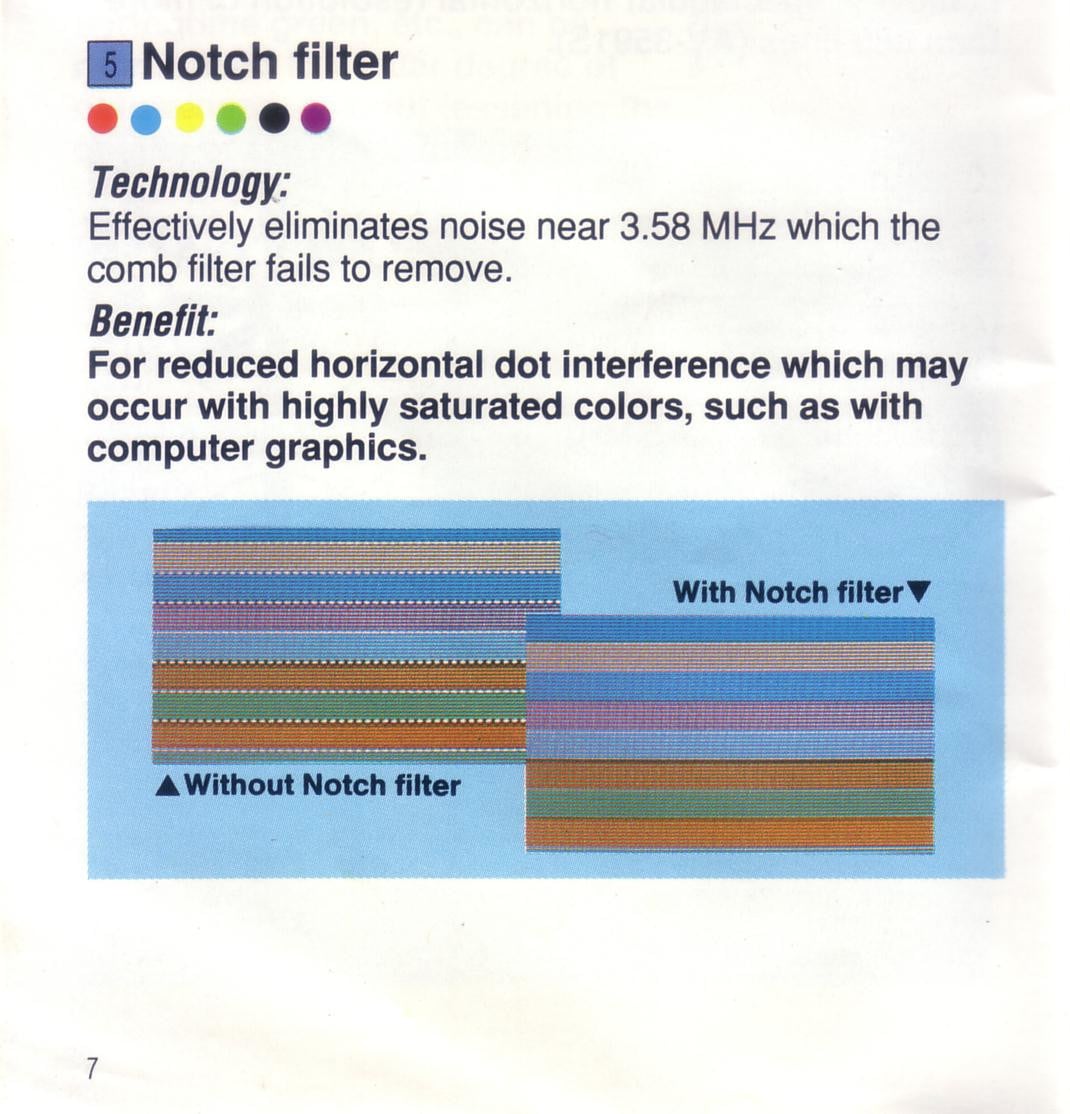
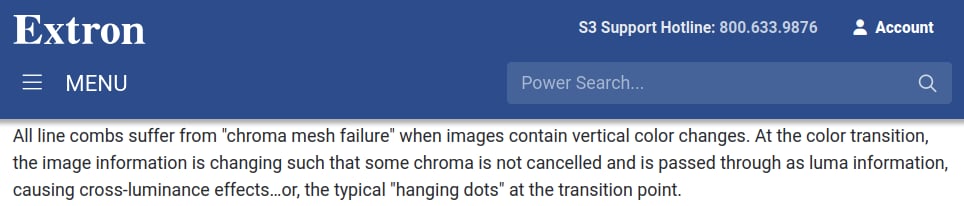
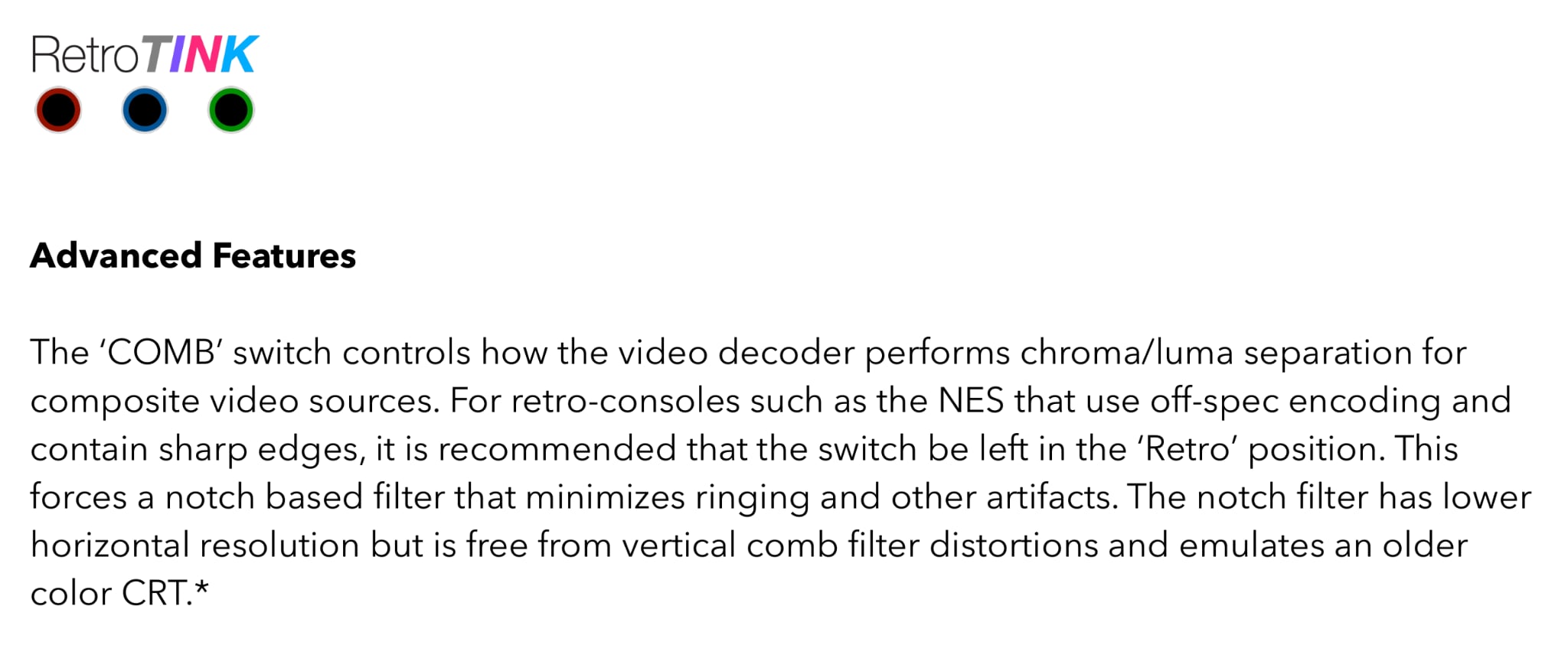
Here’s what that looks like in an actual game:
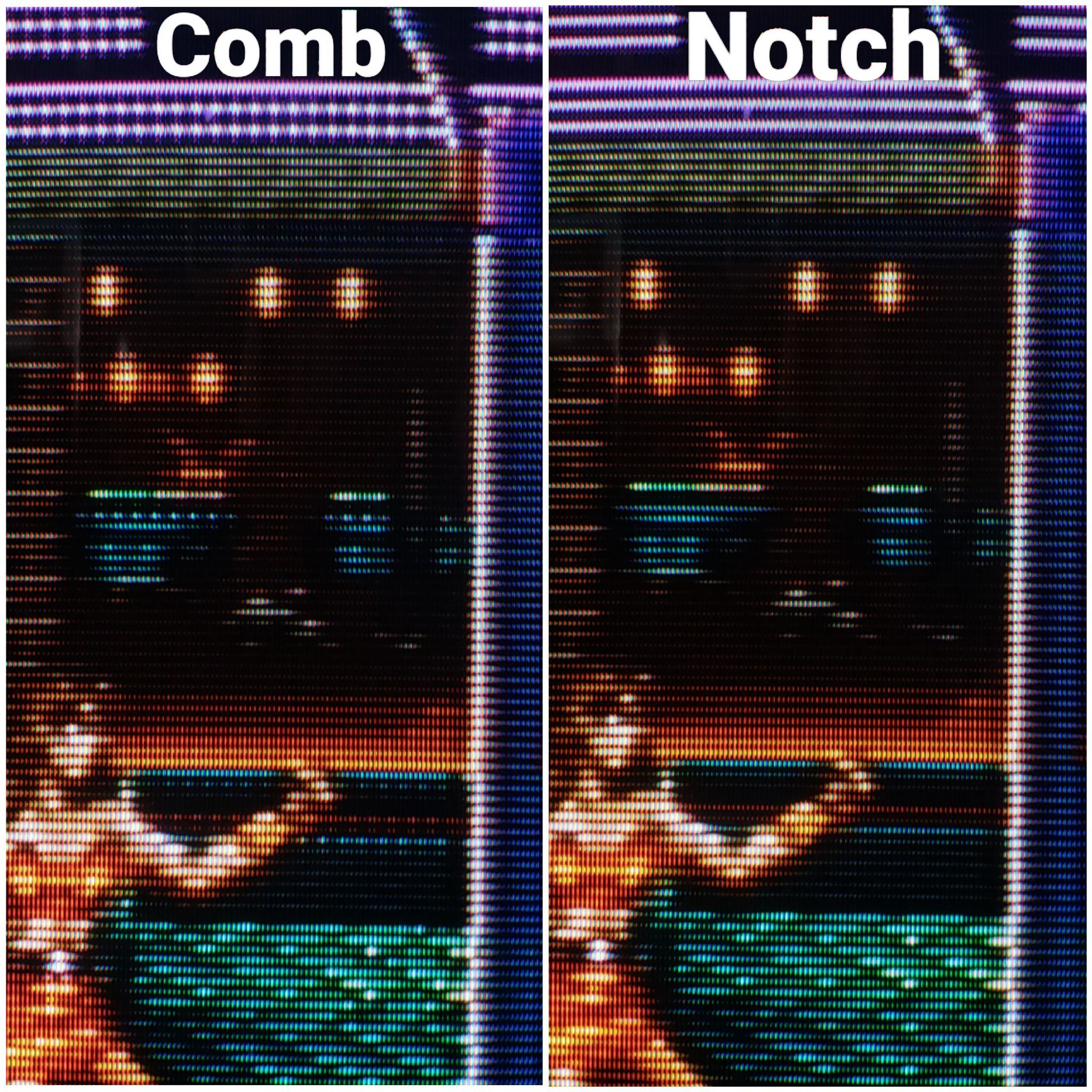
Notch filters do not exhibit this issue. This is often referred to as dot crawl, but the correct term is “hanging dots”.
Dot crawl is an artifact of the Luma information being polluted by the Chroma signal, which looks like this:
Another type of interference you will see is called “rainbowing” or “rainbow banding”, which results from the Chroma information being polluted by the Luma signal.
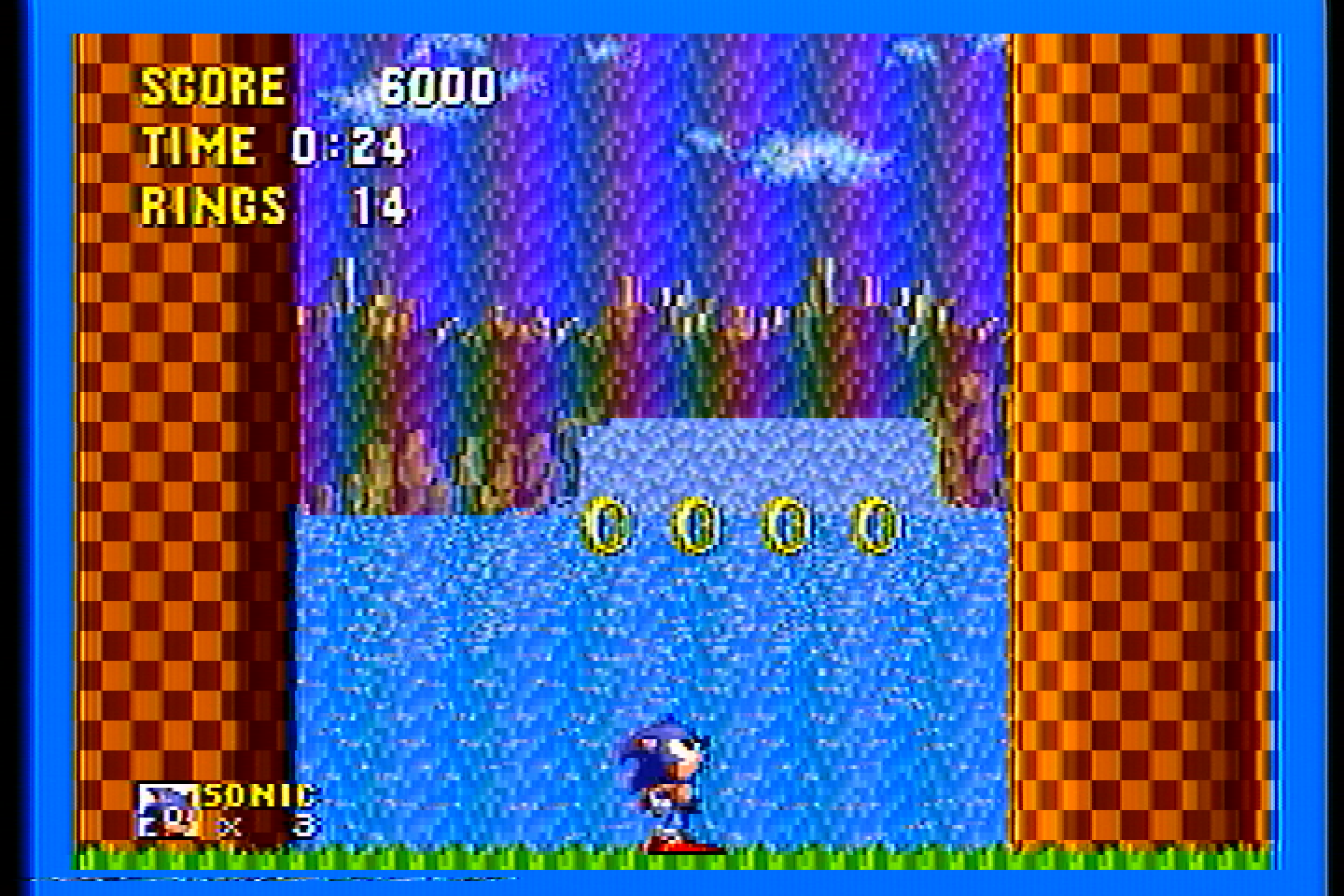
NOTE: The amount of rainbow artifacts and dot crawl are also dependant on the console itself. A lot of stock Genesis consoles have bad rainbowing, but modding them can improve or eliminate it. The Wii has very good composite output, for example. How the picture looks depends on the encoding AND the decoding.
Both Comb filters and Notch filters will exhibit dot crawl and rainbow artifacts to varying degrees, this is the nature of Composite video. The only way to not have these artifacts is to keep Chroma and Luma separate from the very beginning, but you then lose some of the artistic qualities that Composite offers.
The goal, then, is to use a filter that minimizes dot crawl and rainbow artifacts, and does not have hanging dots. This can only be done with a Notch filter, as you’ll see.
Comb Filter Comparisons
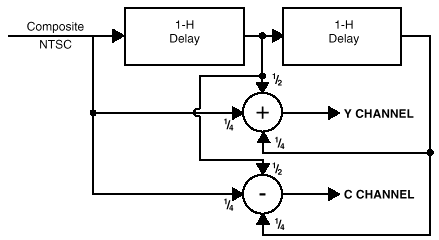
Comb filters work by splitting the Composite signal into Luma(Y) and Chroma (C) signals using delay lines and adding and subtracting multiple lines of video to extract the Y and C information. They are much more complex than notch filters, if you want to know more about how they work, check out this article by Extron.
I purchased two different external comb filters to compare them to each other, and to the Notch filters later in this article.
All comparisons were done using an I-O DATA GV-USB2 S-Video capture device or an HDMI capture device with a VGA to HDMI adapter, and the following consoles’ composite output:
- Sega Genesis Model 1 VA 6.5, recapped with no mods
- NES-001 Front Loader, recapped and modded with Lava RGB v1
- SNES SHVC-CPU-01, recapped with no mods
- N64 NUS-CPU-04, recapped with no mods
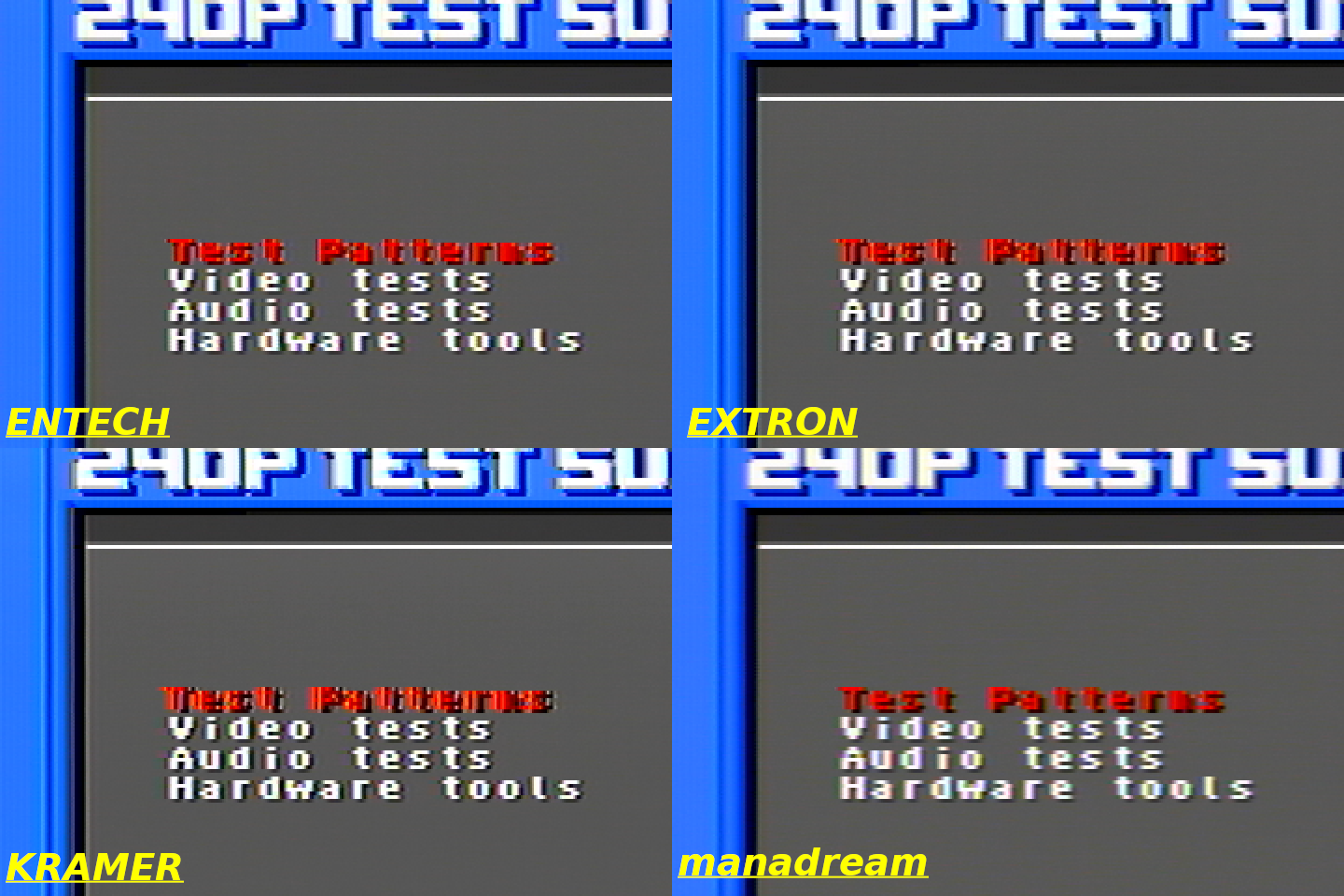
All 240p Test Suite images are from the Sega Genesis. This console has some jailbars and pretty bad rainbowing, so the video isn’t the best, but I think it is a good test because it shows how well different filters handle the imperfect video, plus this is what most stock Genesis consoles are going to look like.
Extron YCS SW6 (Three-Line Comb Filter)
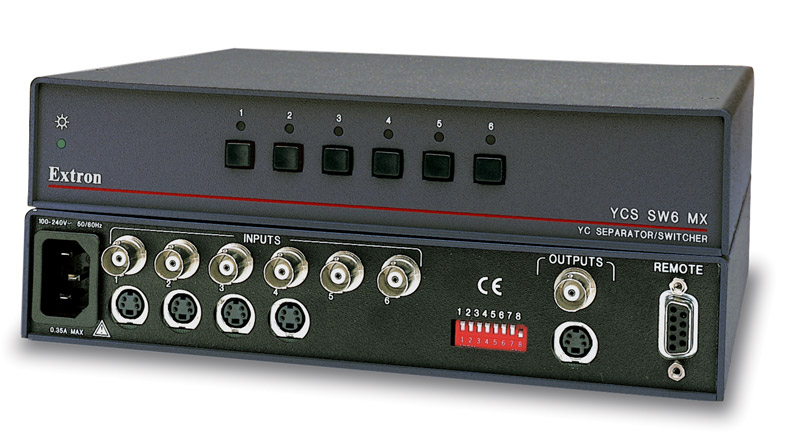
I bought this on Ebay for $34. You may be asking, why buy a video switcher for this test? Well this particular video switcher has a built-in 3-line comb filter made by Extron. So it can switch between video sources and also convert them to S-Video using the built in comb filter. It has 6 composite BNC inputs and can output composite, or S-Video using the comb filter (which is what I used).
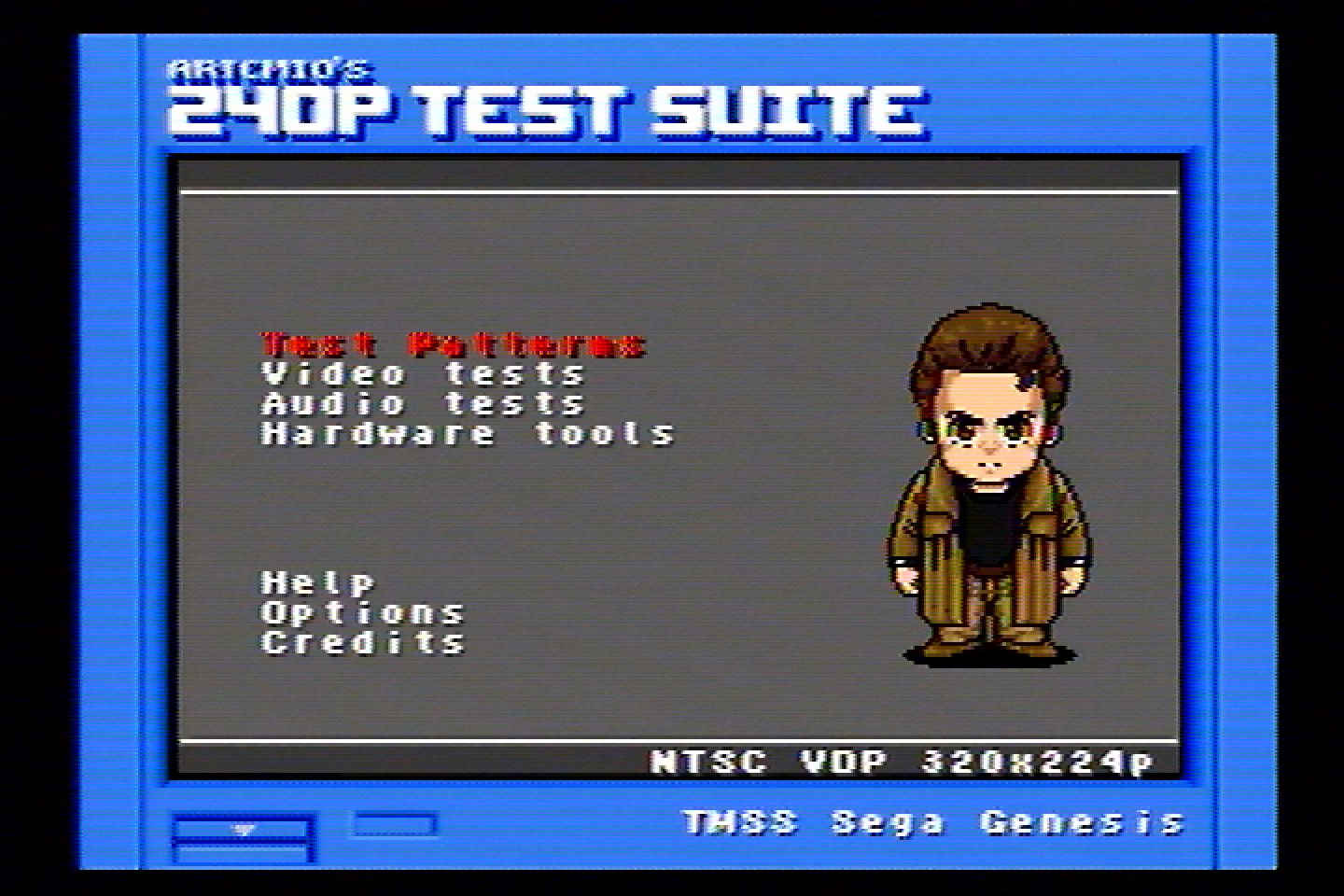
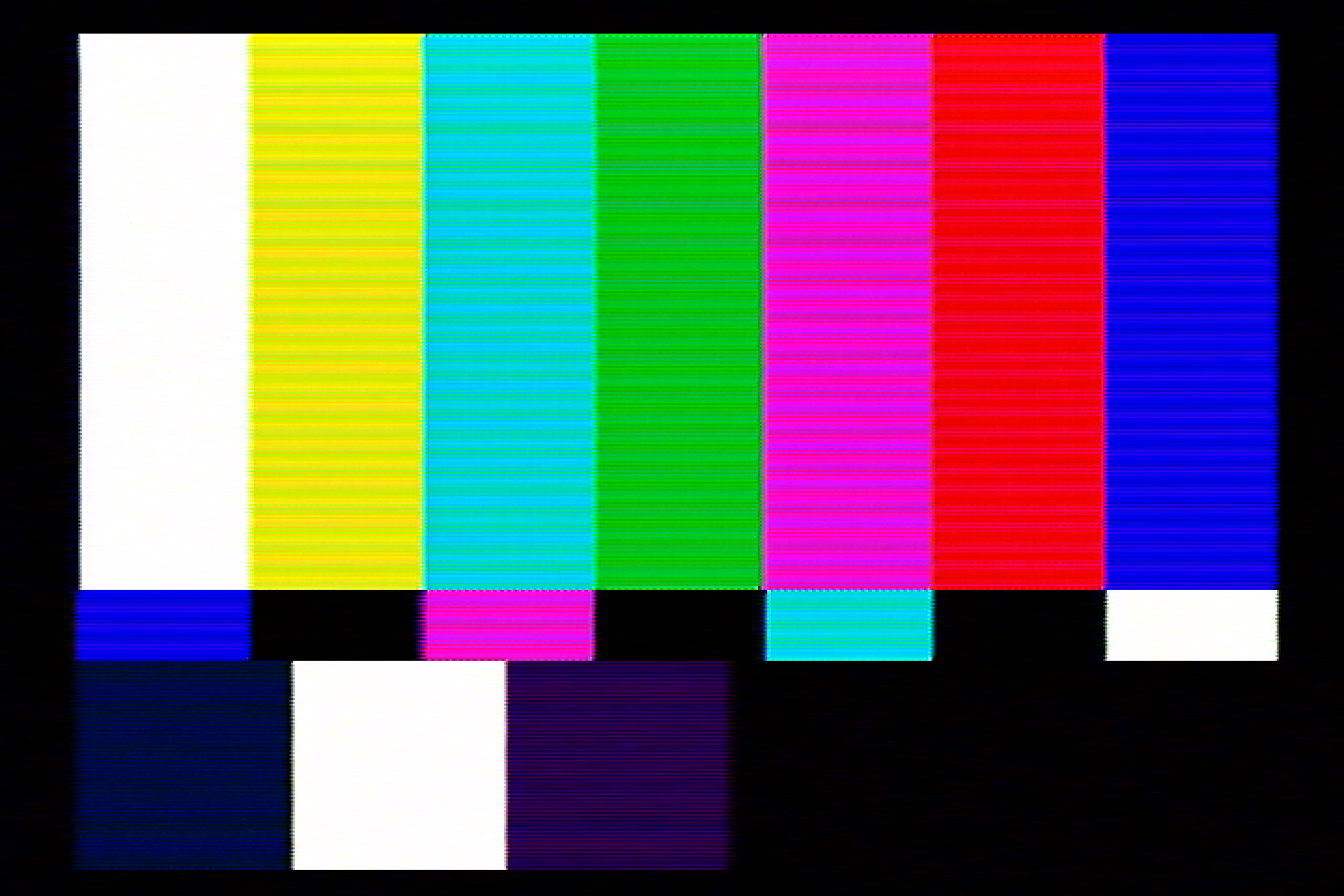
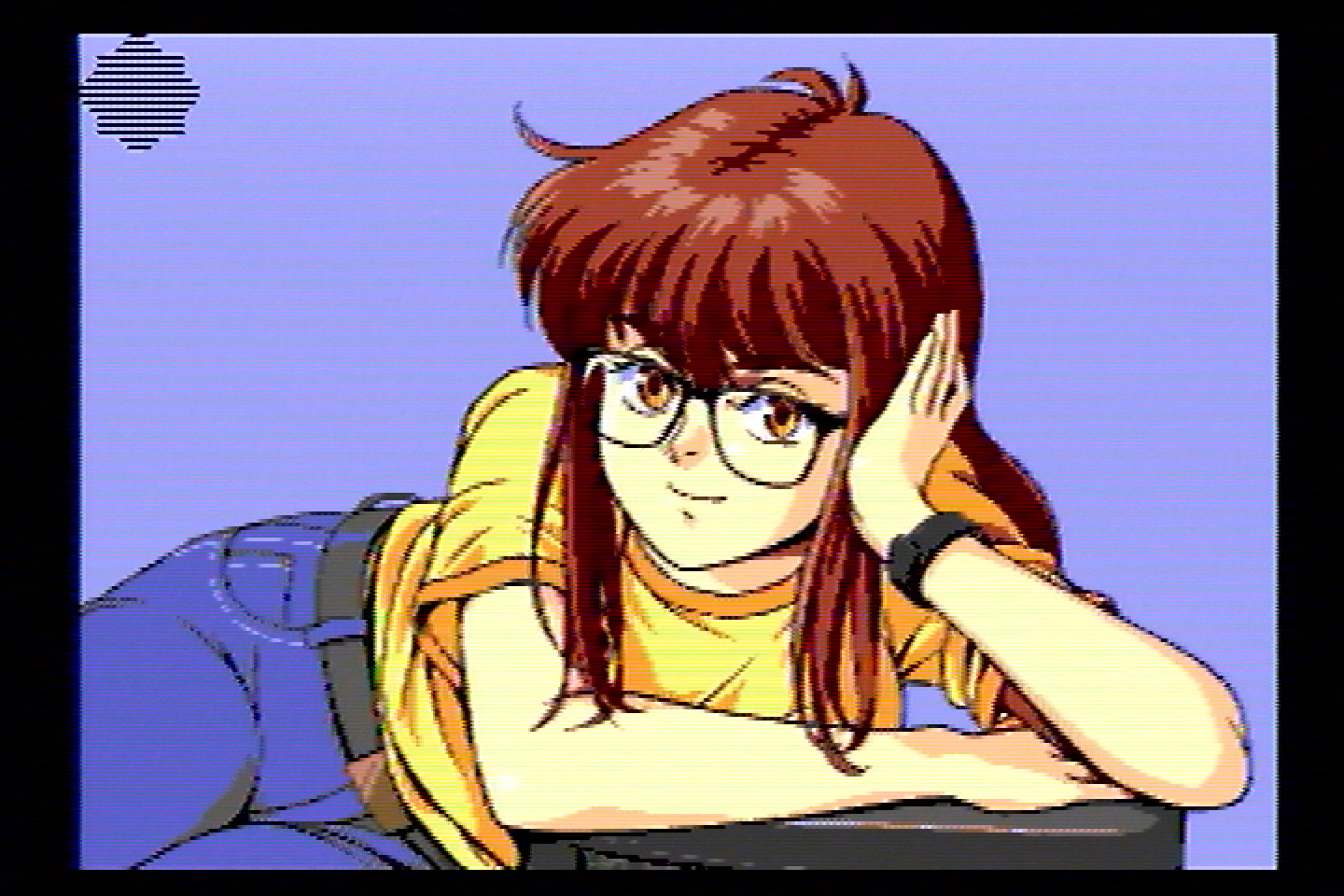
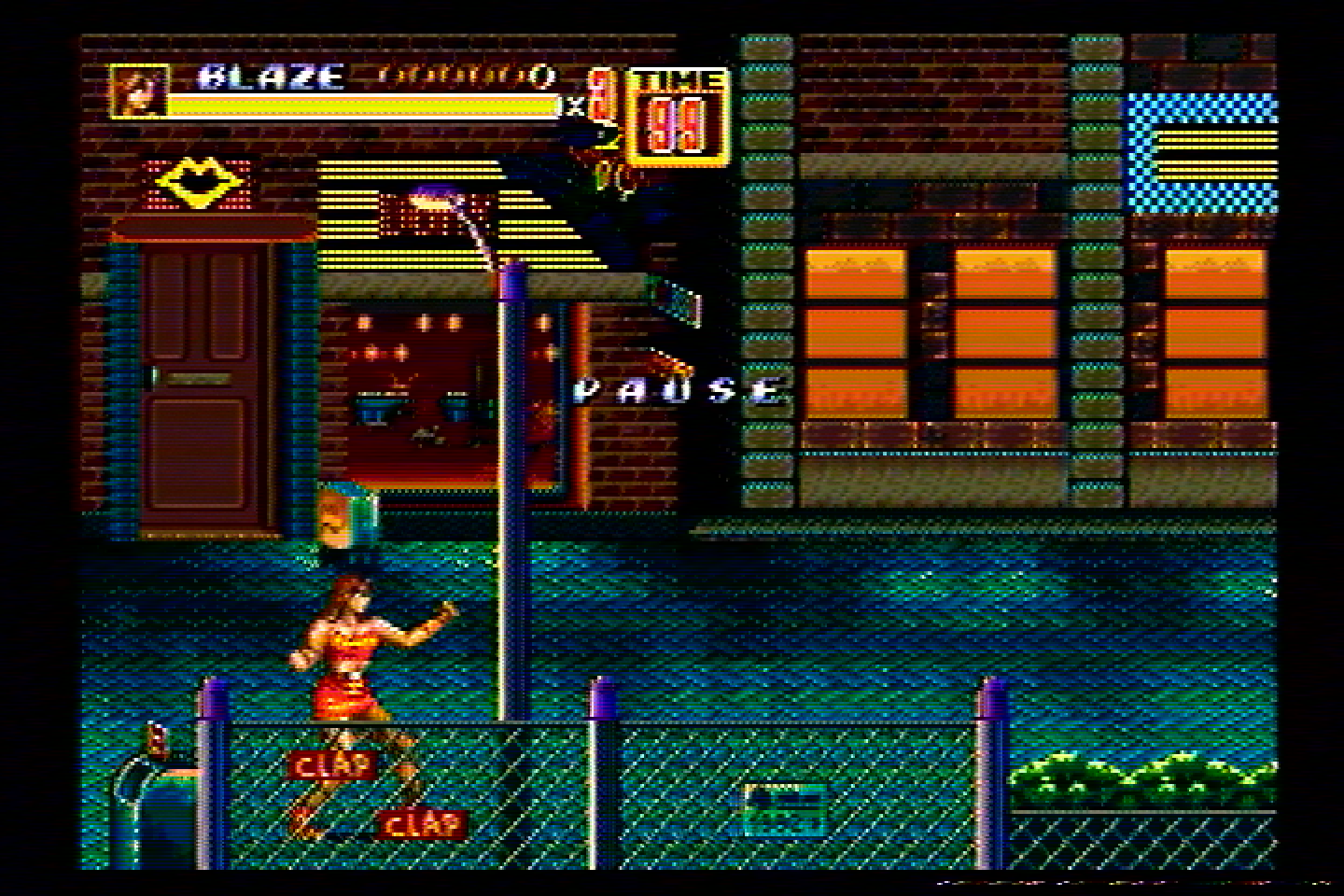
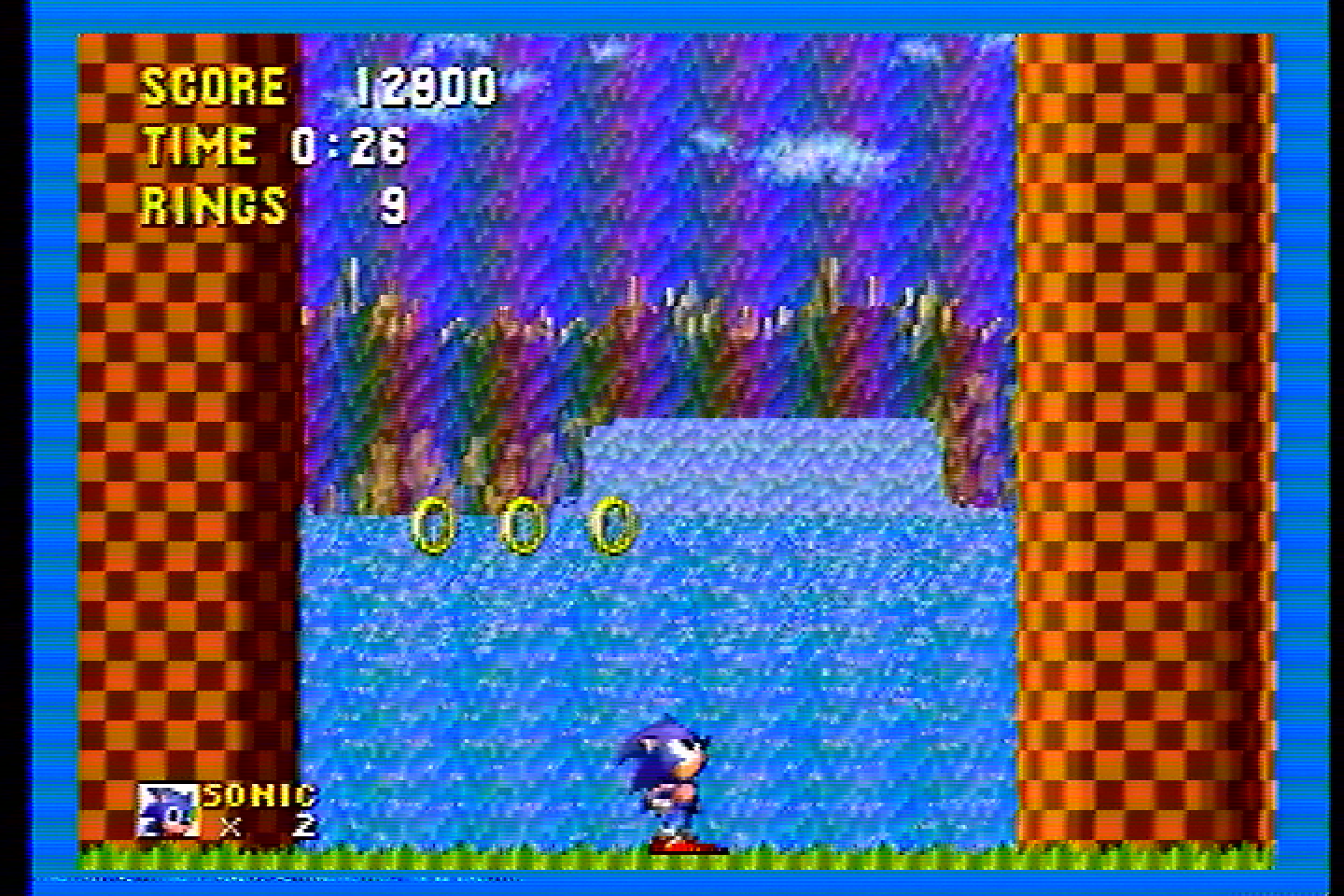
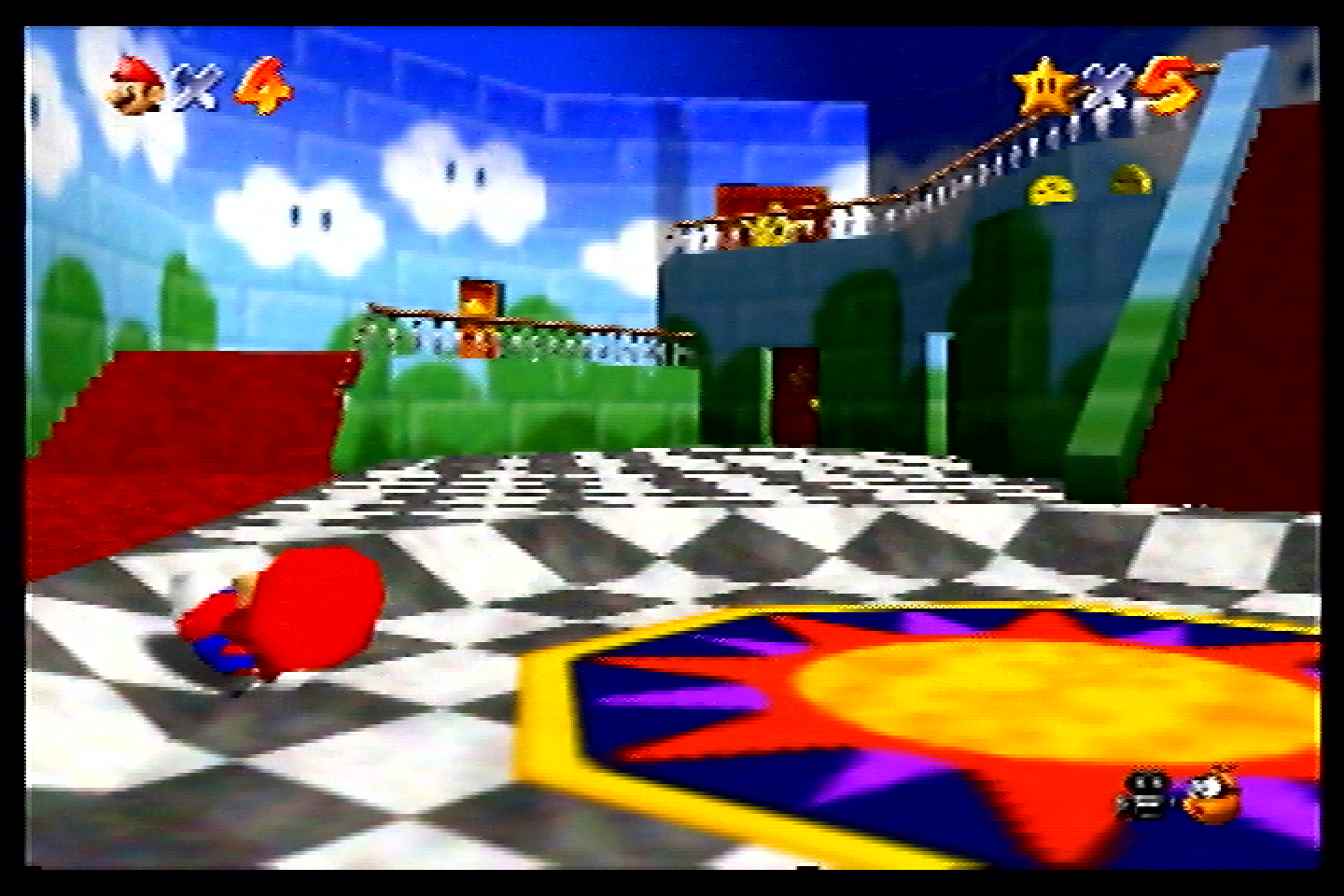
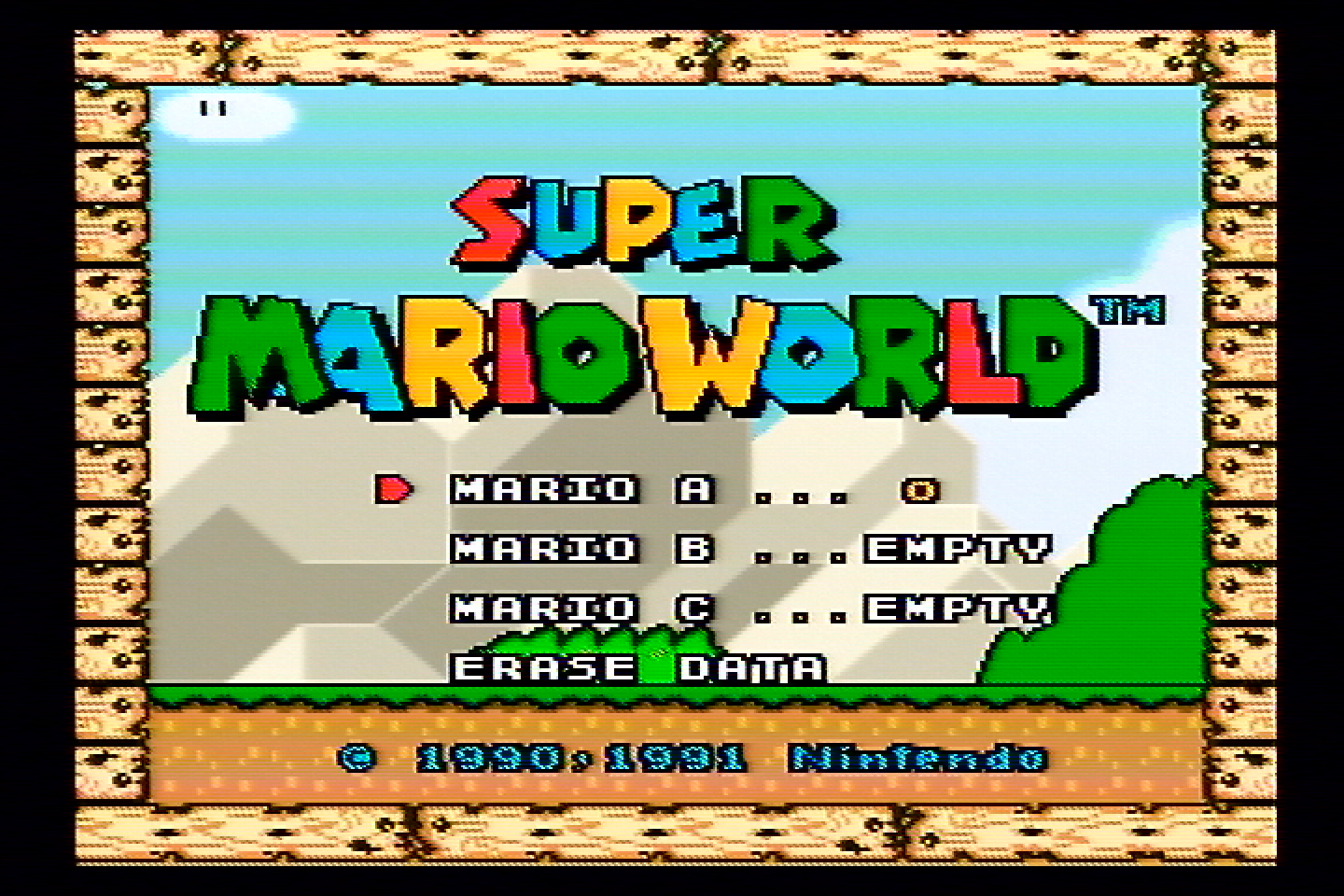
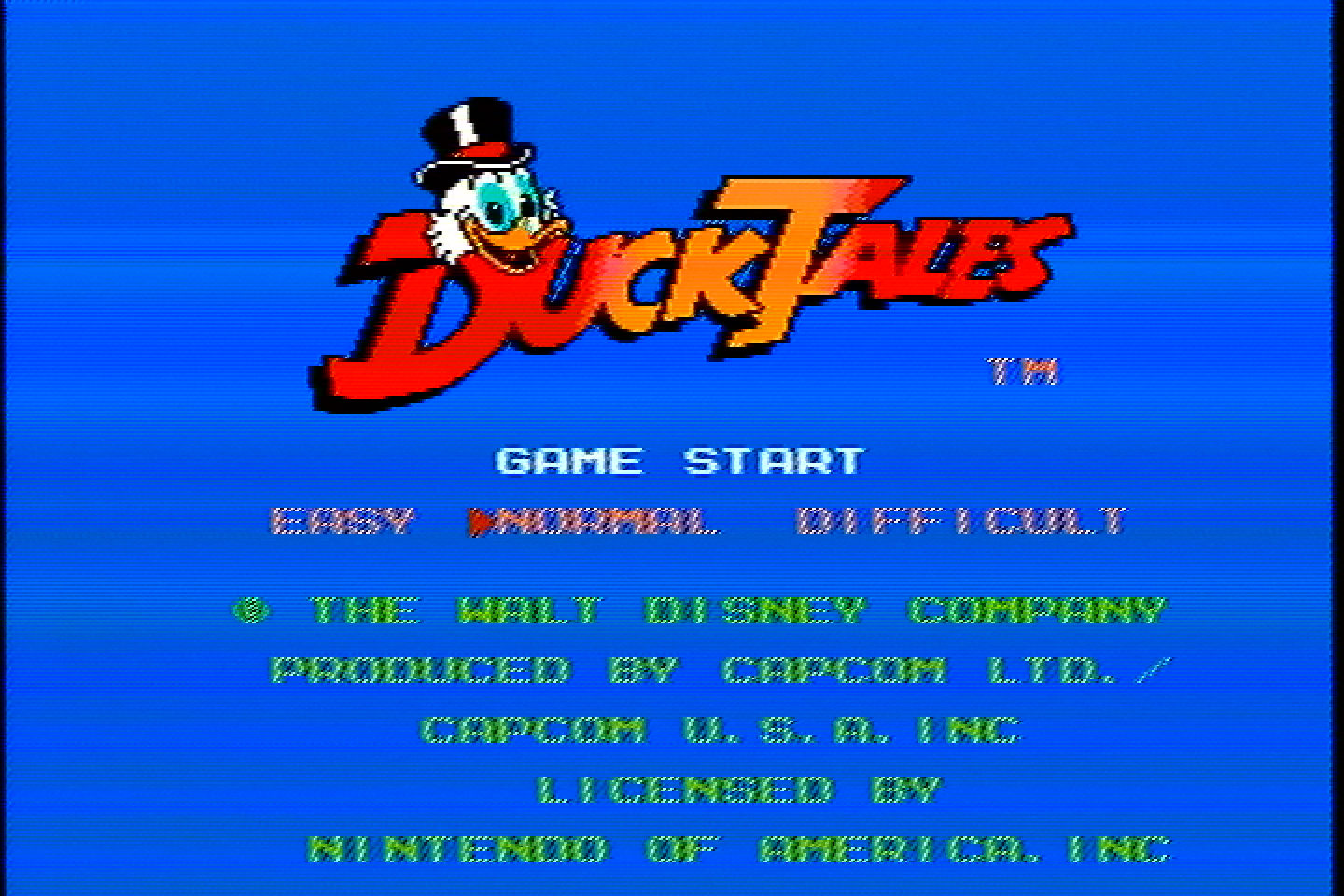
For whatever reason, this filter had a lot of noise in the Chroma signal, which you can see as horizontal sections looking off-color. I did what I could to reduce noise as much as possible, but this unit might have something wrong with it.
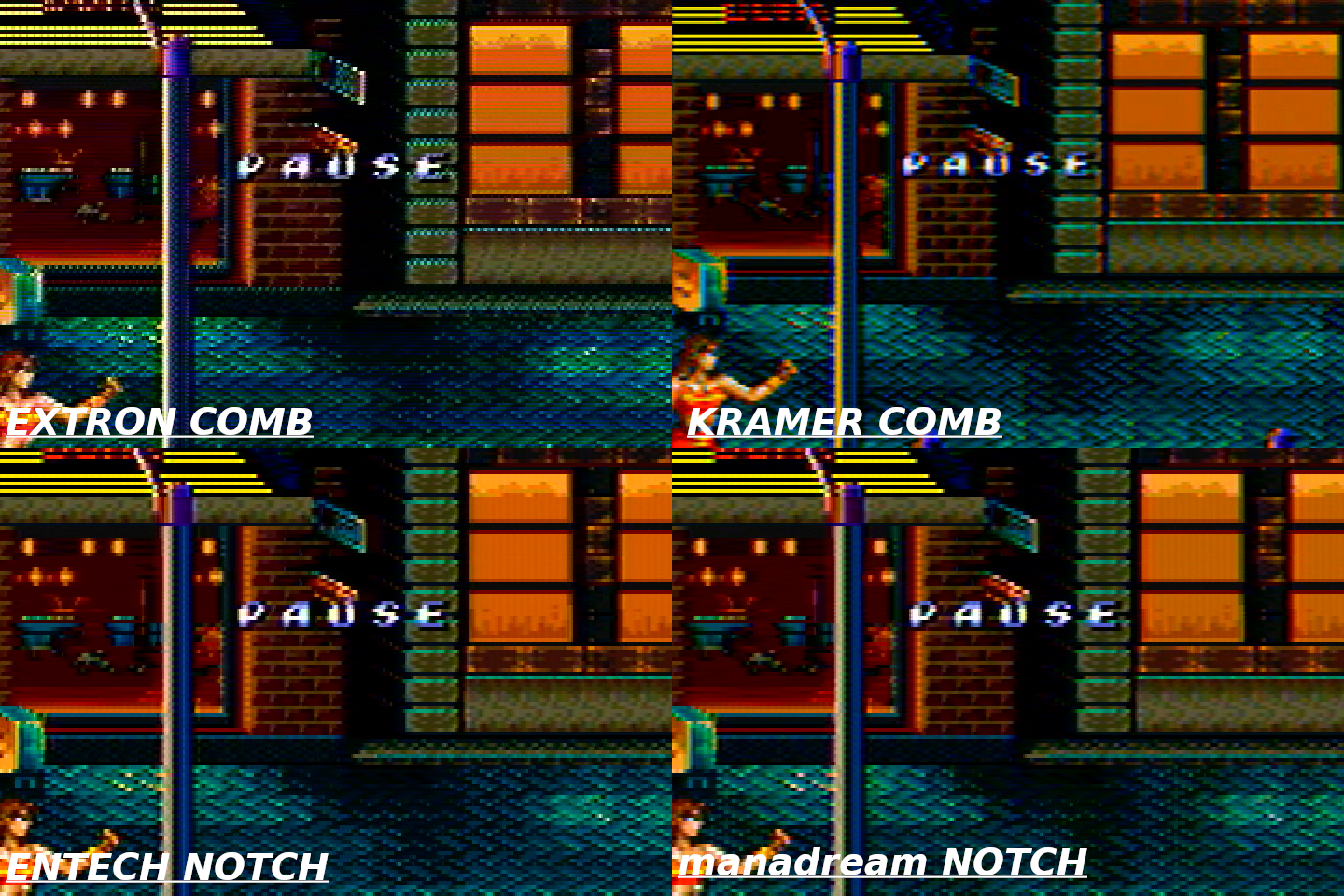
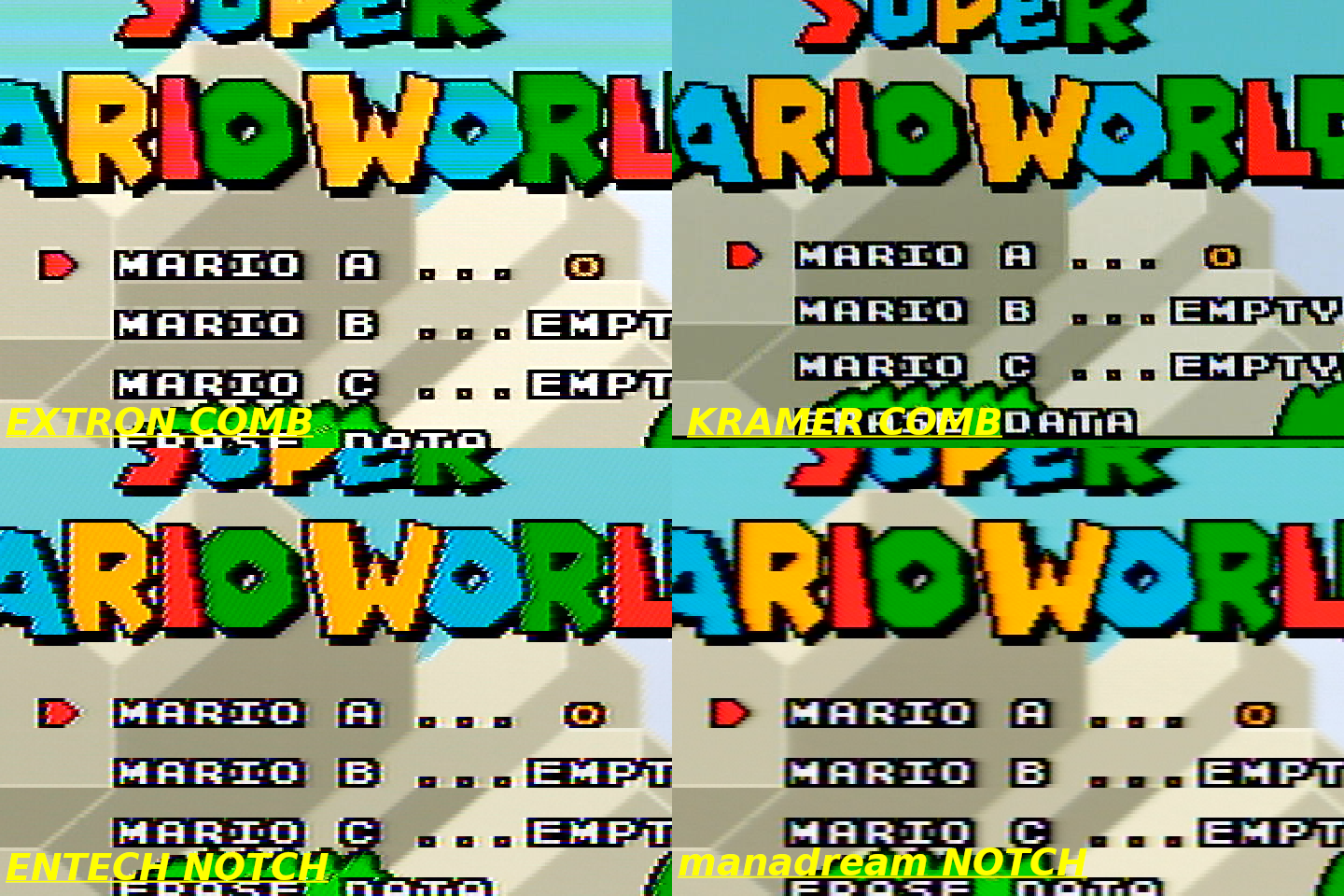
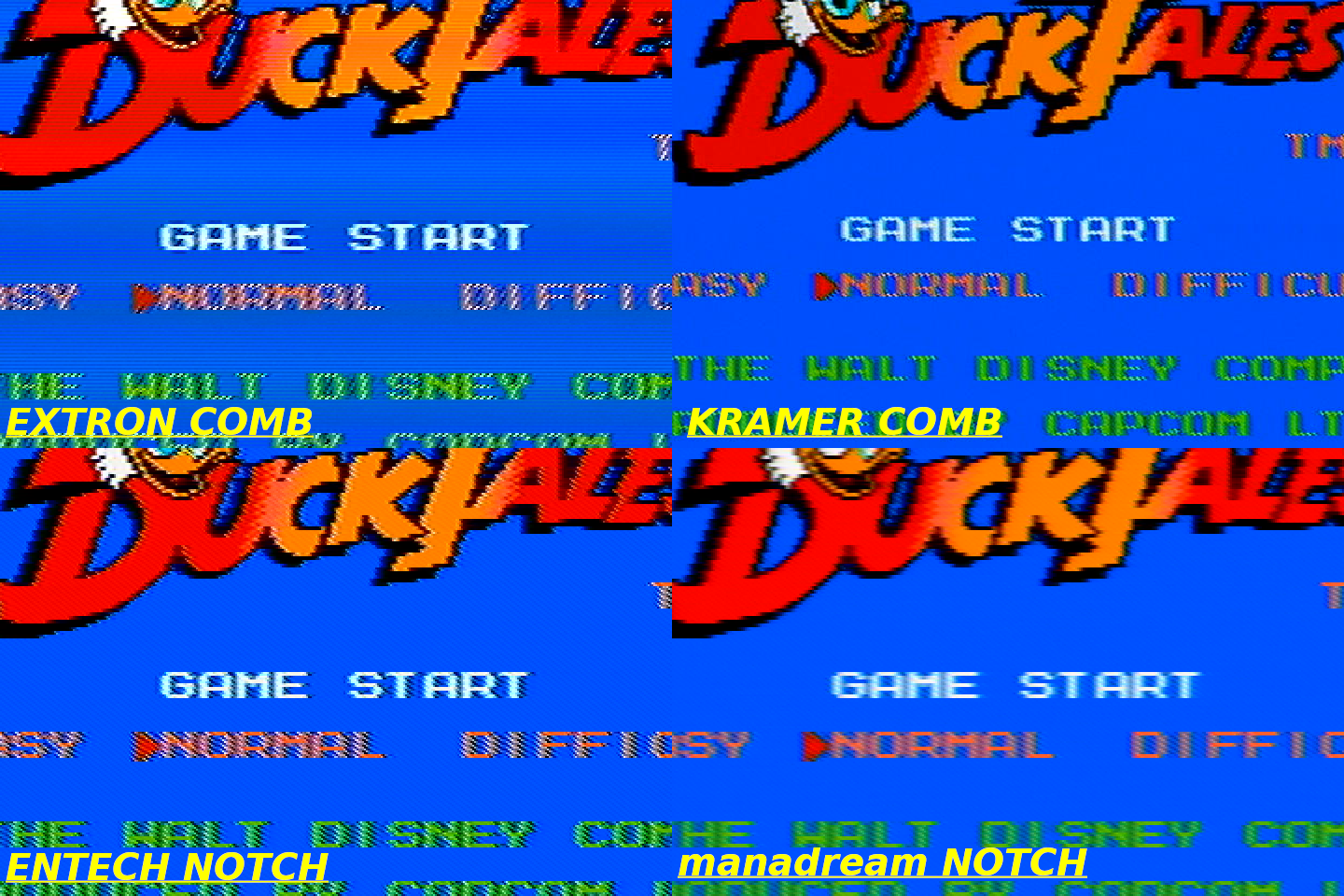
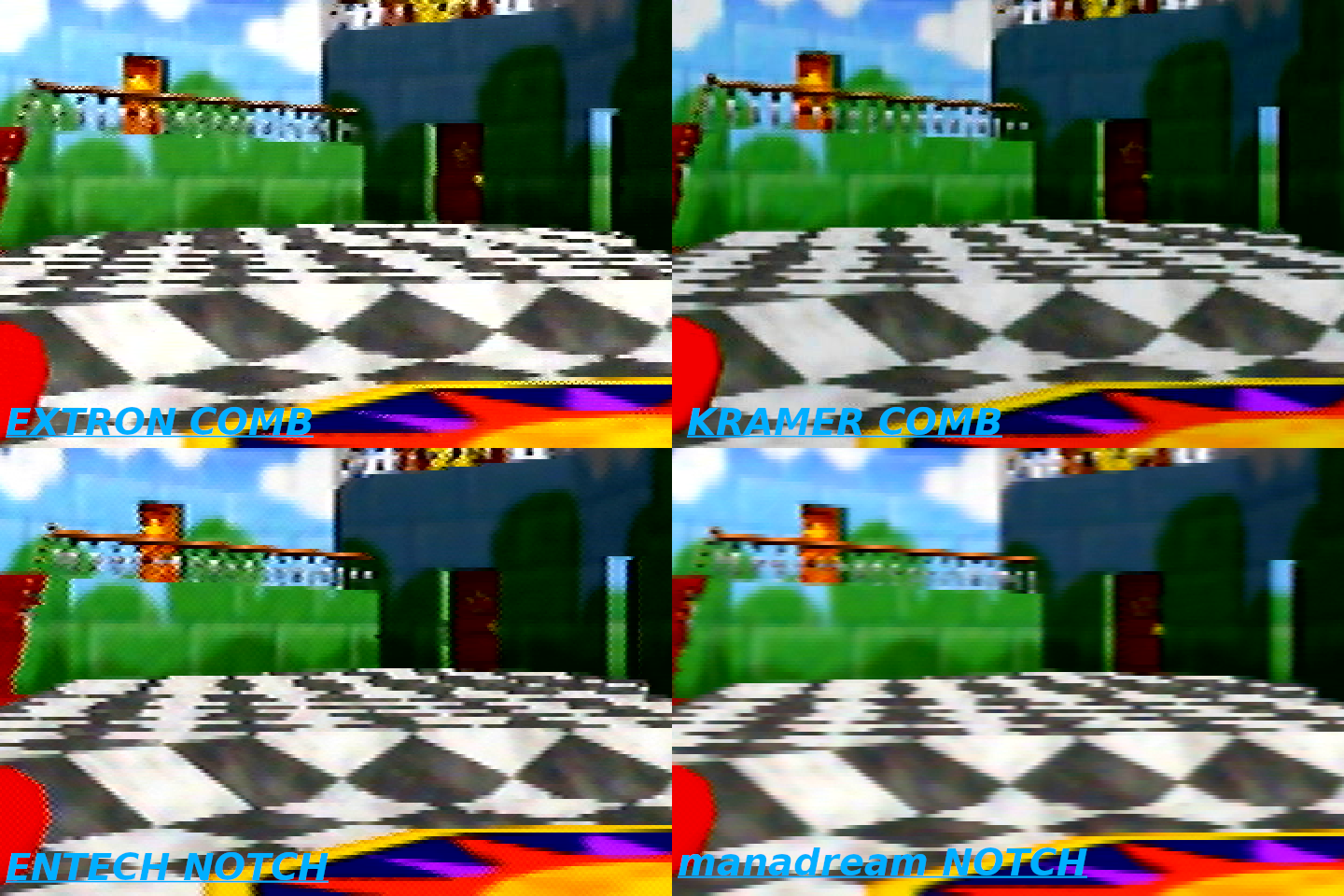
If you ignore that oddity, you can see the kinds of horizontal dot artifacts combs have, hanging dots, very clearly in:
- The Streets of Rage 2 screenshot along the top of the fence and the bottom of the windows and the top of the bricks.
- The top and bottom of the red letters in the 240p test suite.
- The railing and large star door in Mario 64.
- The top and bottom lines of text and graphics in Super Mario World
- The text in Duck Tales
Lots of CRTs have 2-line and 3-line comb filters built into them, so the picture will look something like this (minus the weird color banding).
Kramer VP-413 (3D Comb Filter)
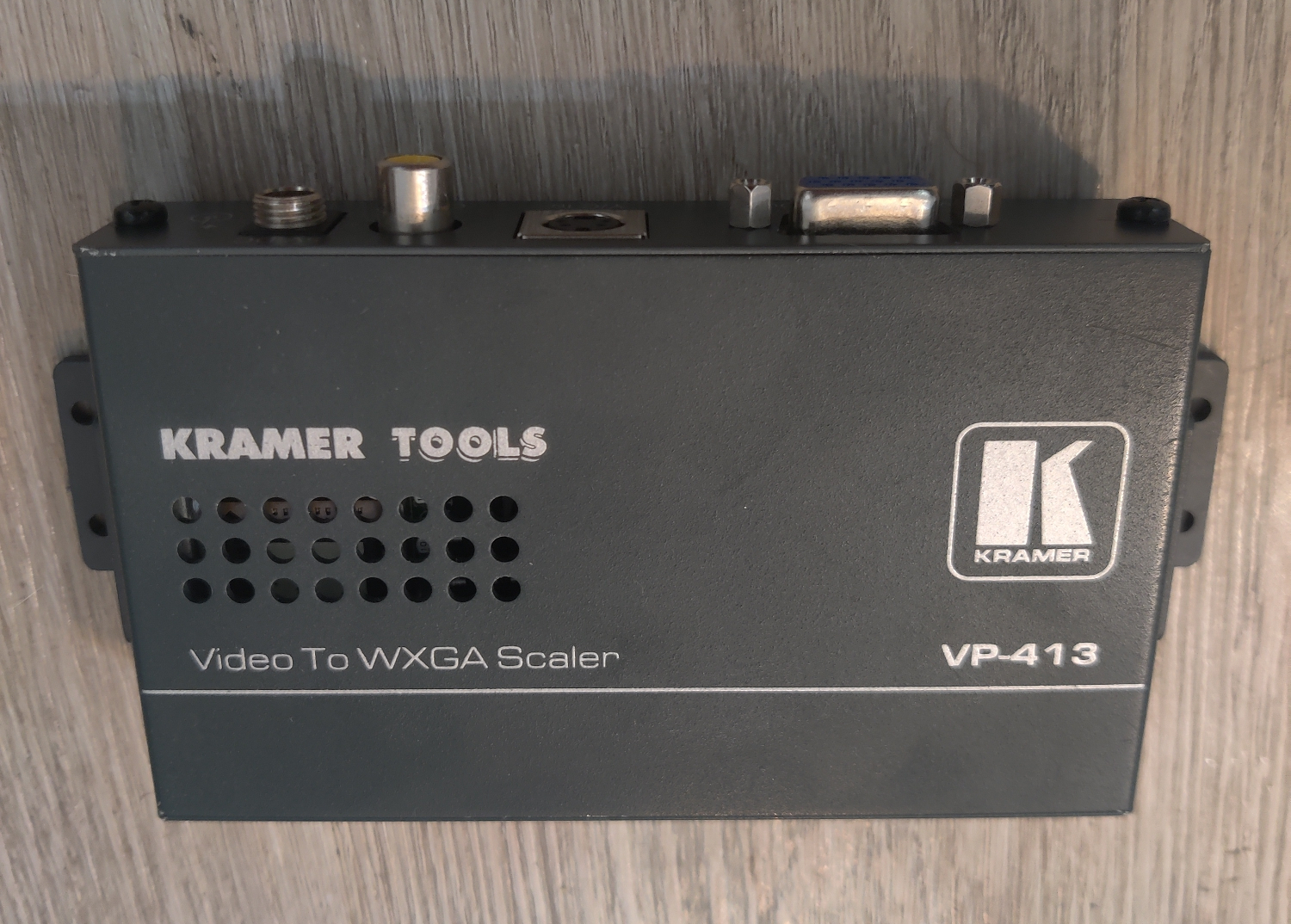
I bought this on Ebay for $27. It converts Composite to VGA using a very sophisticated 3D comb filter which represents the most advanced type of comb filters available. As you will see, it has some of the same problems as the 3-Line comb above, but not as badly.
One thing to note is that sophisticated comb filters like this one can also revert to a Notch filter if the hardware decides that would be better for whatever reason it’s programmed to. That seems to be the case with Sega Genesis video content for some reason. So the screenshots of Genesis games will look more like what a Notch filter would, although the notch in this device is pretty bad and has a lot of rainbowing, as you’ll see.
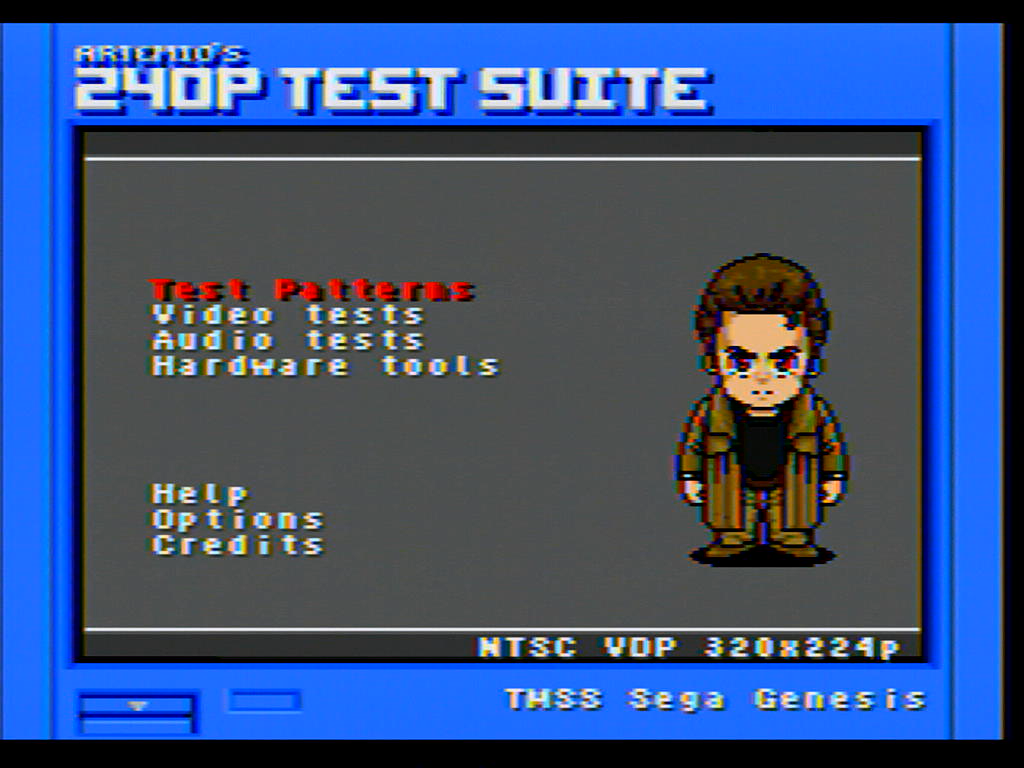
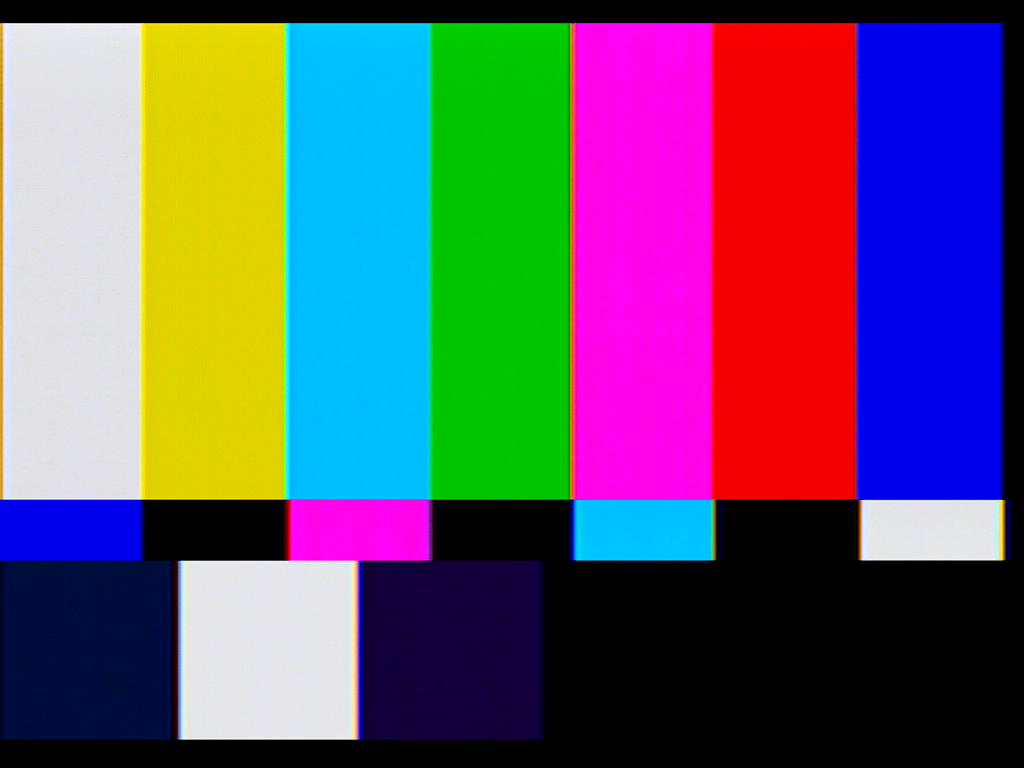
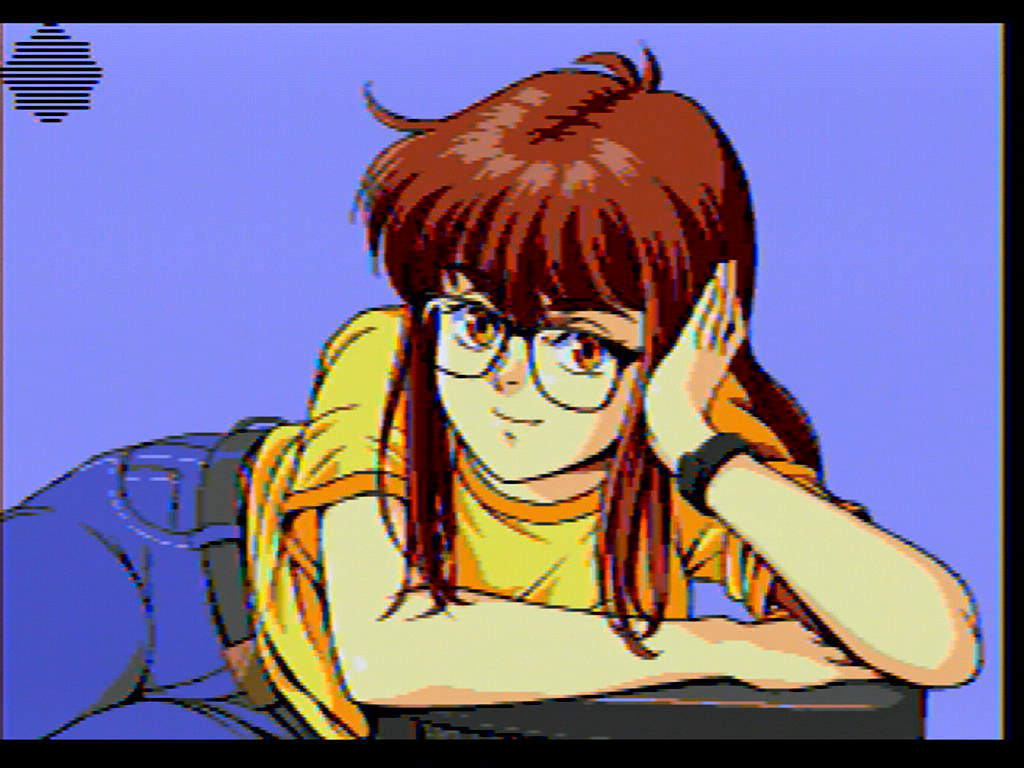
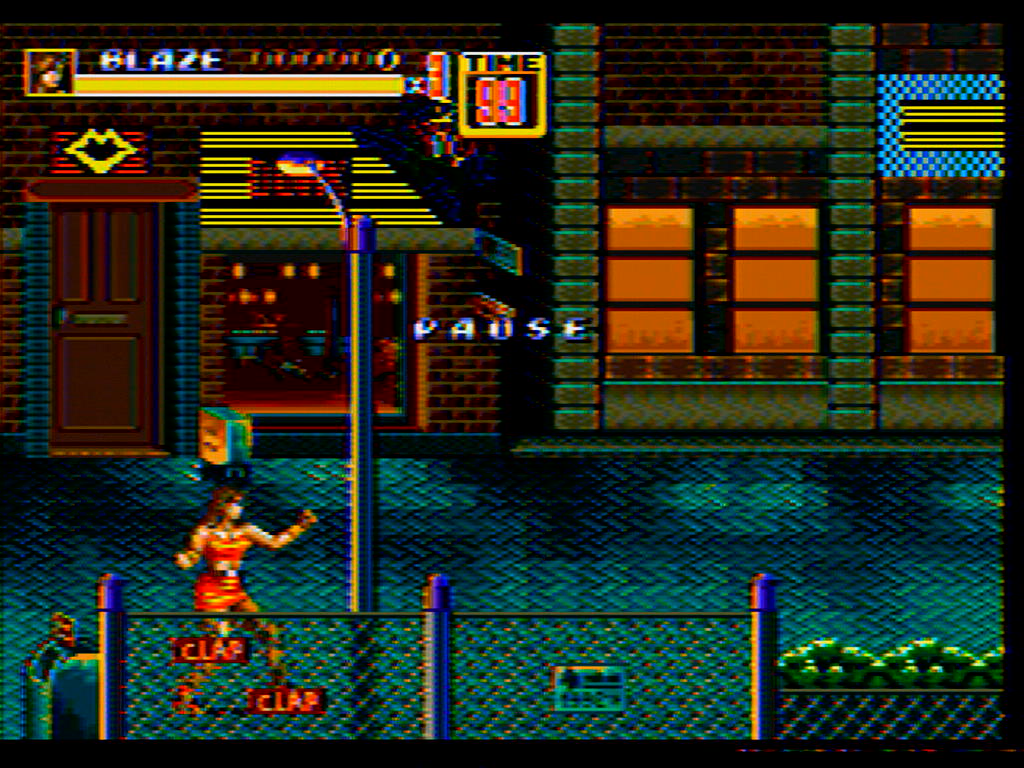
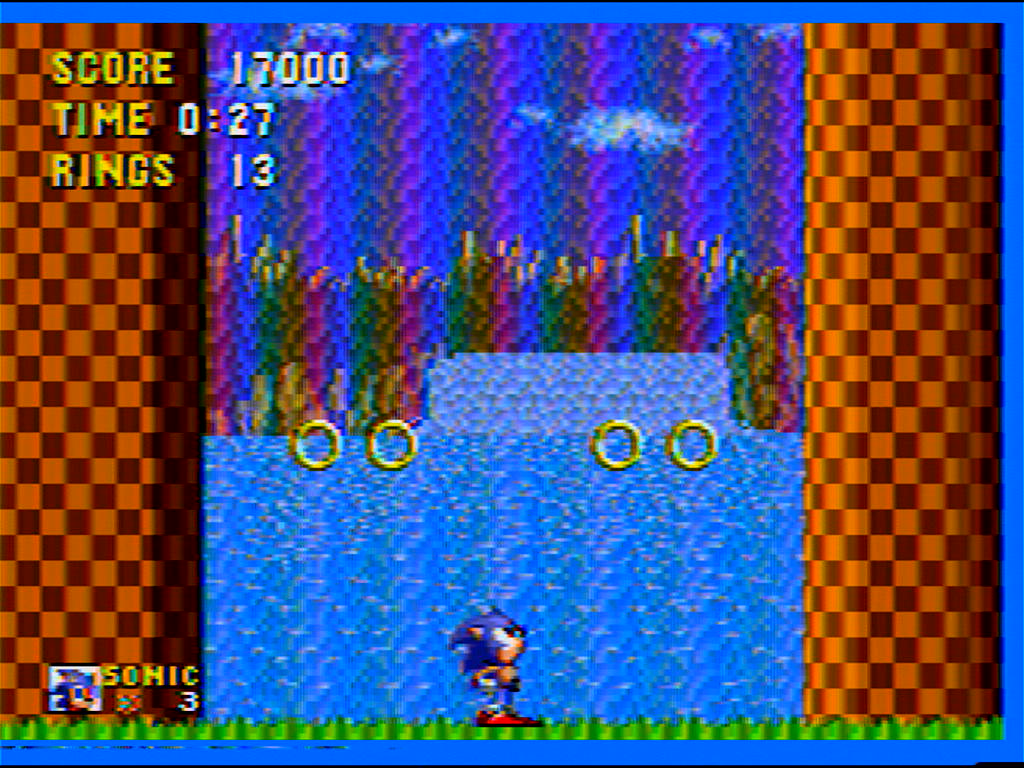
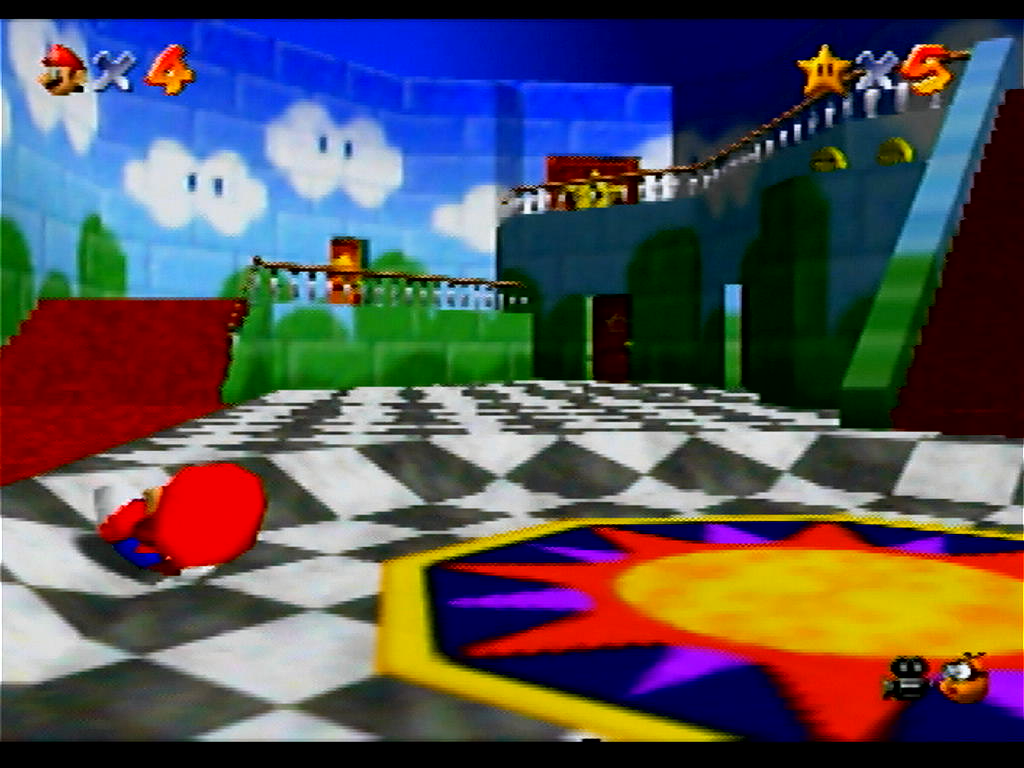
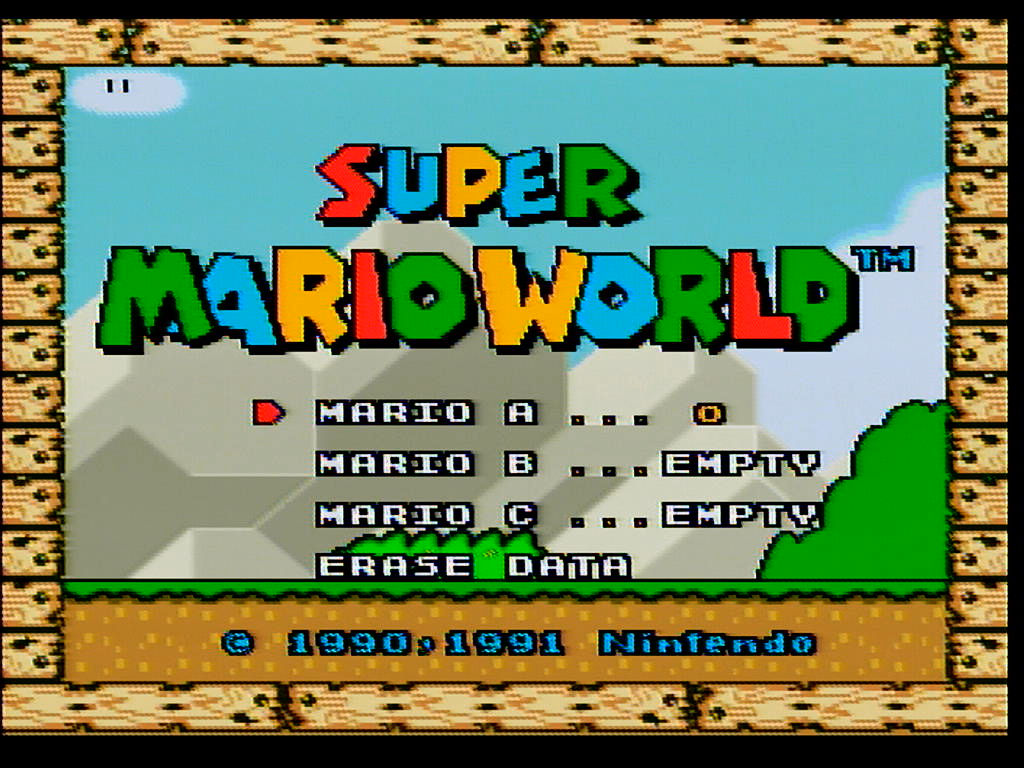
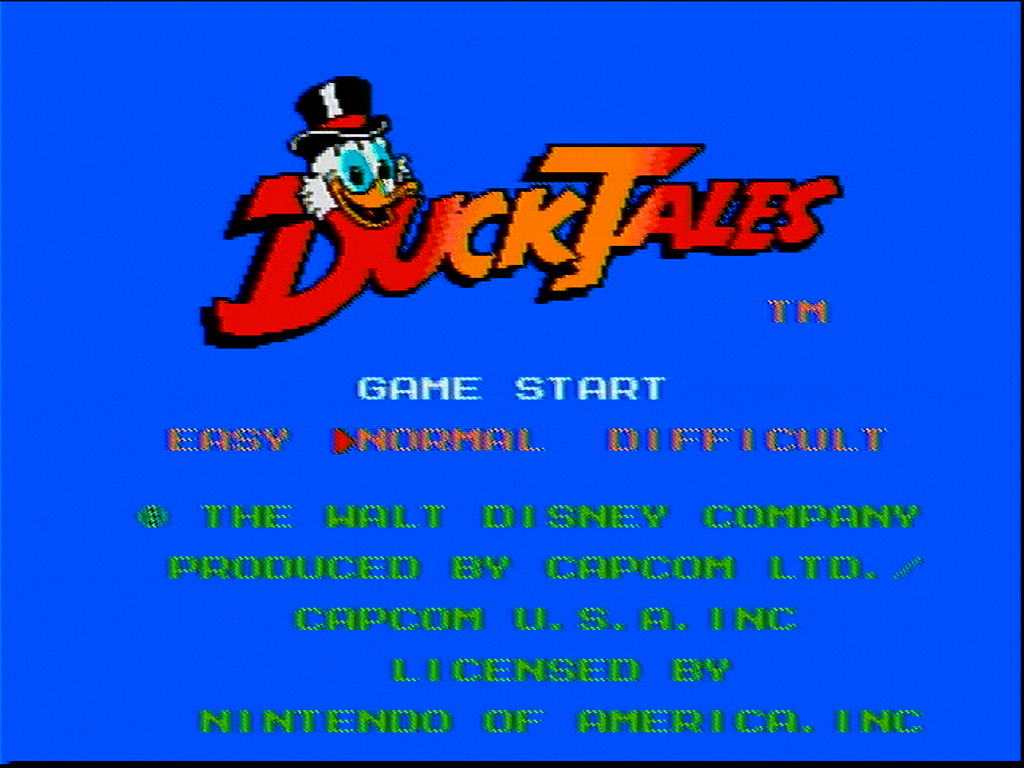
As you can see, the Genesis content has a lot of rainbowing and does not demonstrate hanging dots like the N64, SNES and NES. This is why I say it is reverting to a notch for that video content as notch filters do not exhibit hanging dots (they do exhibit other dot artifacts that are common to both notch and comb filters, as you’ll see).
You can see clearly the presence of typical comb hanging dot artifacts in:
- The railing, large star door, some parts of the Sun floor pattern, and the top of the coins in Mario 64.
- The top and bottom of the text in Duck Tales.
- The top and bottom lines of the border graphic in Super Mario World.
It does do a better job than the 3-line comb, but it still has dot artifacts that all comb filters have.
Notch Filter Comparisons
Notch filters work by splitting the Composite vide signal into Luma (Y) and Chroma (C) signals using a band-stop filter (also called a notch filter) for the Luma part of the signal and a band-pass filter for the Chroma part of the signal.
This article by Eli Krause goes into detail explaining how this works, as well as how comb filters work and the technical differences. It is a relatively short and informative read which I recommend checking out if you want to understand better what is going on with these filters.
I purchased 4 different notch filters to compare to each other, and to the one I have made. I will go over each one and talk about how they compare to each other.
All comparisons were done using an I-O DATA GV-USB2 S-Video capture device and the following consoles’ composite output:
- Sega Genesis Model 1 VA 6.5, recapped with no mods
- NES-001 Front Loader, recapped and modded with Lava RGB v1
- SNES SHVC-CPU-01, recapped with no mods
- N64 NUS-CPU-04, recapped with no mods
Again, the 240p Test Suite images are from the Sega Genesis. This console has some jailbars and pretty bad rainbowing, so the video isn’t the best, but I think it is a good test because it shows how well different filters handle the imperfect video, plus this is what most stock Genesis consoles are going to look like.
Tributaries C2S
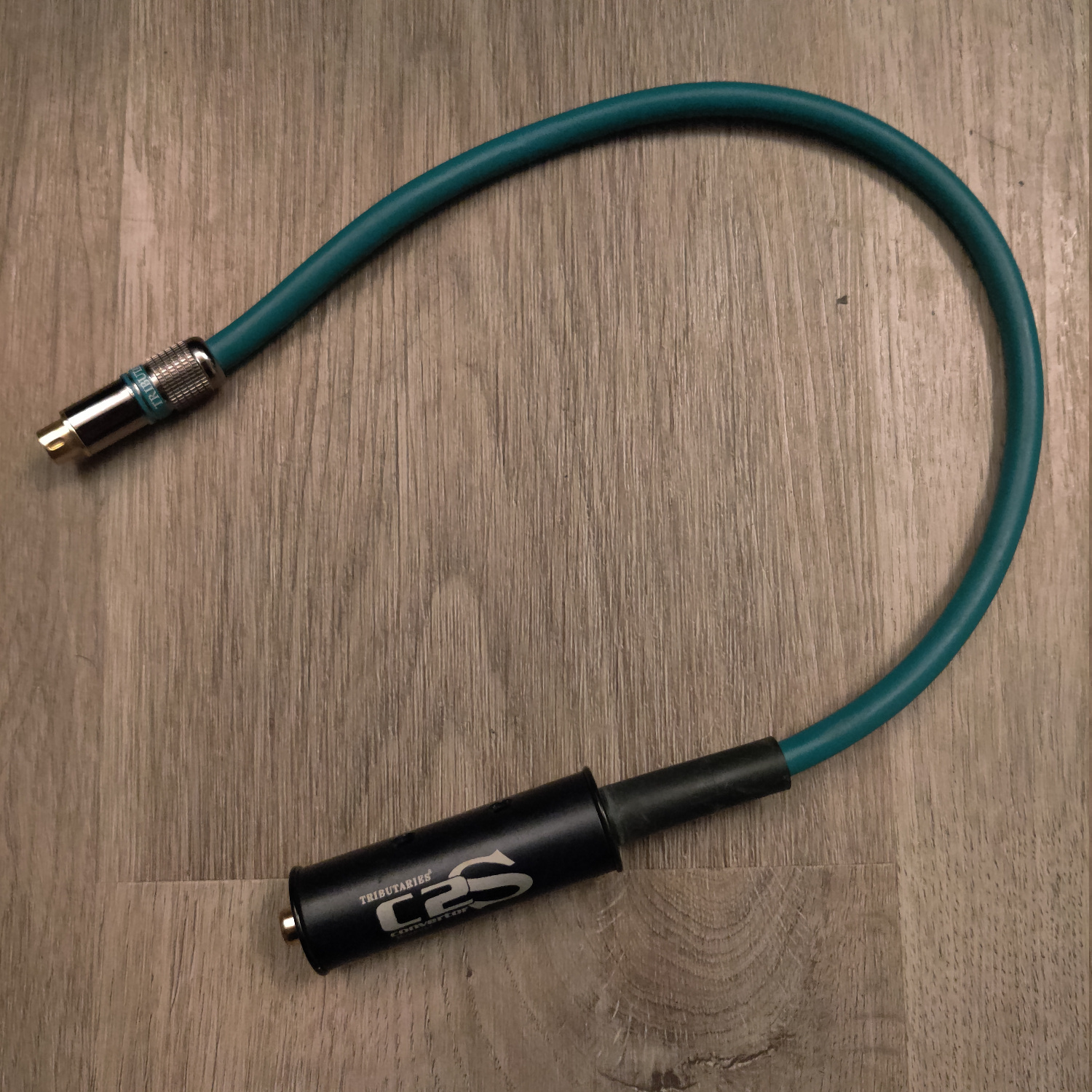
I bought this on eBay for about $30, but I’m not sure how easy they are to find.
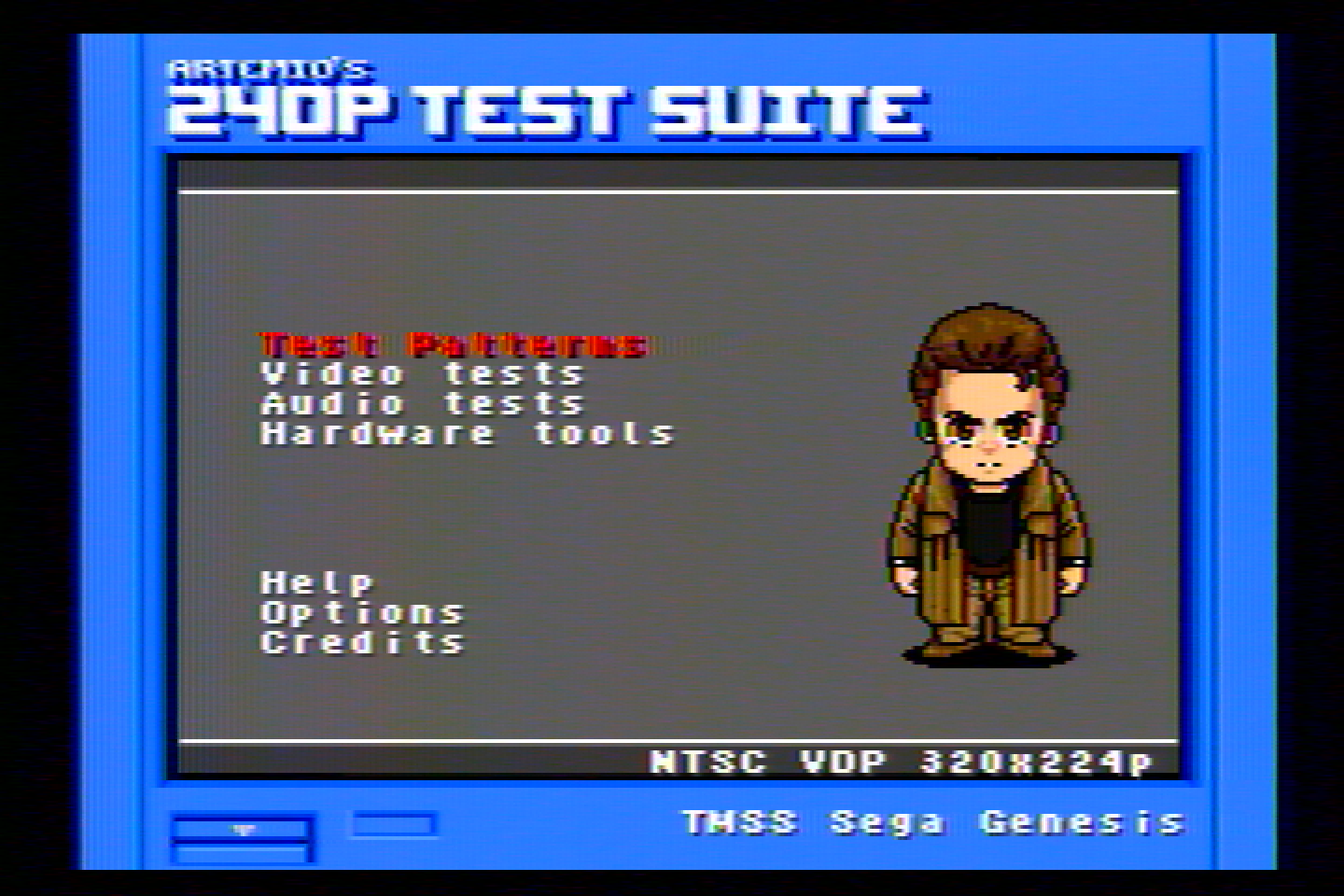
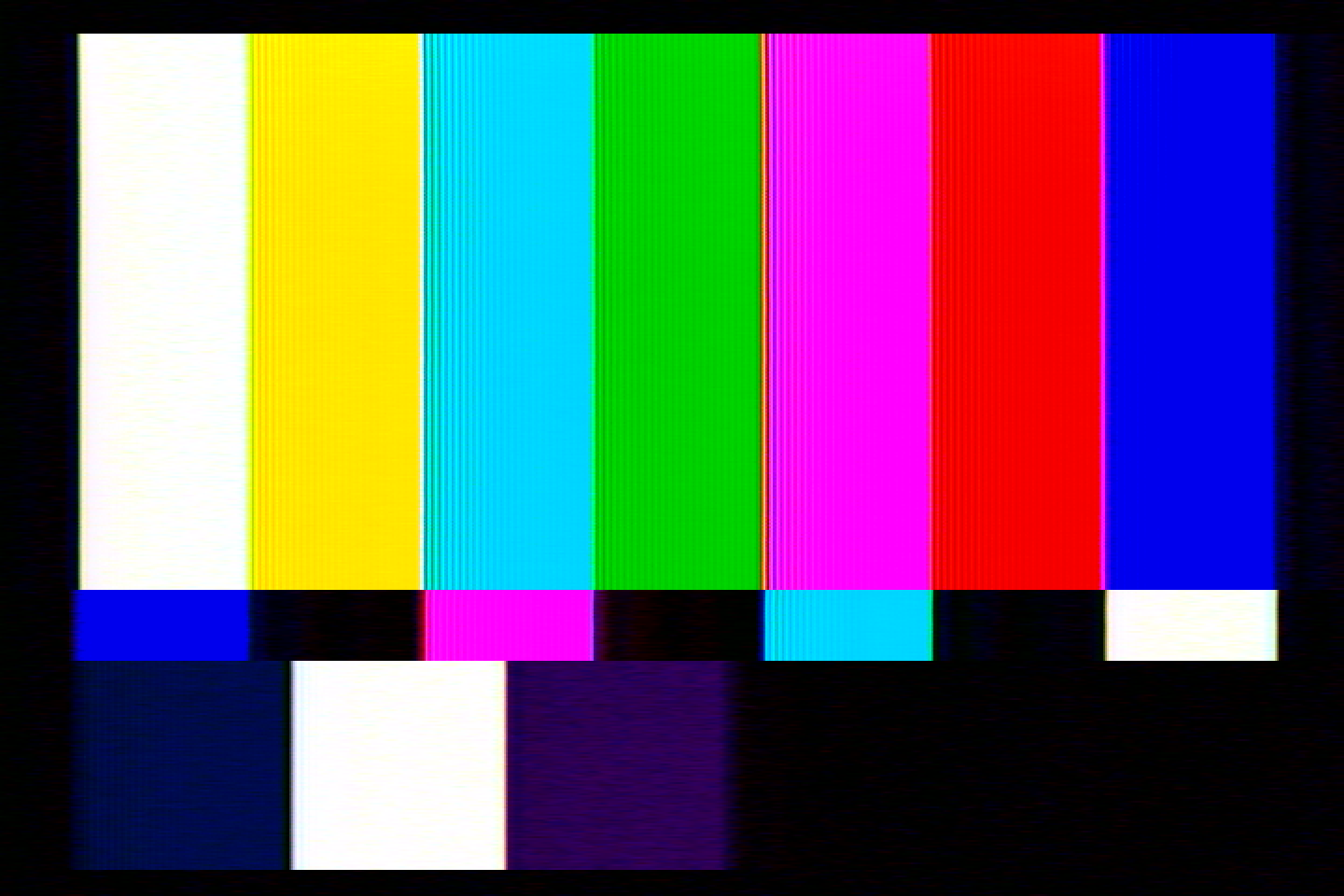
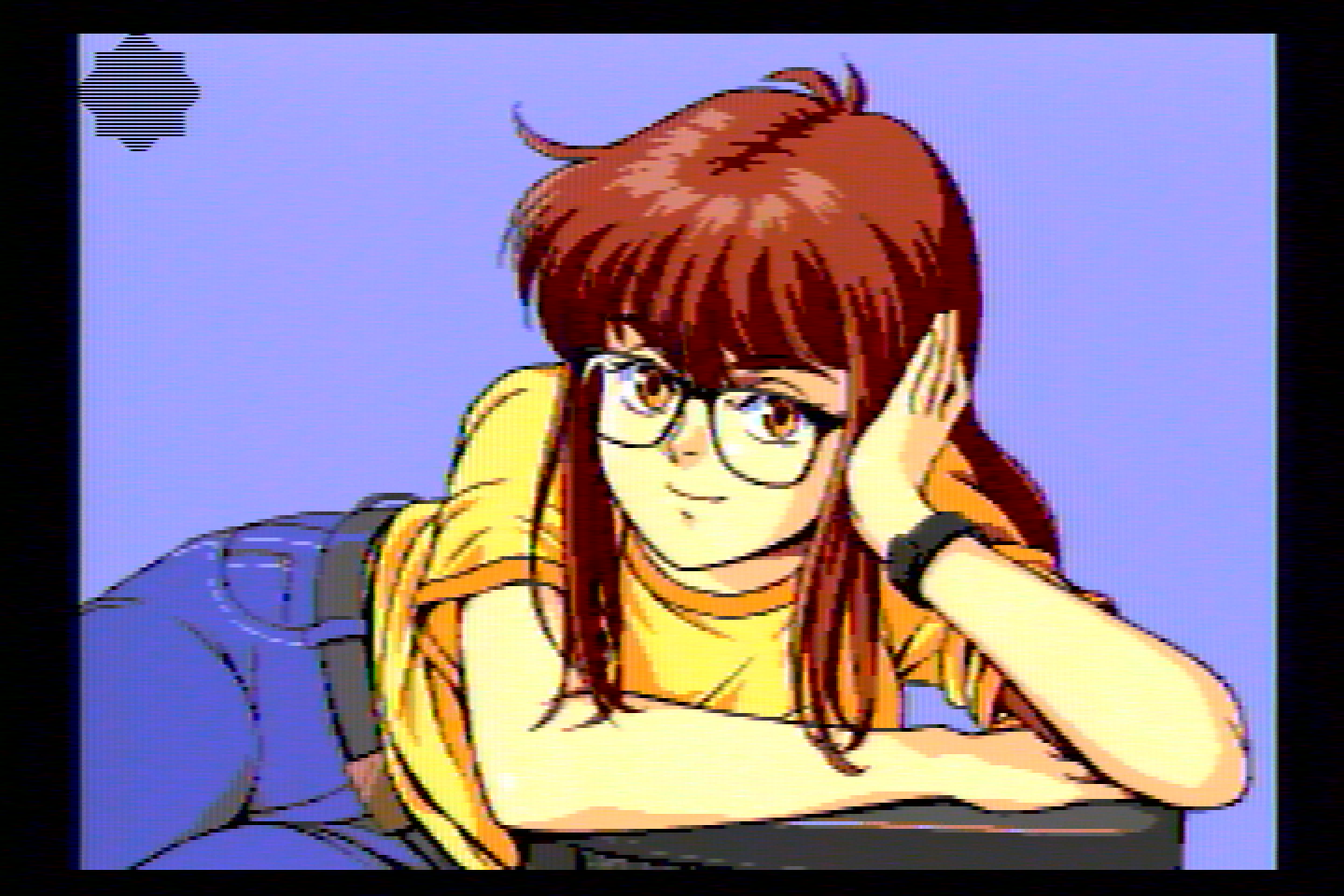
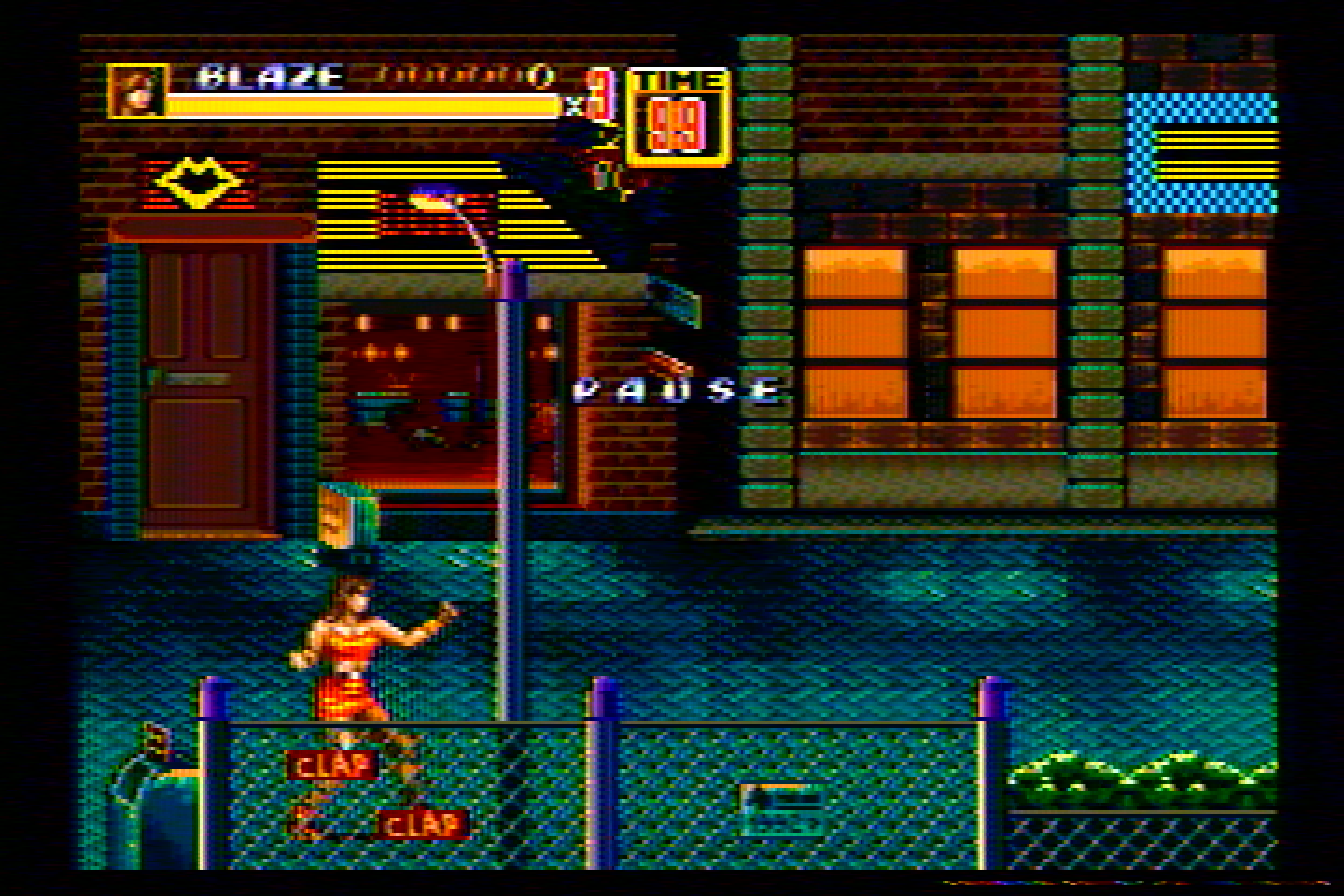
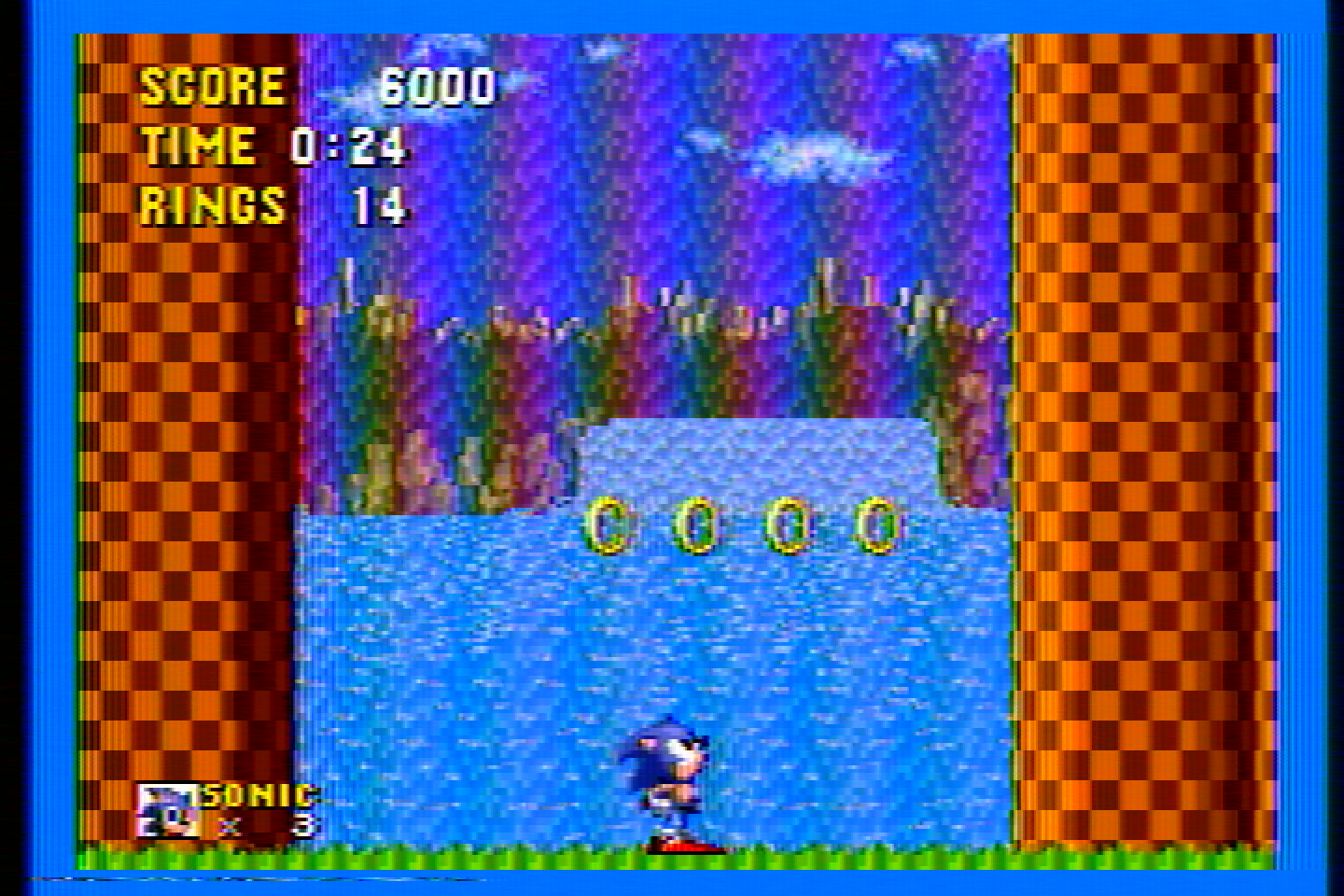
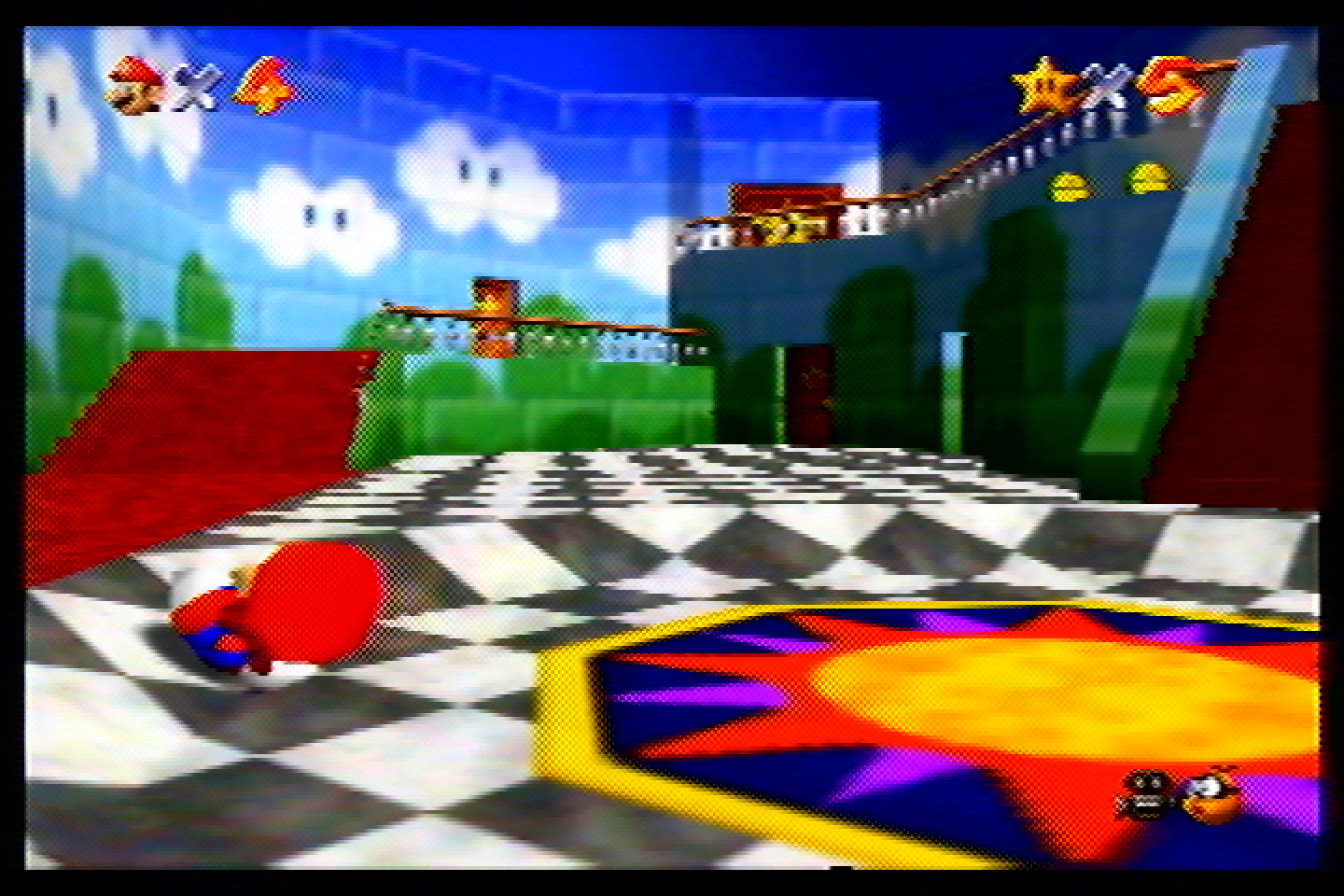
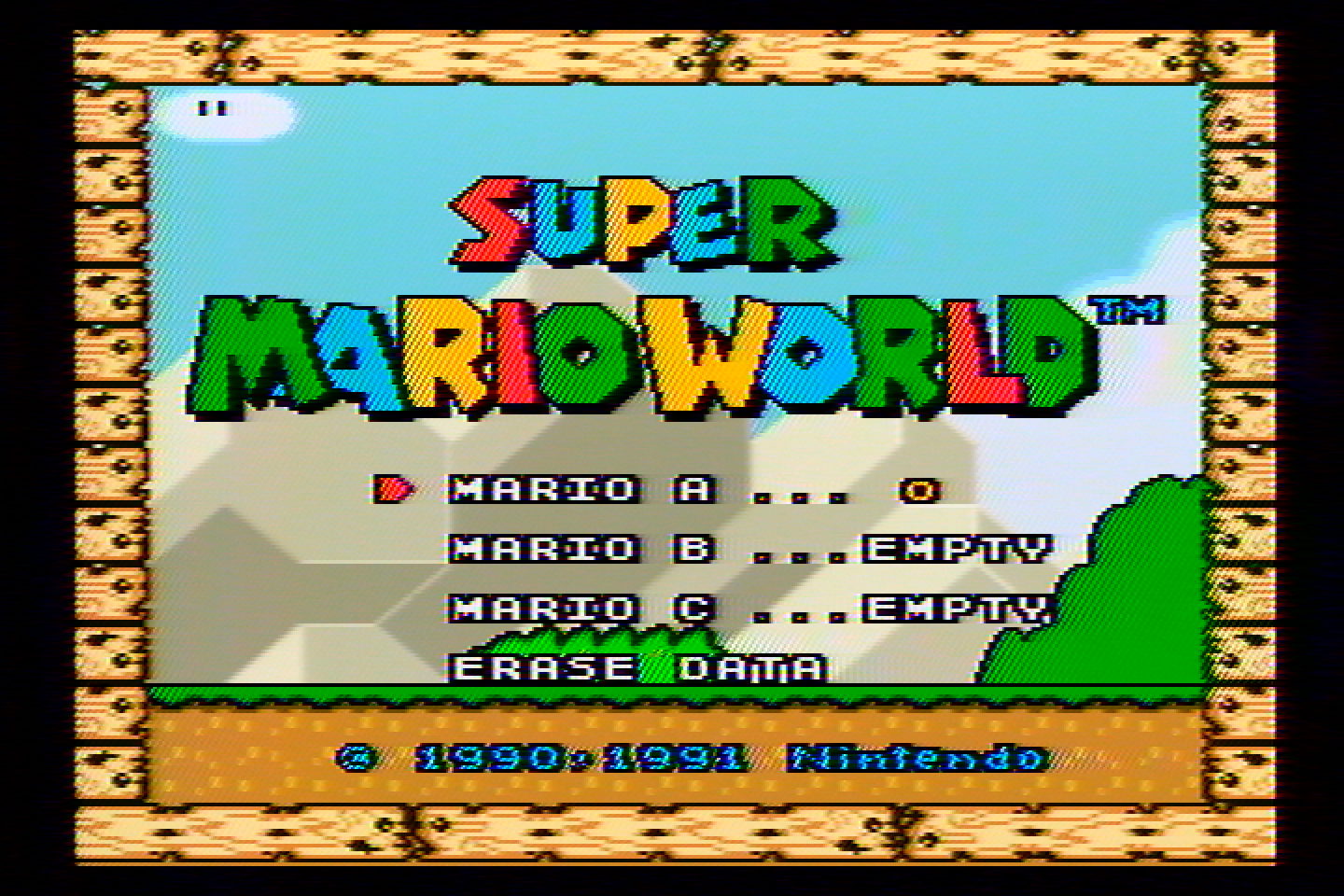
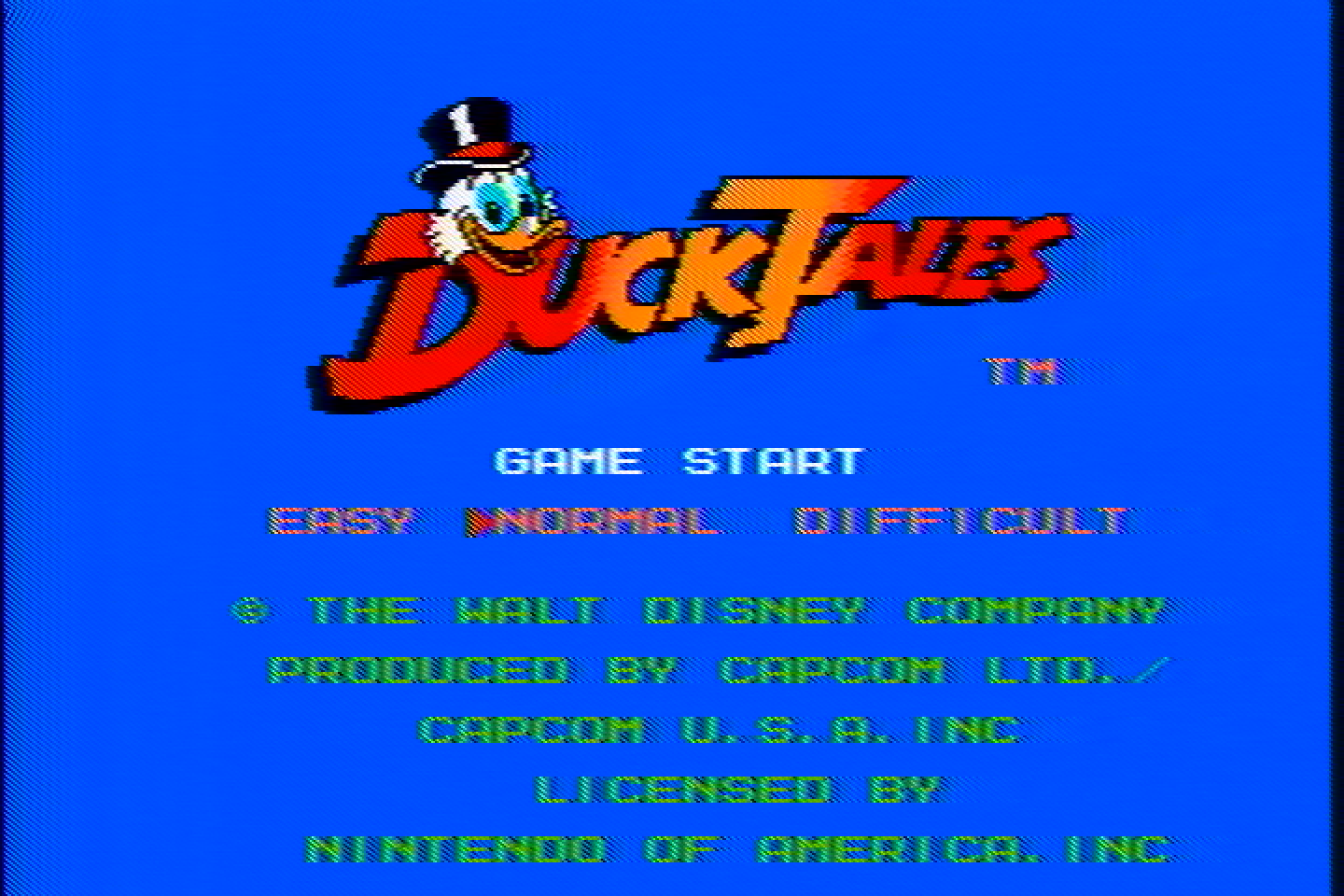
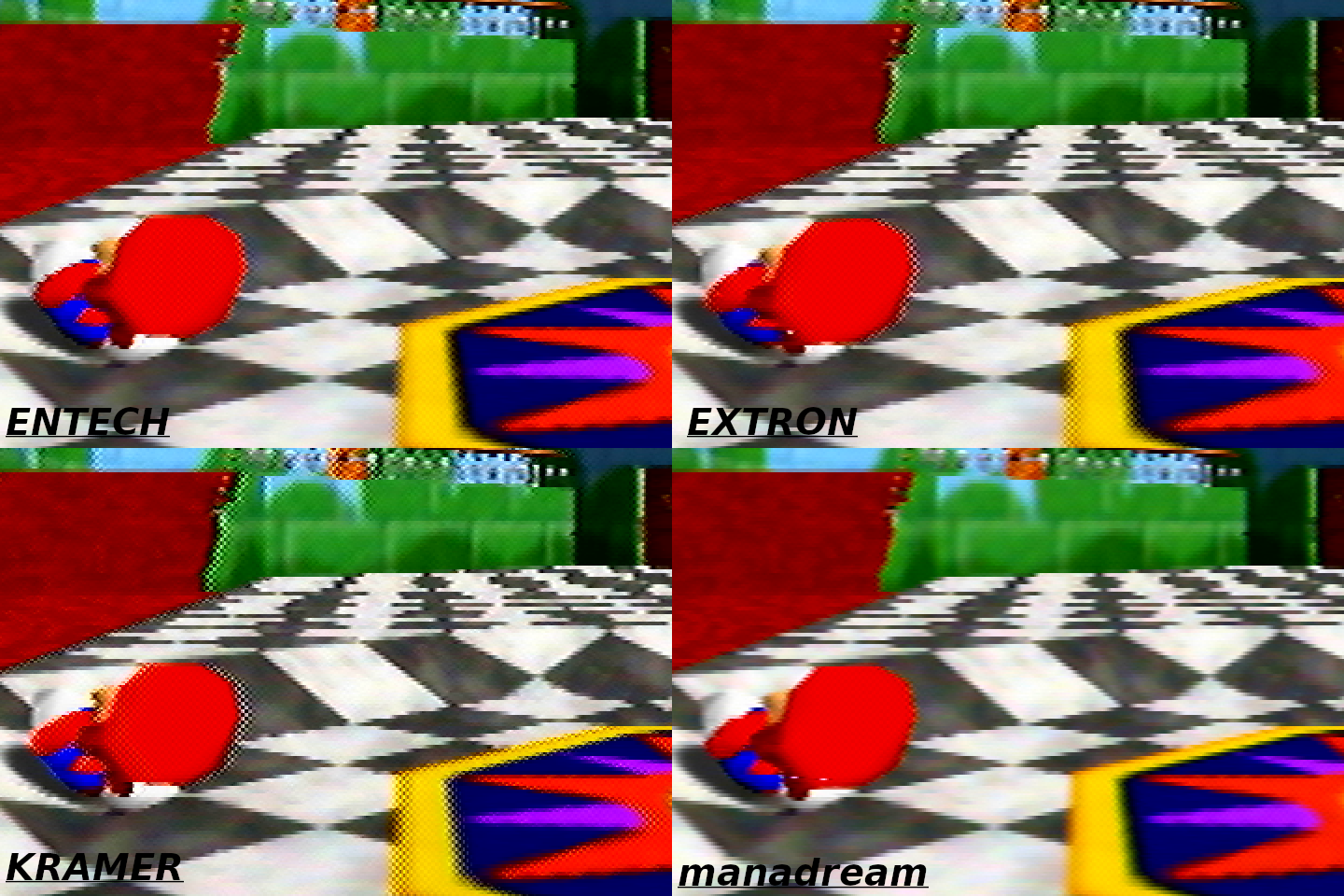
It has noticeable ghosting/echoing which is very obvious on the right side of Mario’s hat in the Mario 64 pic. It also has a lot of dot crawl, so I don’t recommend it.
Kramer 401D
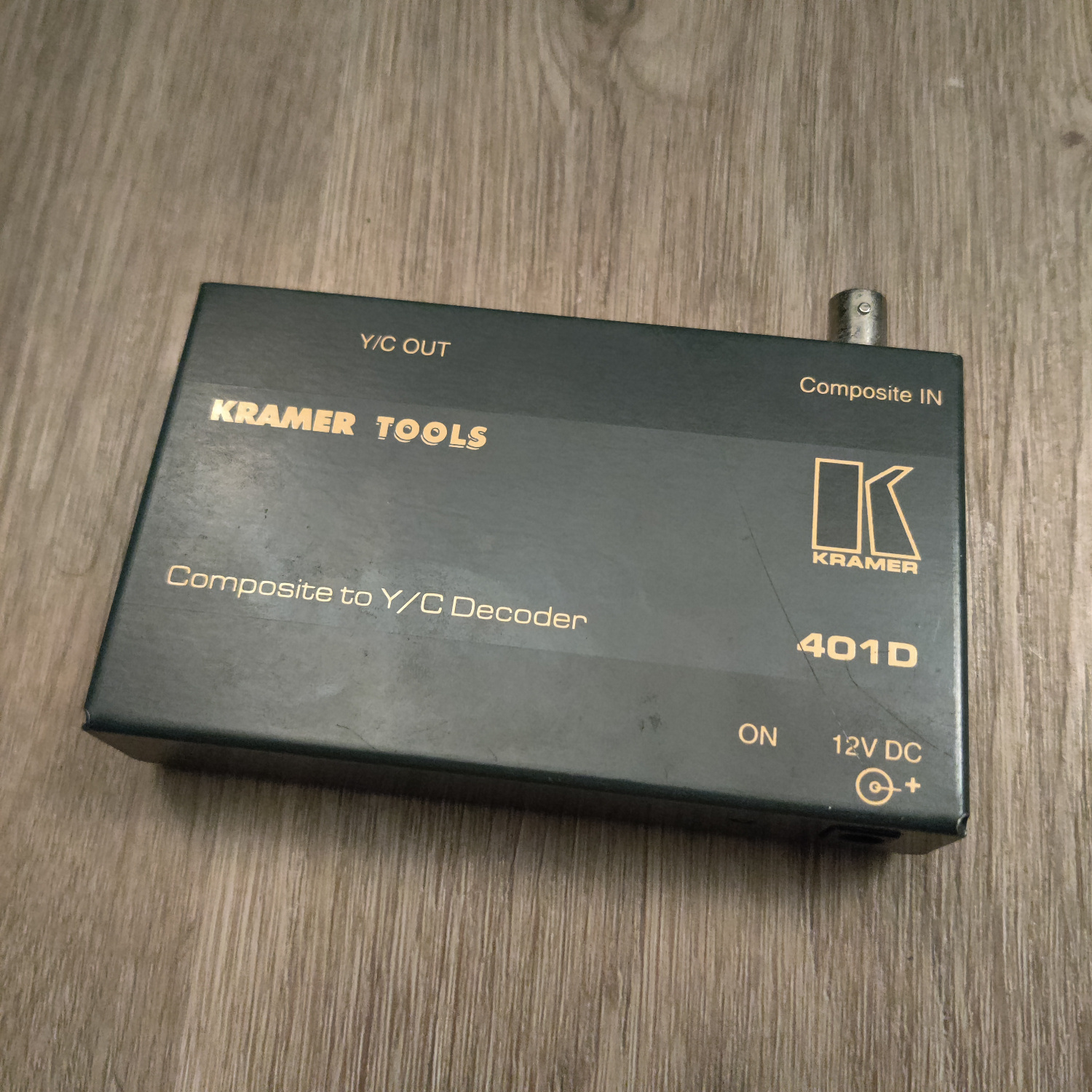
I got this one as a gift, but it looks like they can go for around $15-$90 on eBay. It has a BNC connector for Composite video.
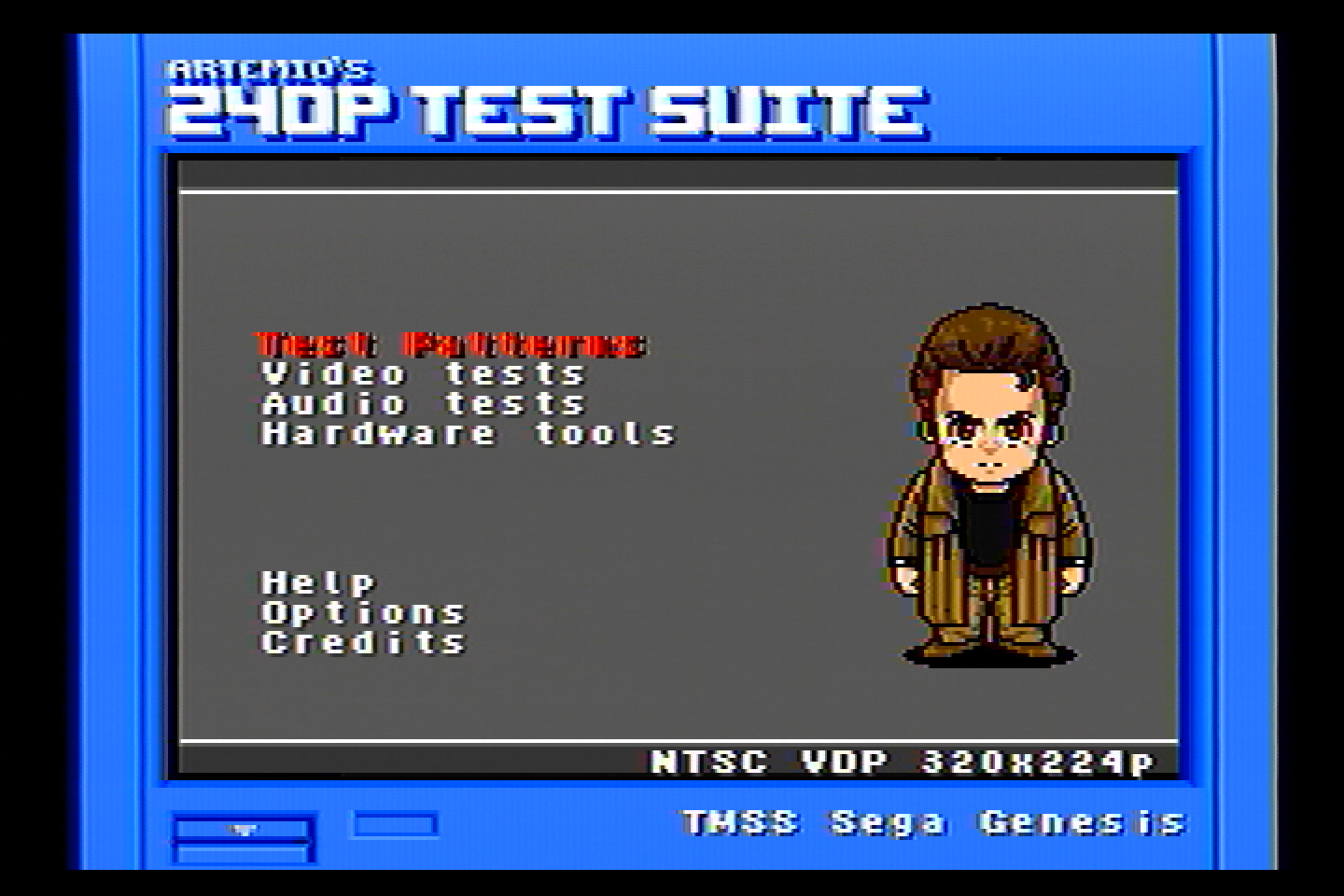


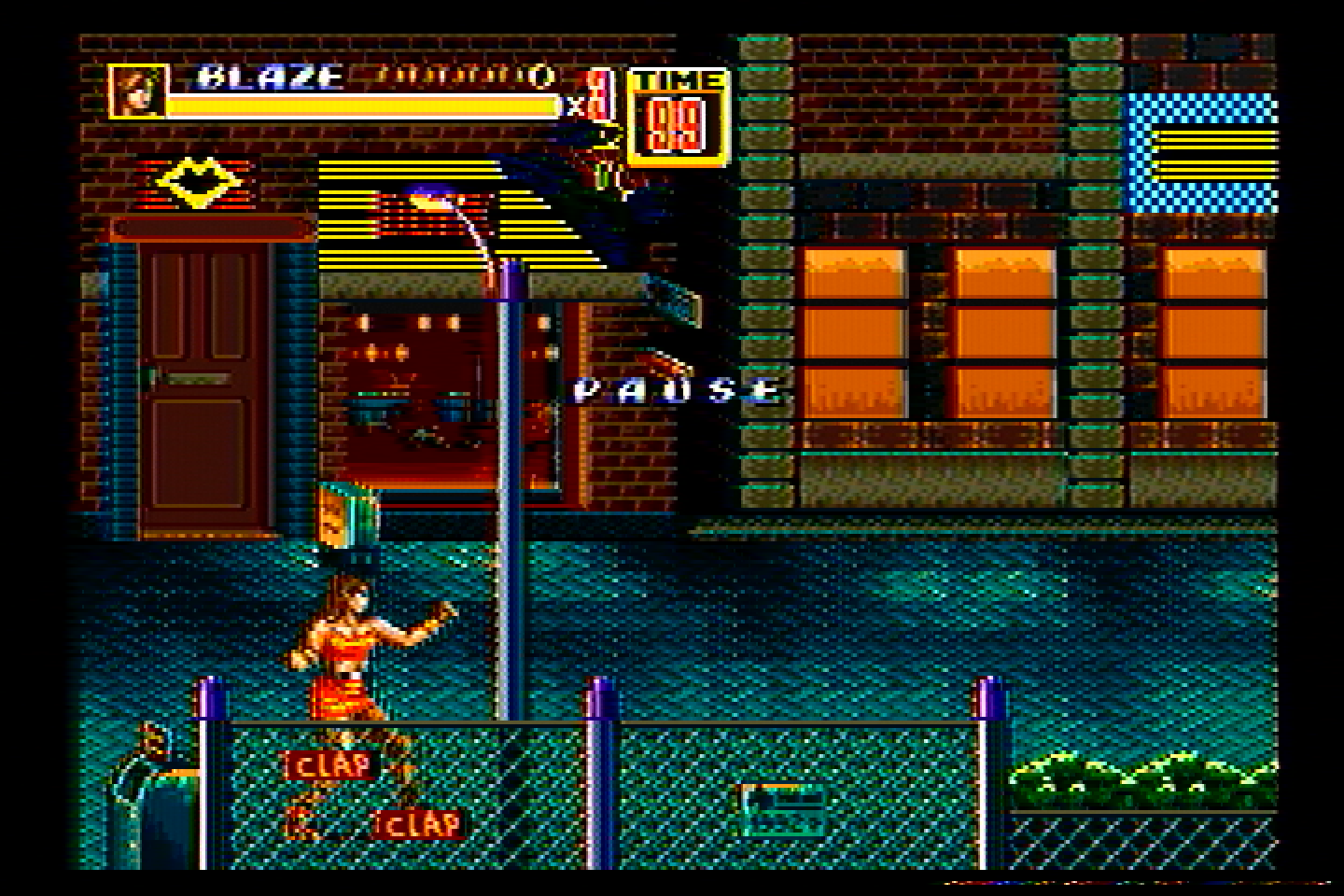
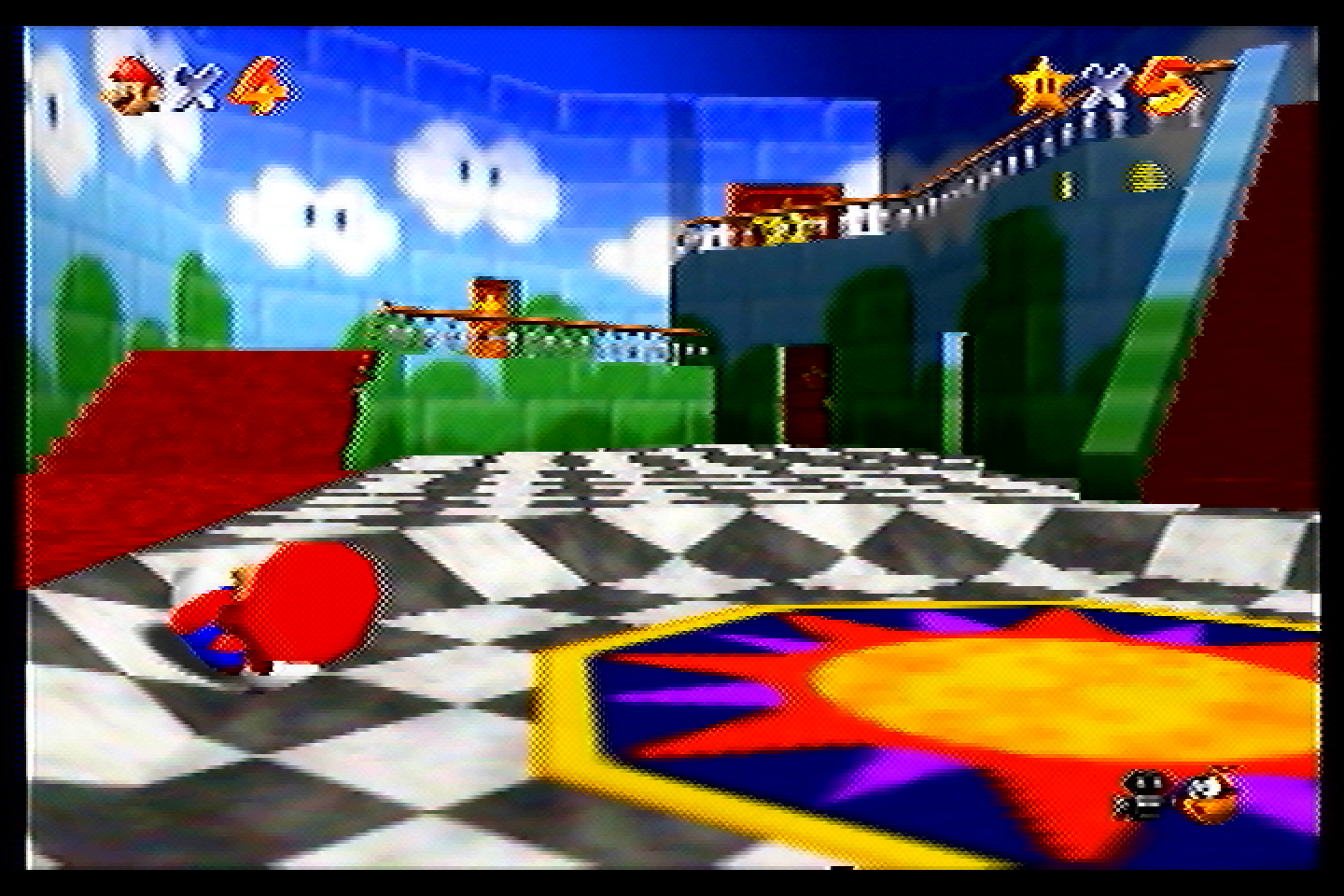
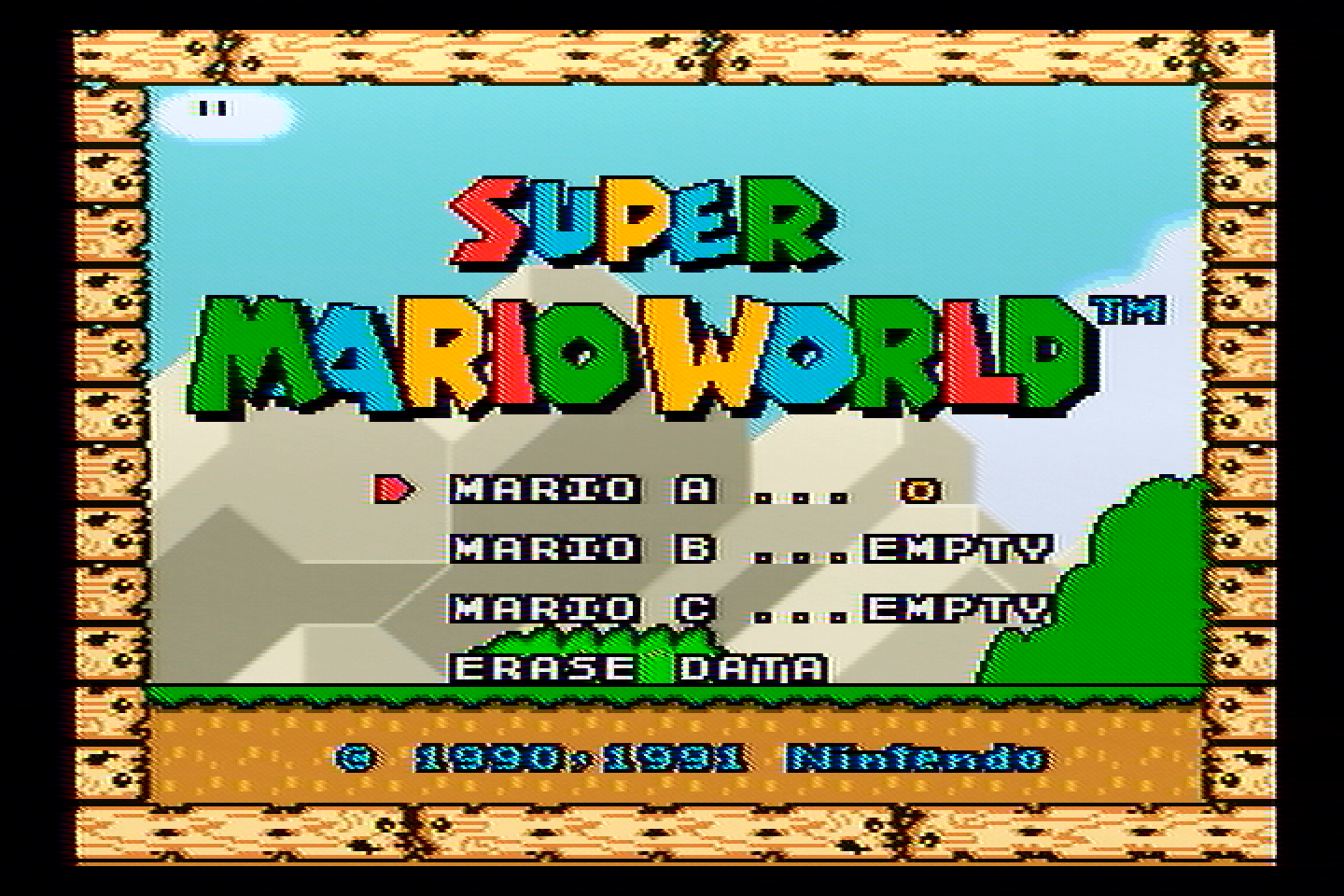
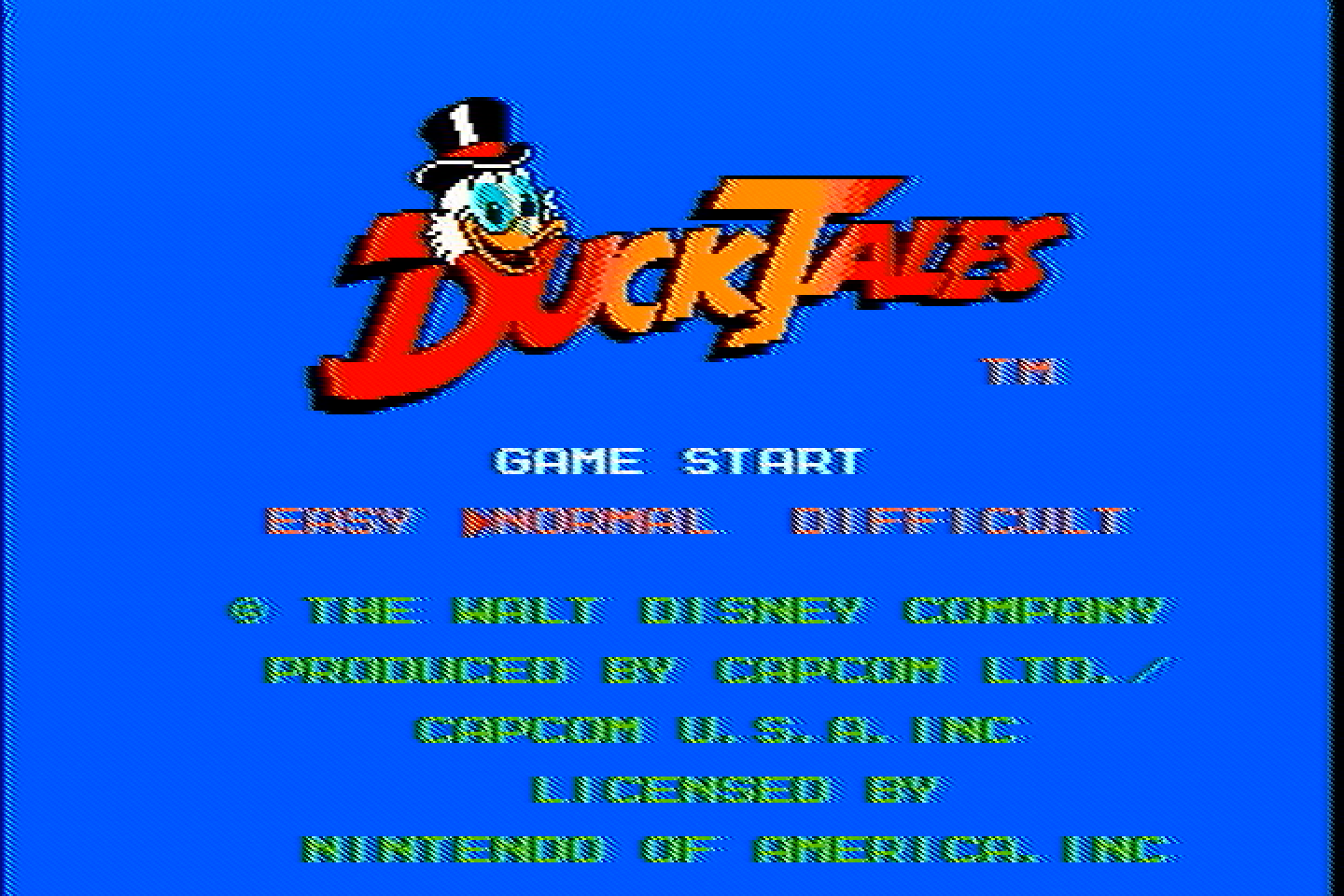
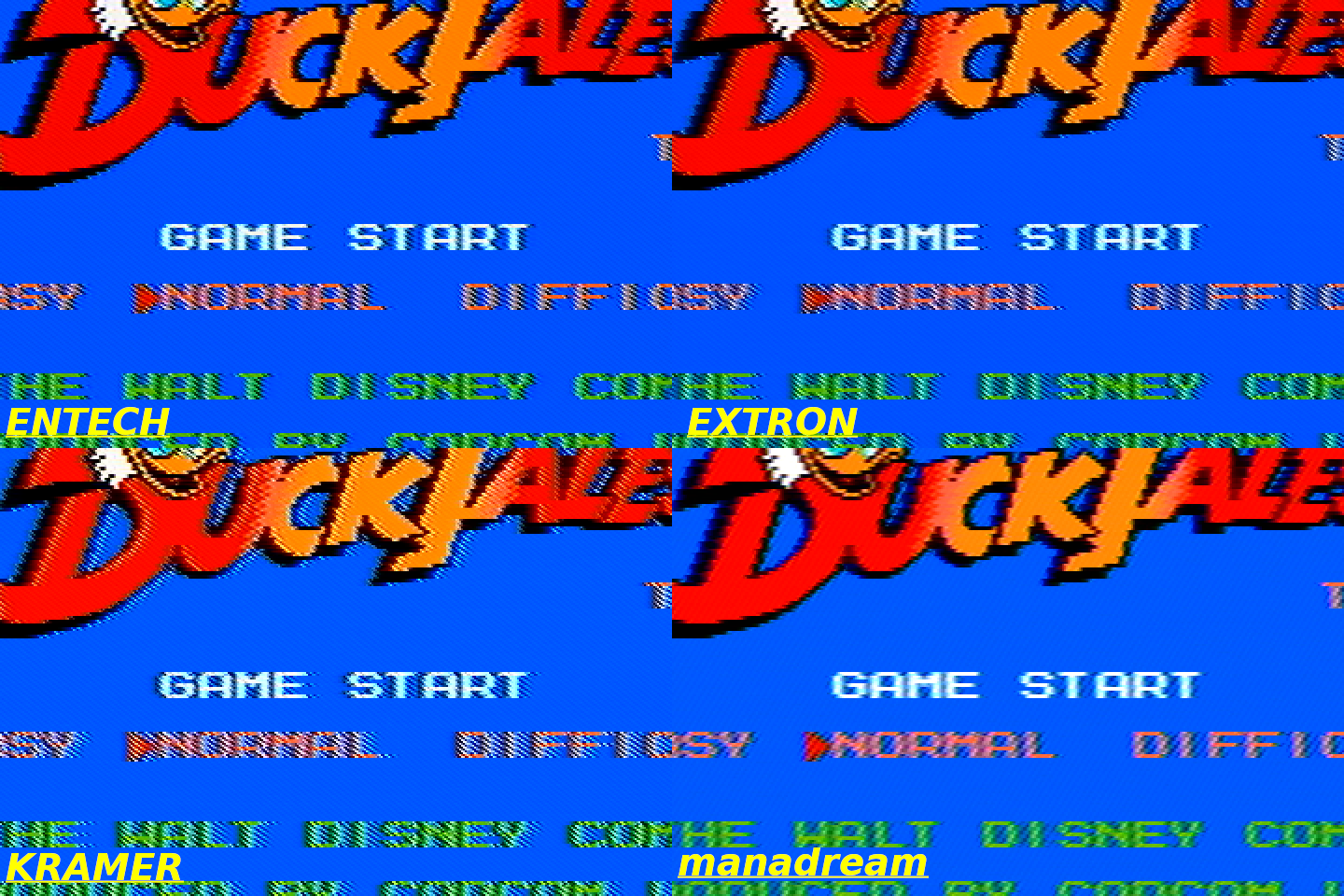
The dot crawl on this one is very bad, especially on Duck Tales. It doesn’t have as much ghosting/echoing as the Tributaries though.
Extron VYC 100N
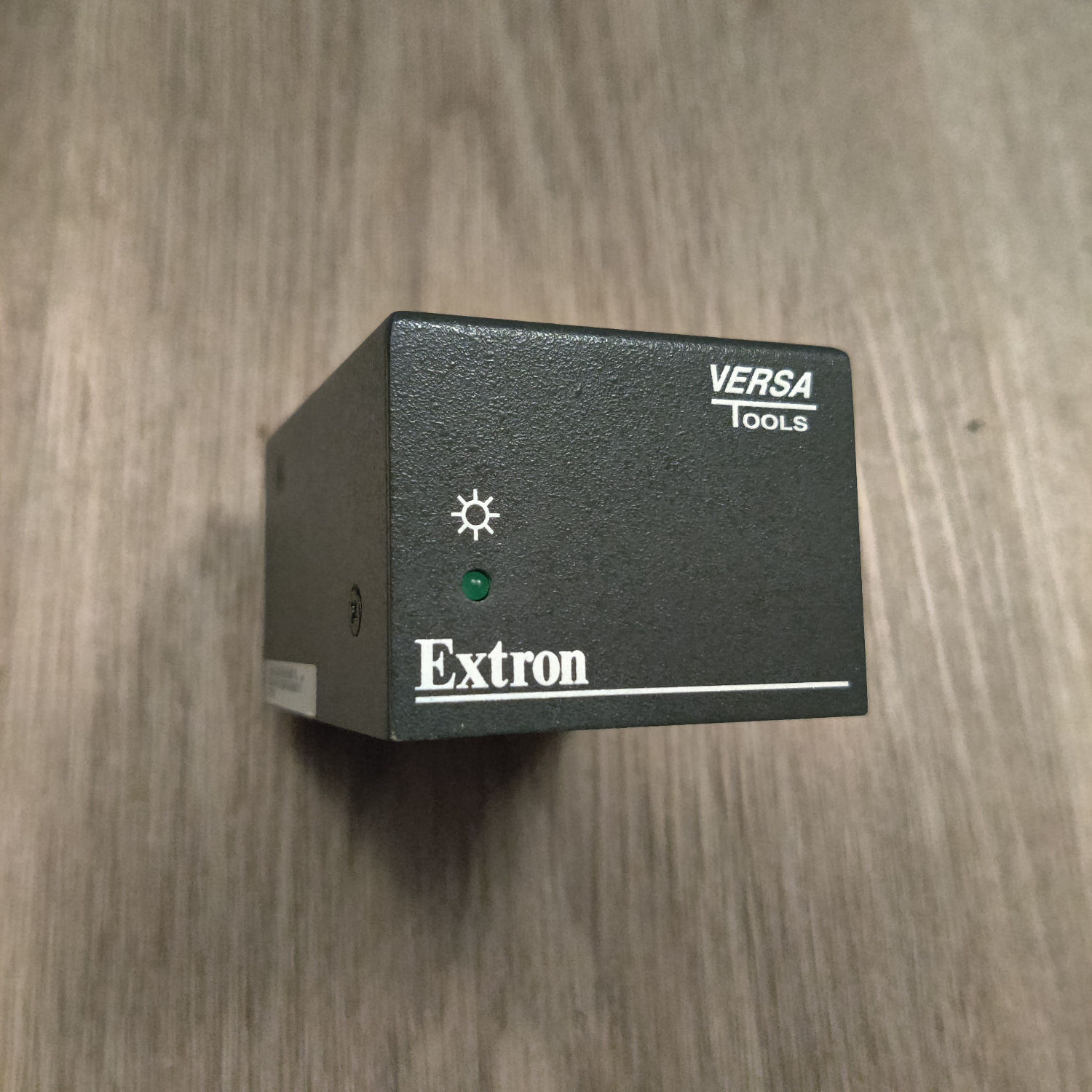
I purchased this one for about $30 on eBay, there are quite a few of these available on eBay. It has a BNC connector for Composite video, and two BNC connectors for S-Video in addition to the standard 4-pin S-Video connector.
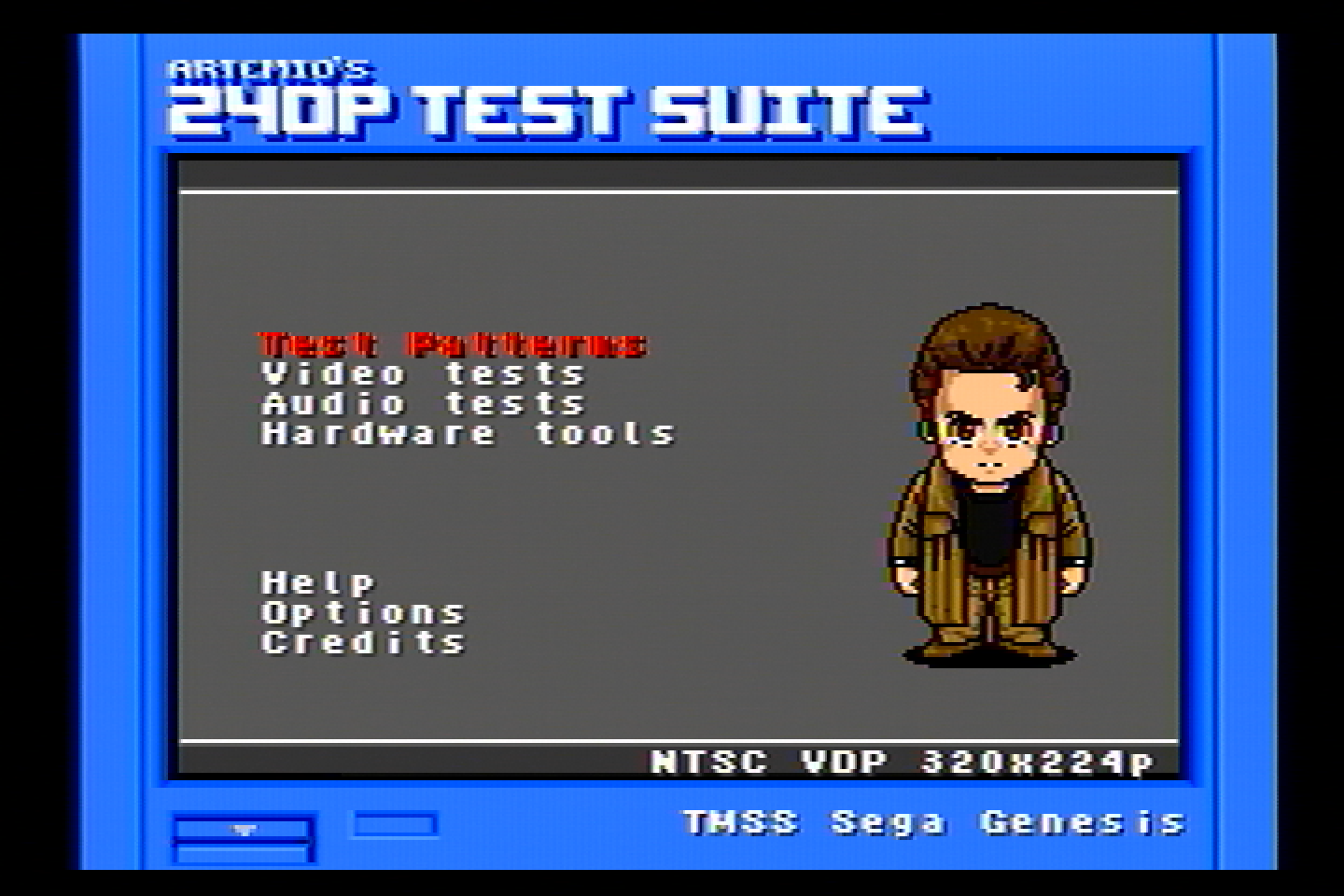


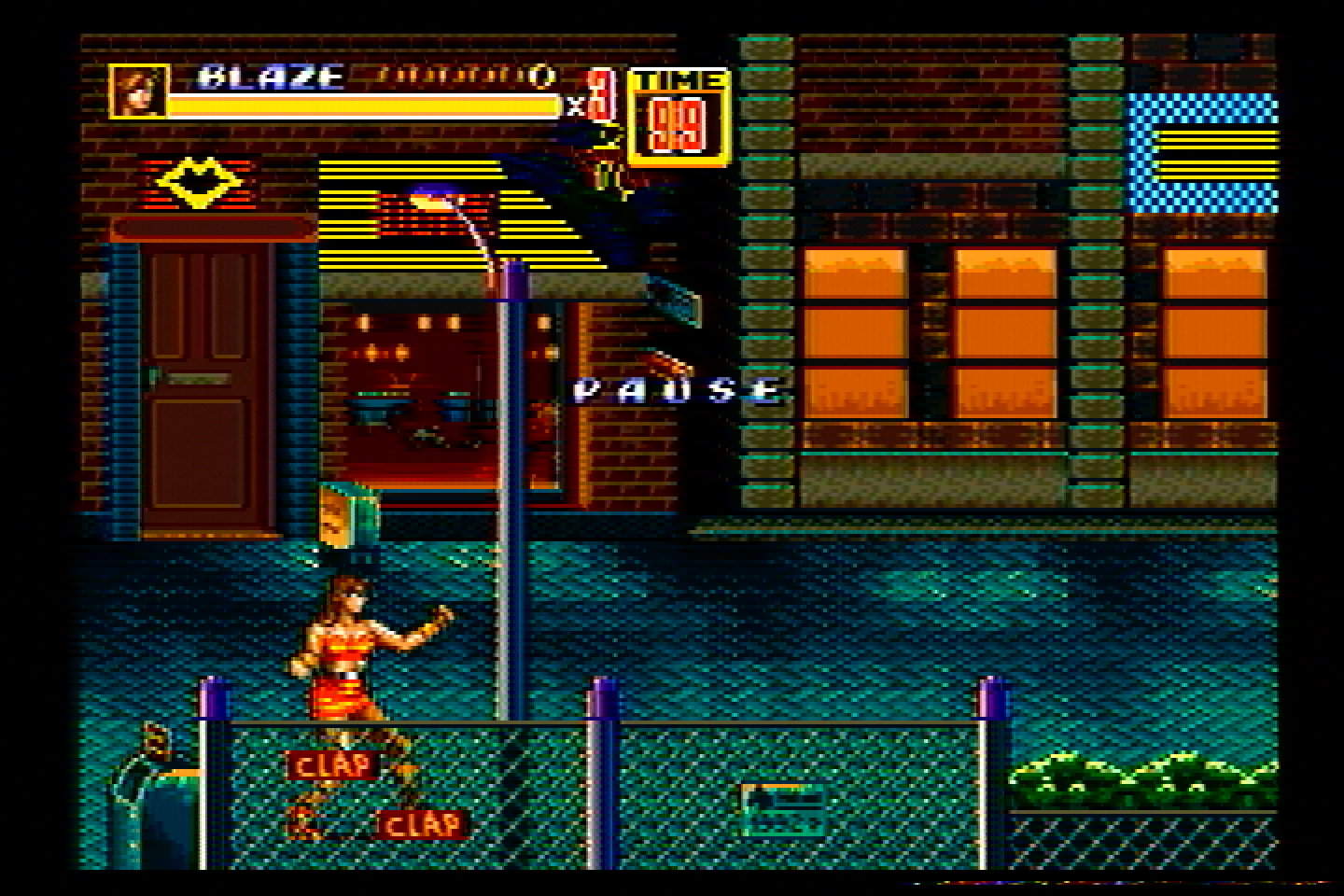
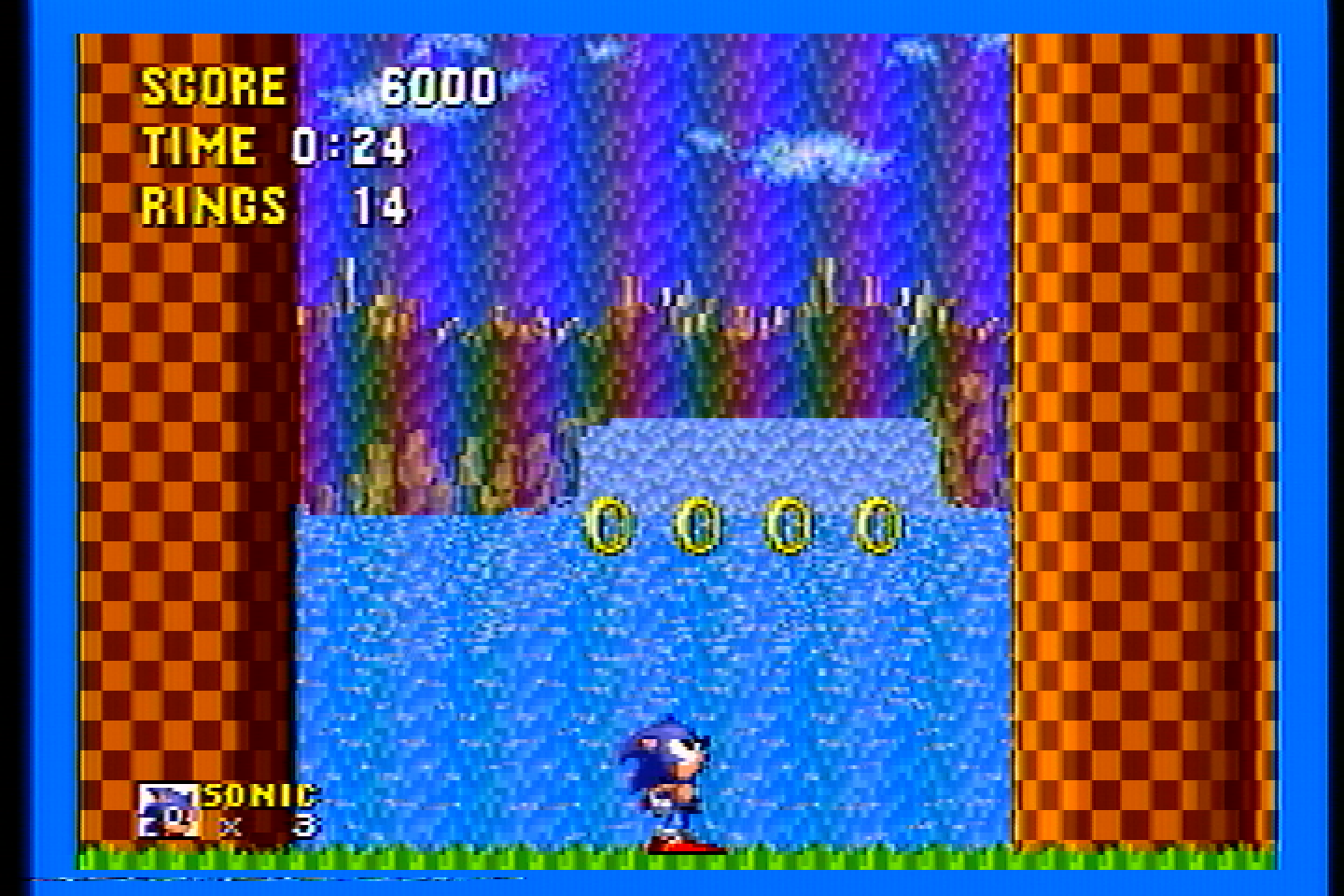
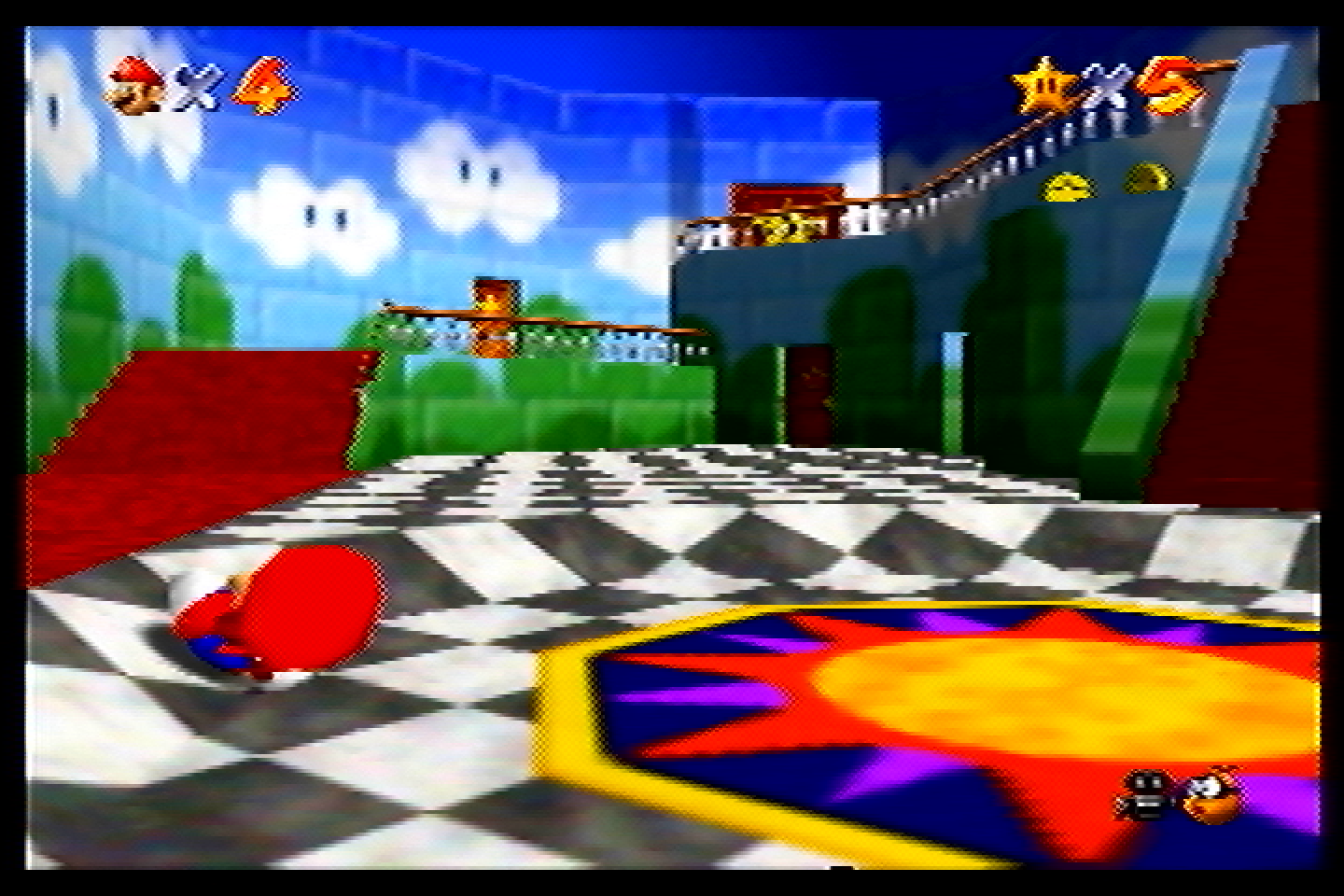
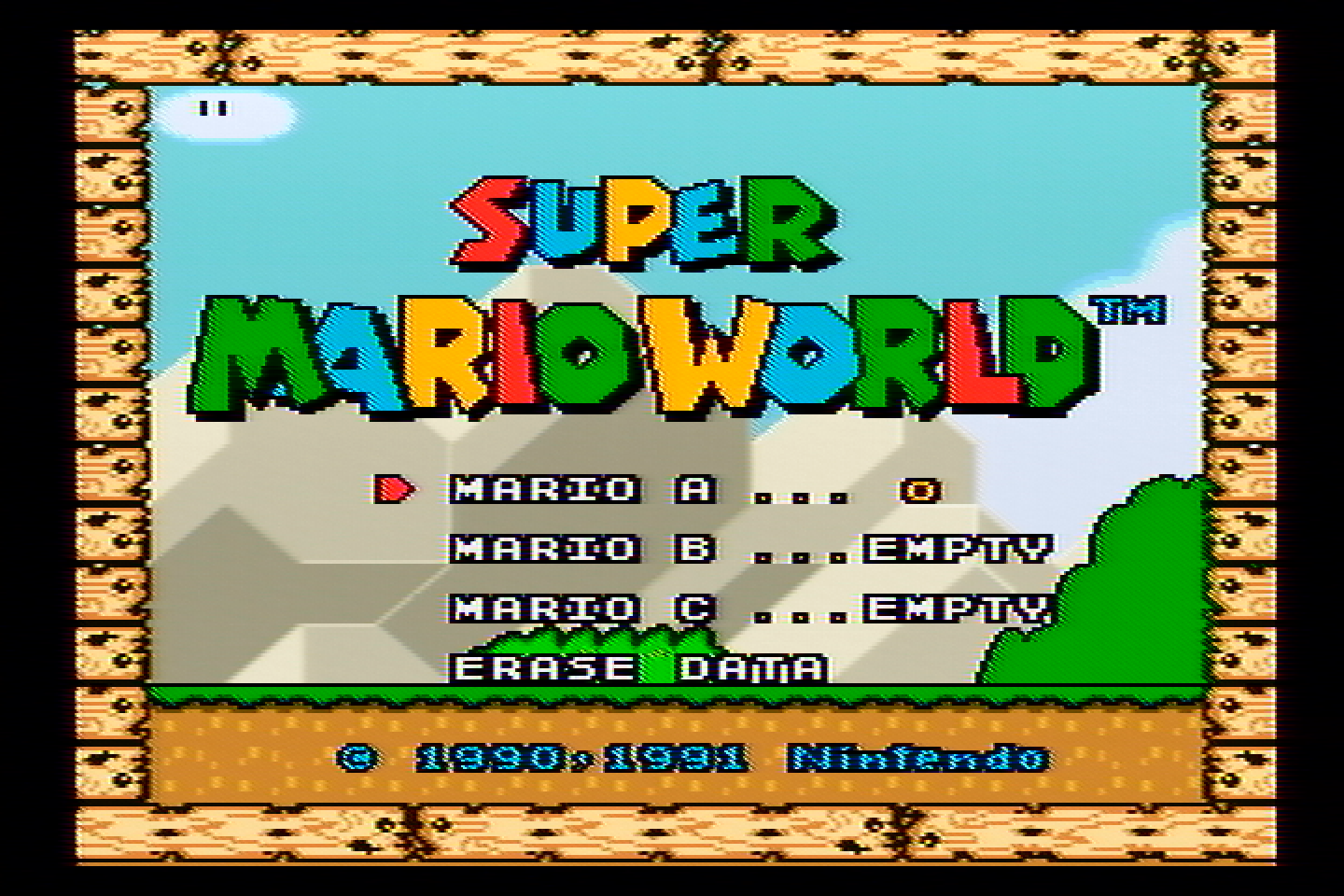
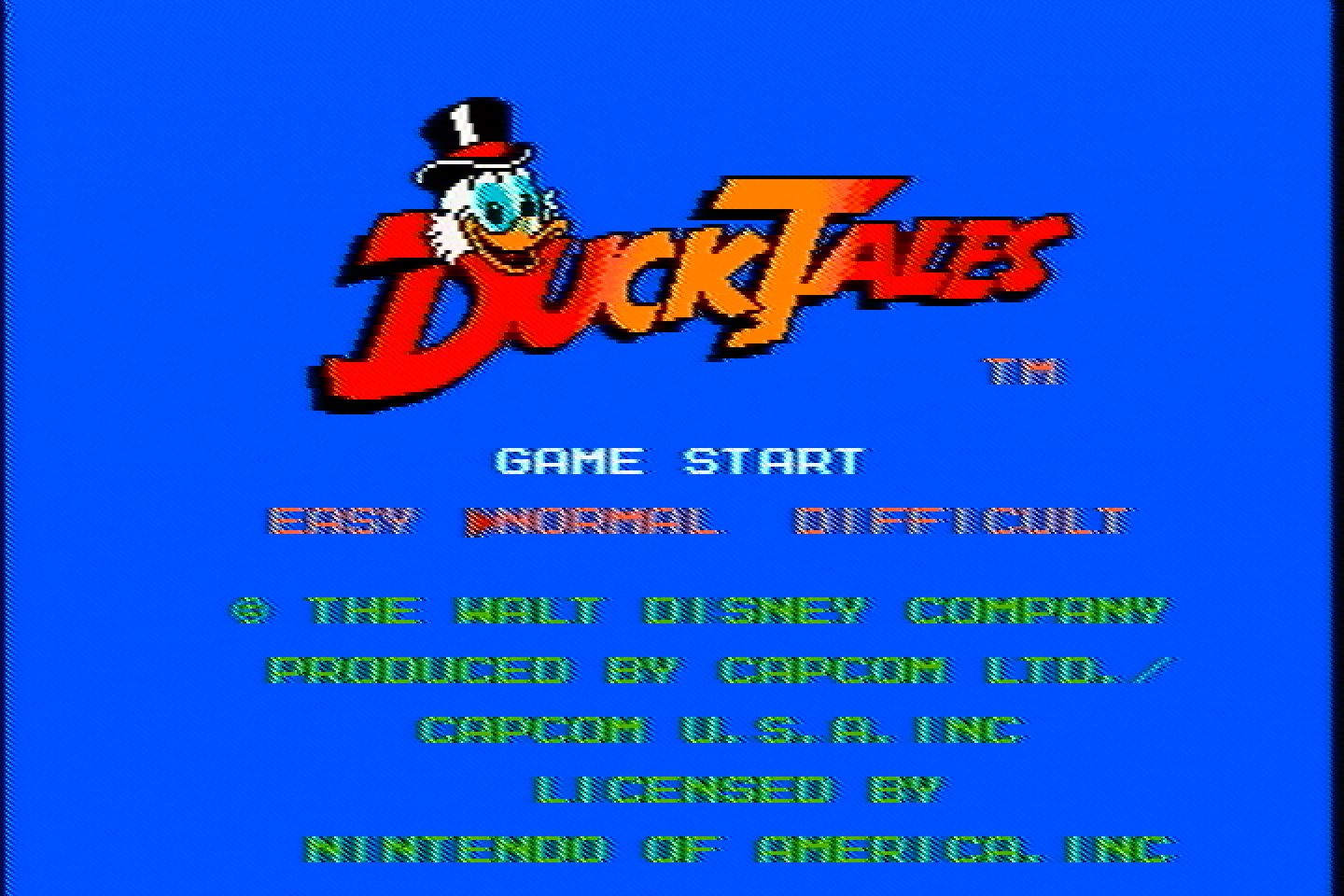
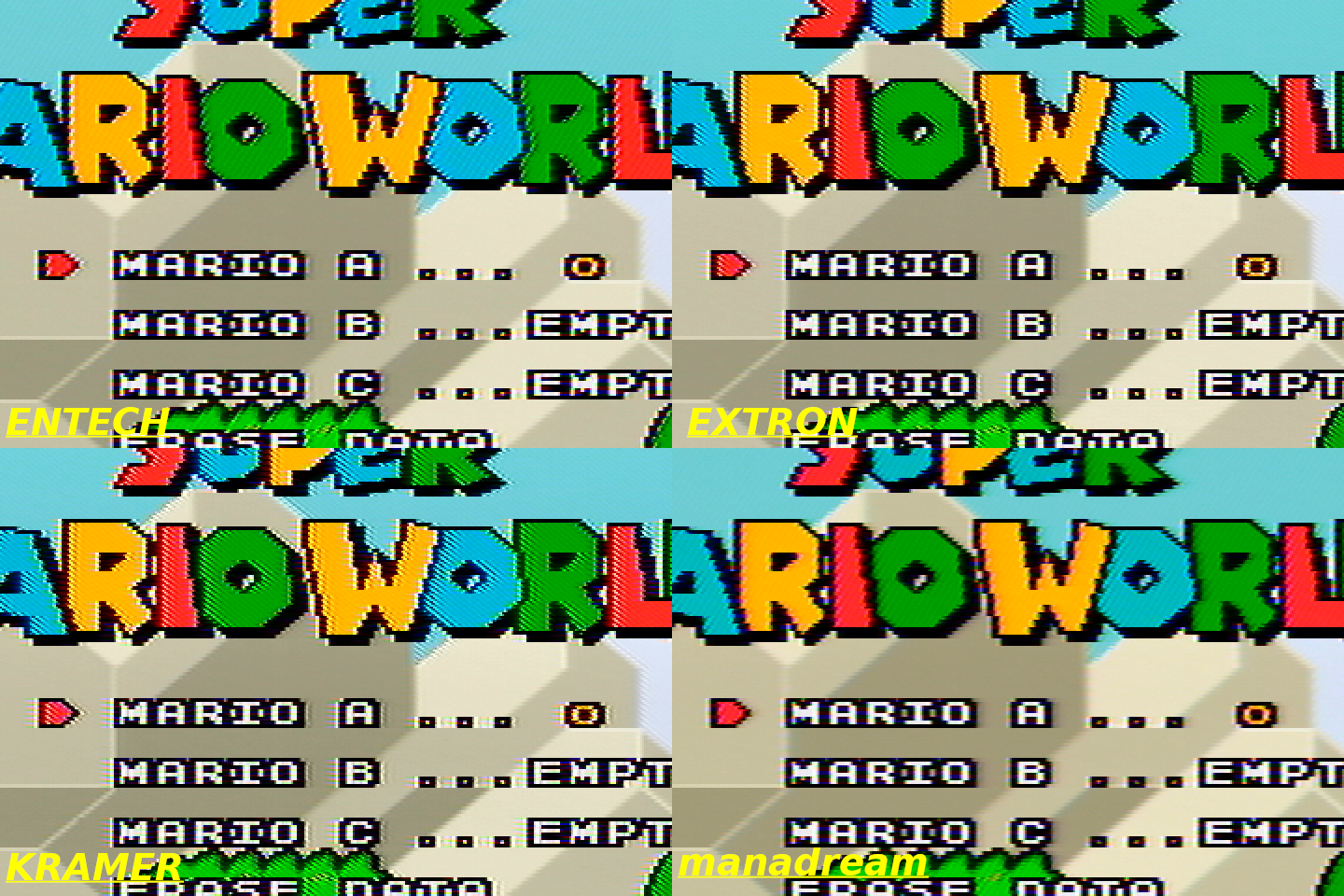
The dot crawl on this one is better than the Tributaries and the Kramer, though the rainbow artifacts are about the same (which you can see on the left side of the white text in the SMW screens and in the Sonic image).
Radioshack 15-1238 S-Video Signal Converter
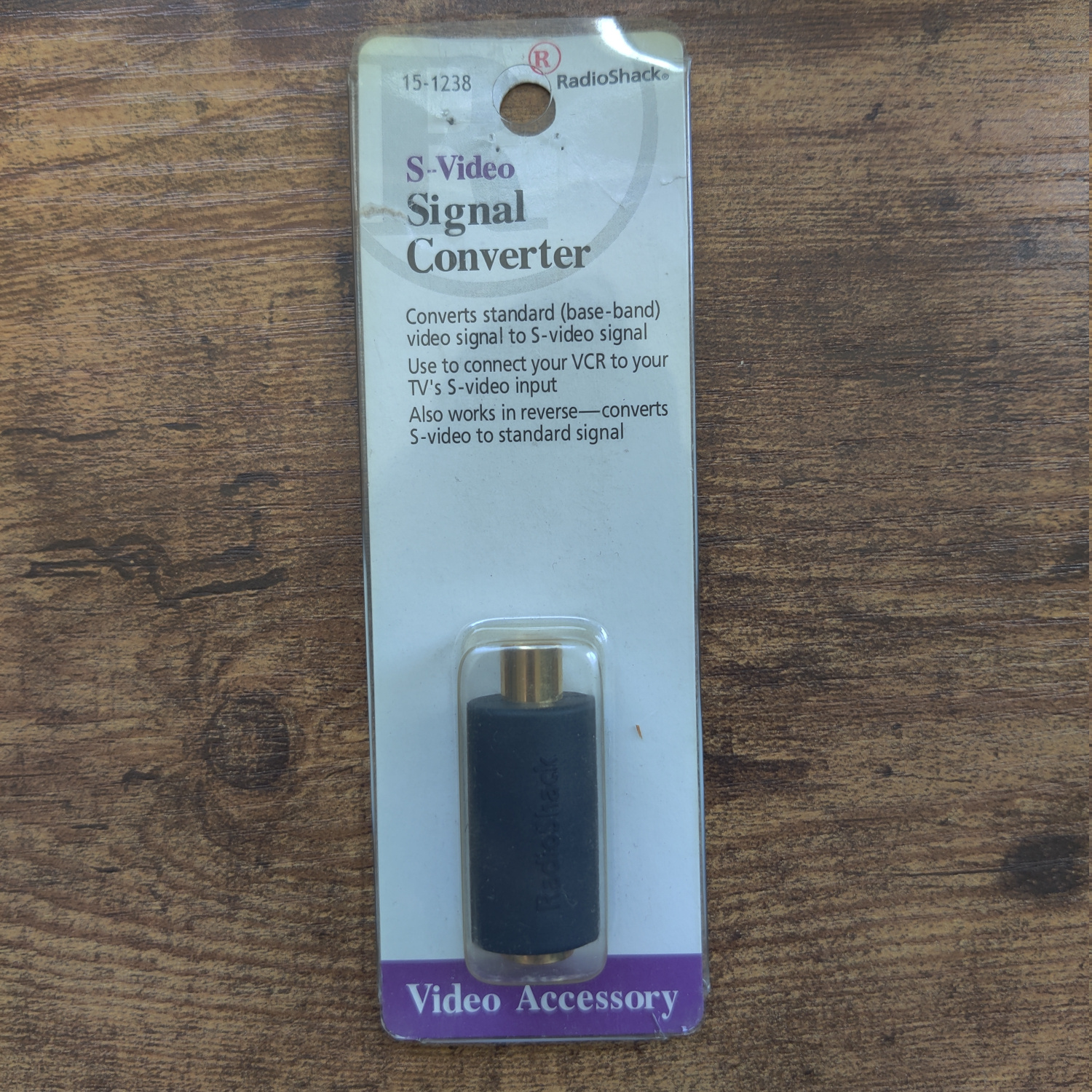
I purchased this on eBay for $9, and they don’t seem too difficult to find online.
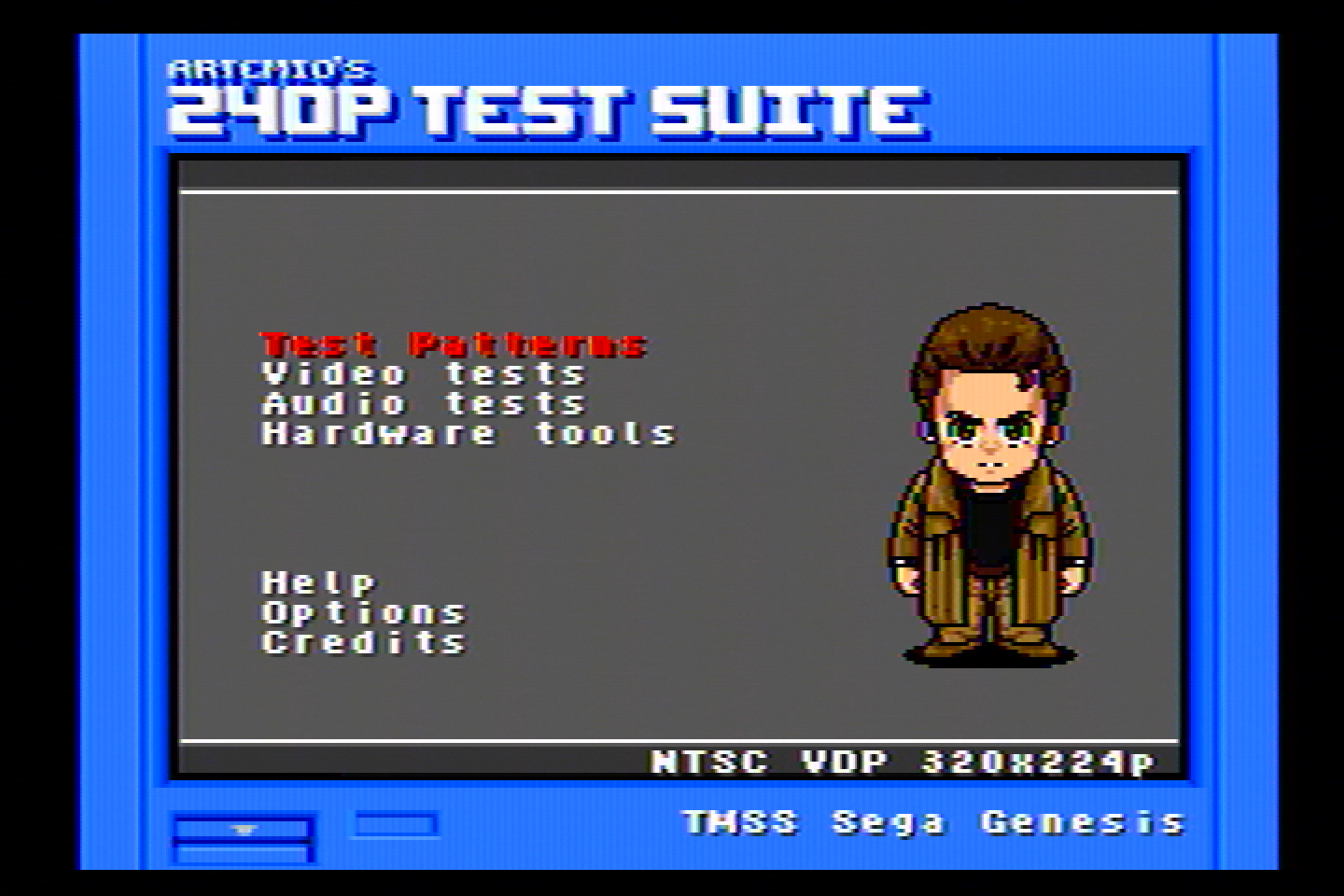


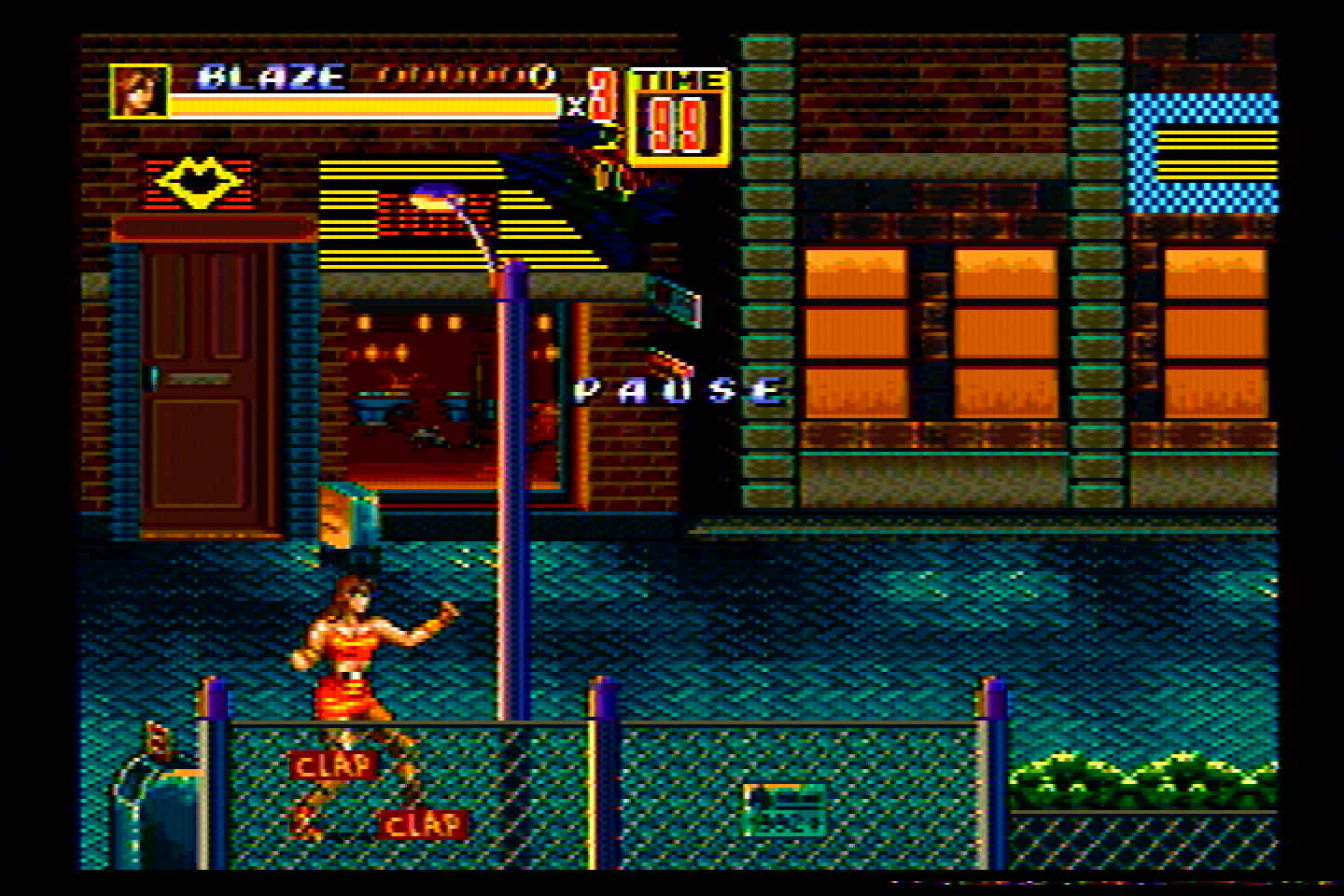
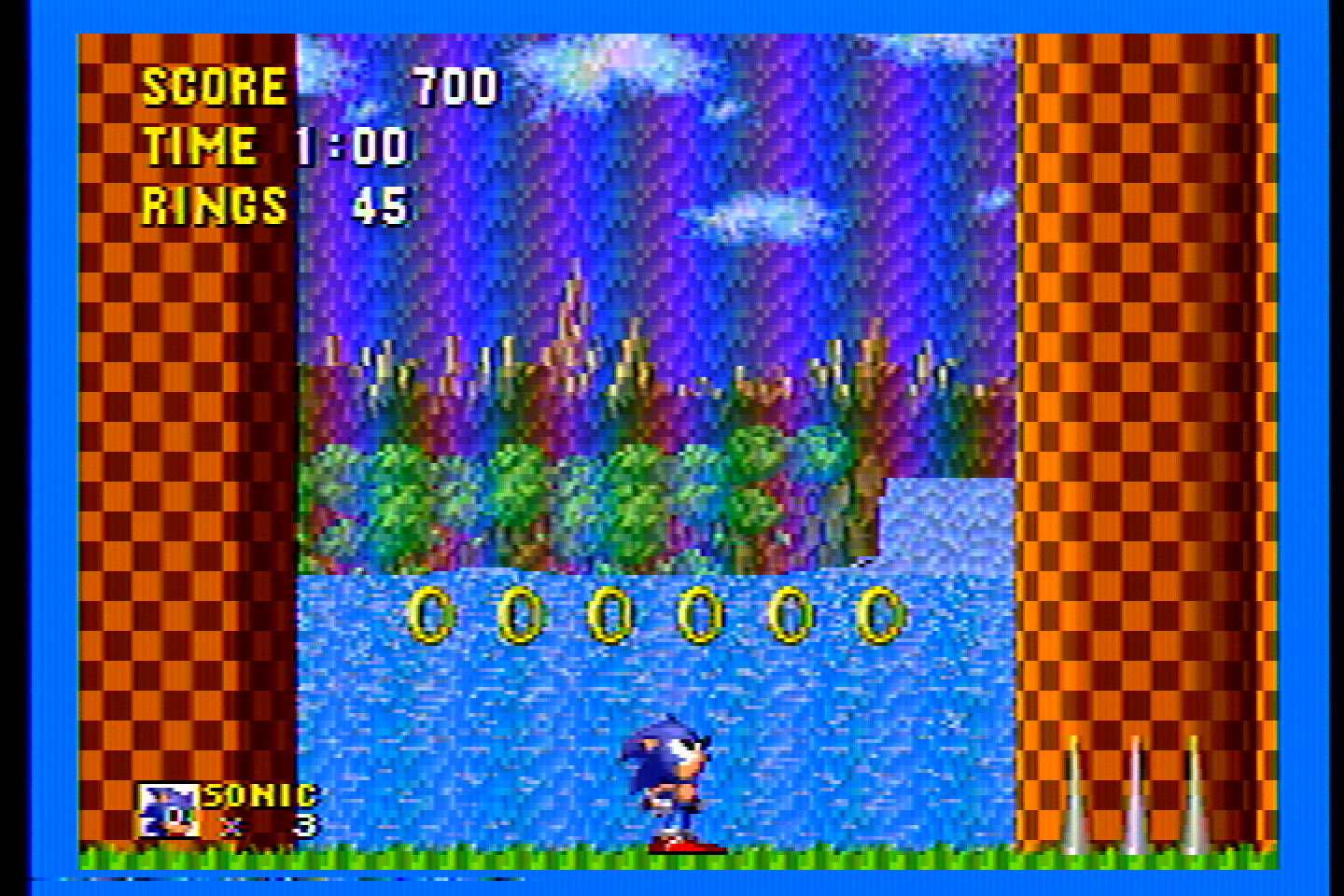
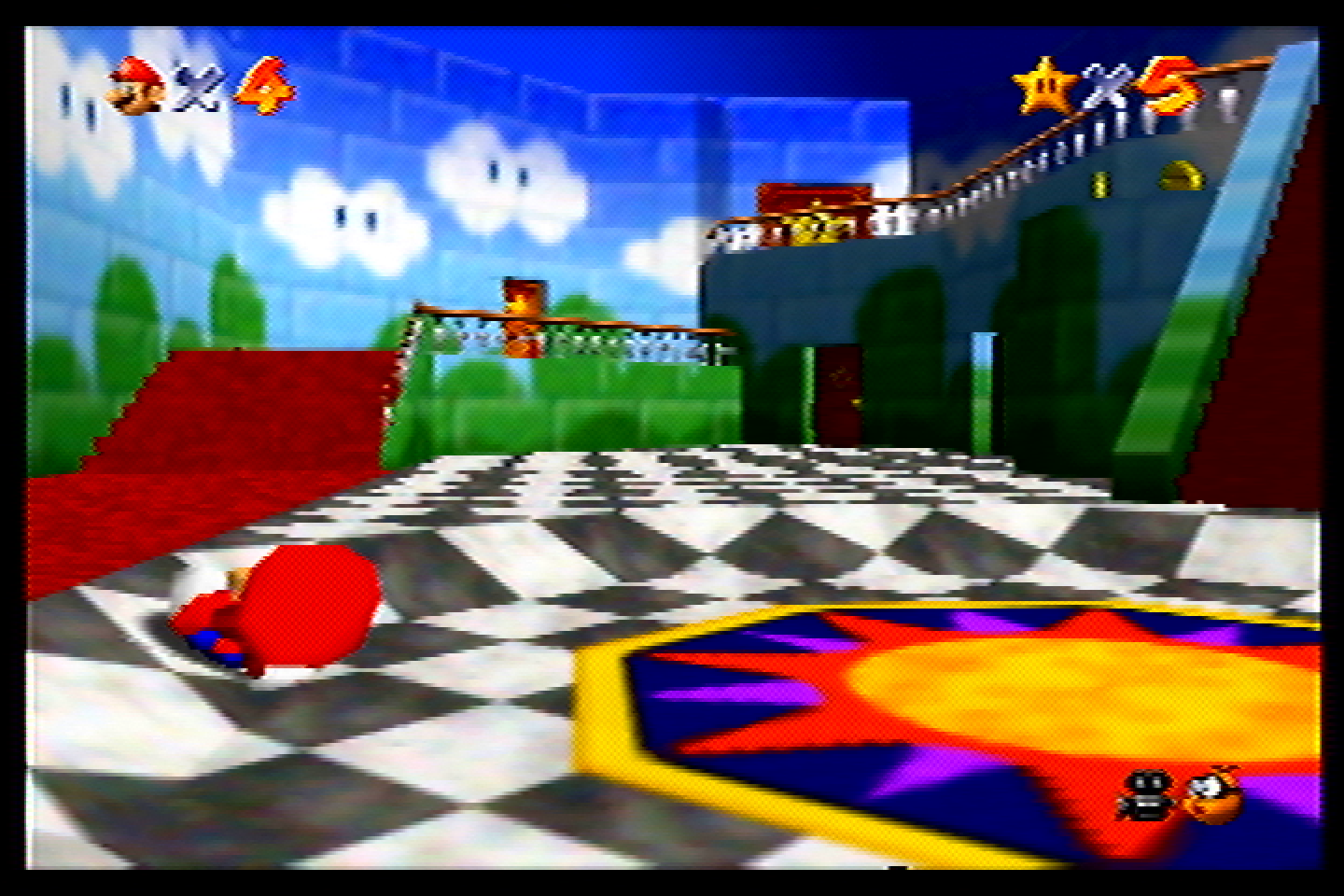
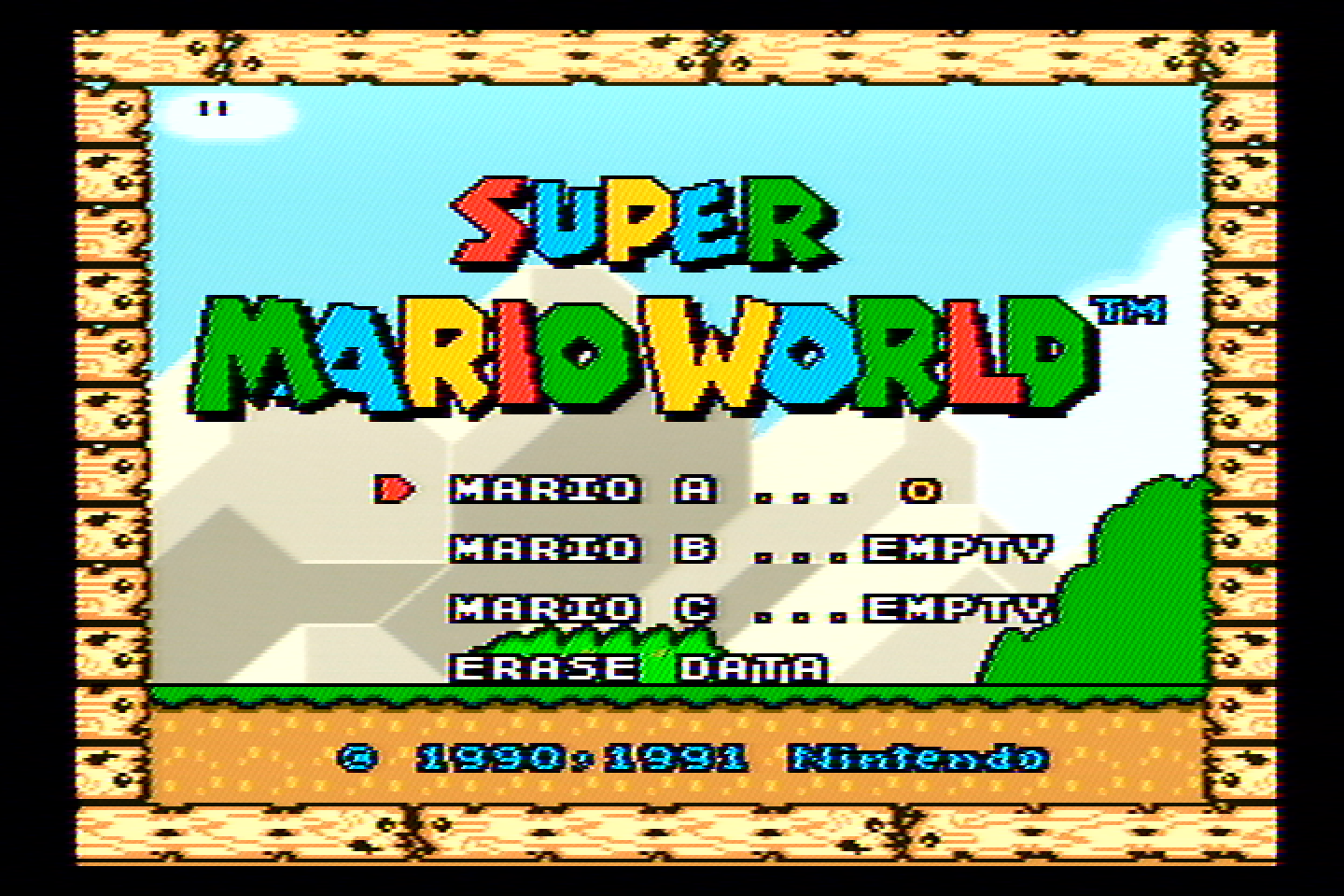
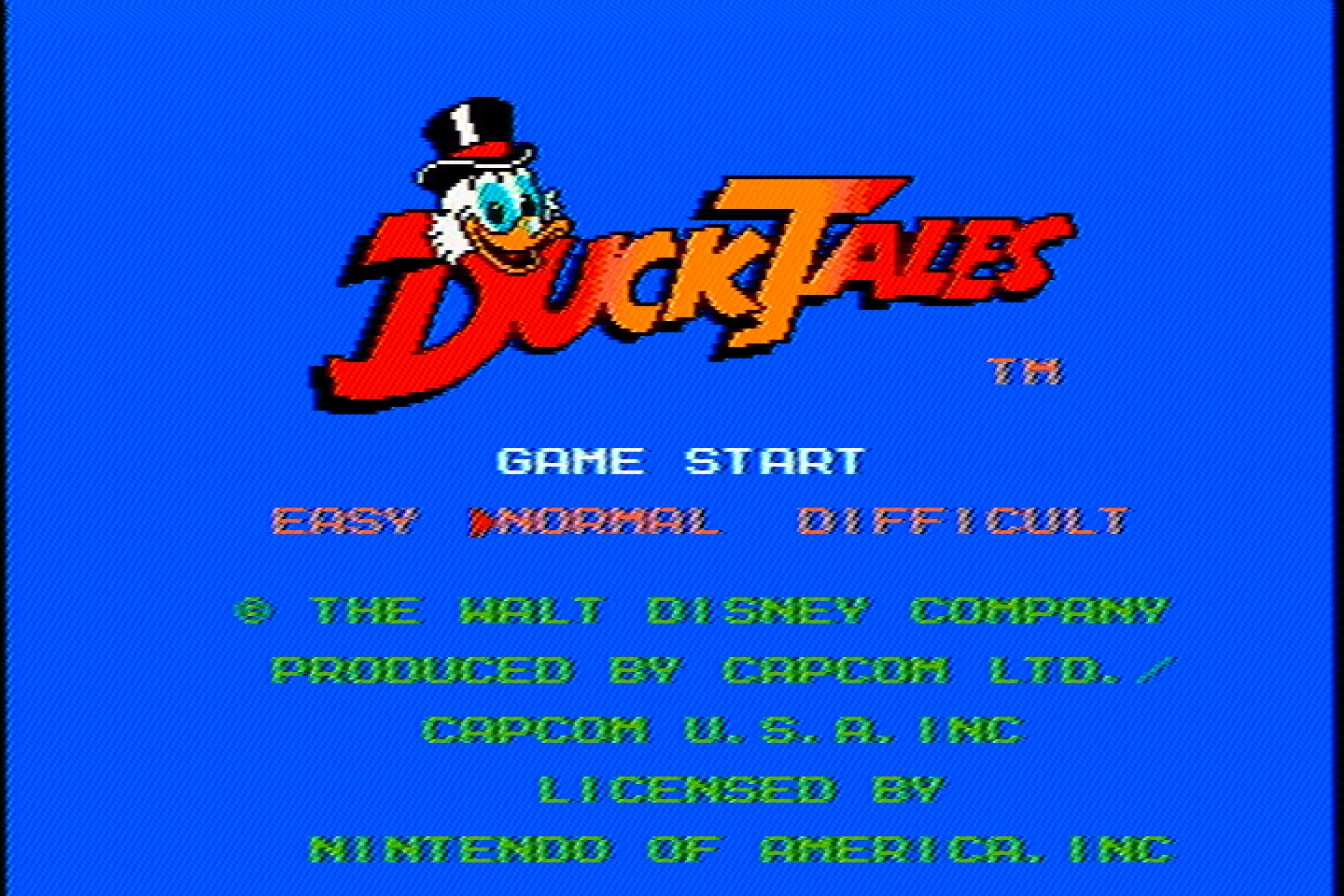
This one was recommended to me by Joshua Cadmium as a competitor to the Entech CSVC-1 (next in the lineup) and it does do a really good job! It has a bit of Luma interference in Chroma which you can see most clearly in the rainbow banding in Sonic, but it’s quite good and in most ways better than the Entech. Some examples of where it is better is the text in Duck Tales, Mario’s hat (and pretty much everything else) in Mario 64, overall the colors are a bit more saturated, and it has slightly better color blending and dithering blending.
Entech CSVC-1
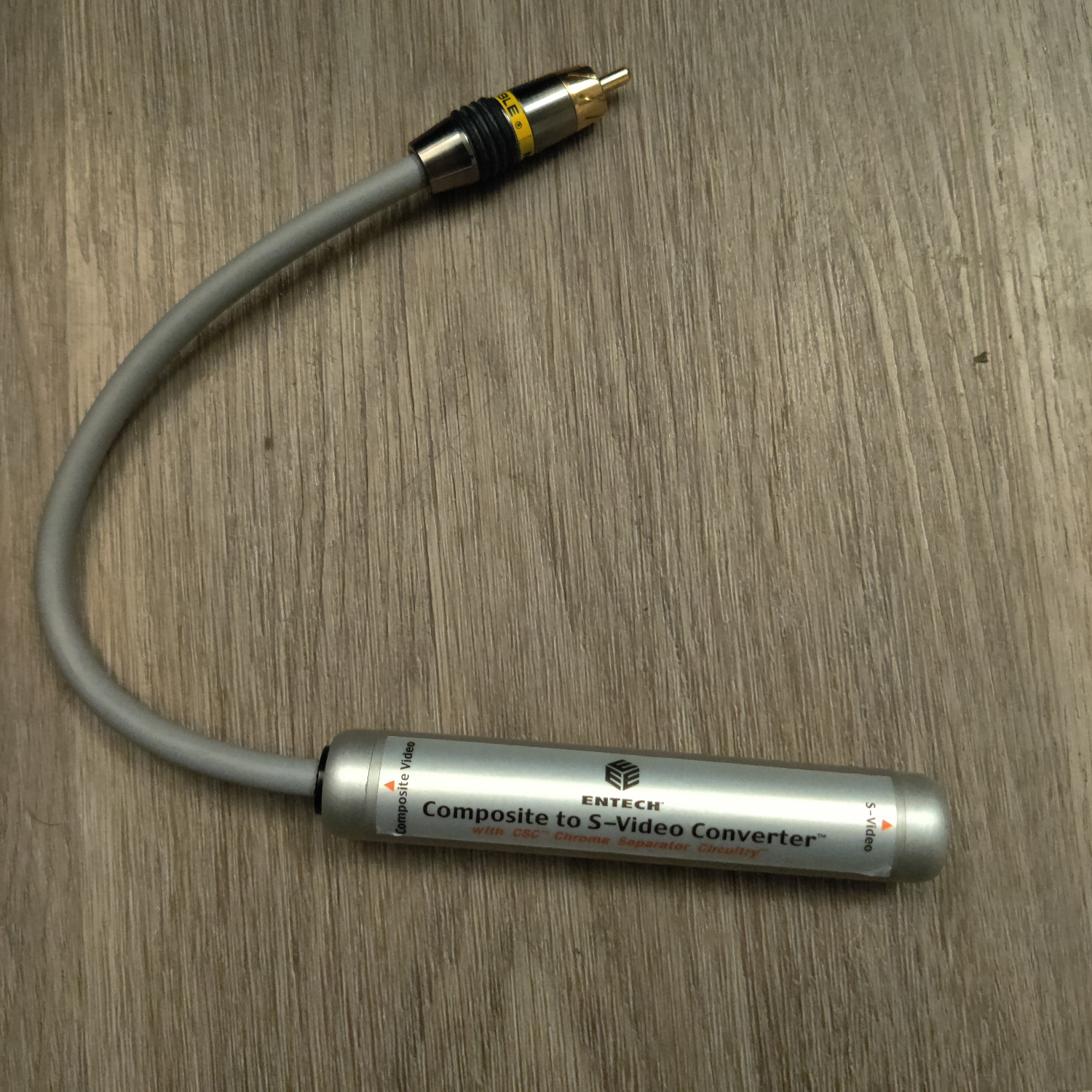
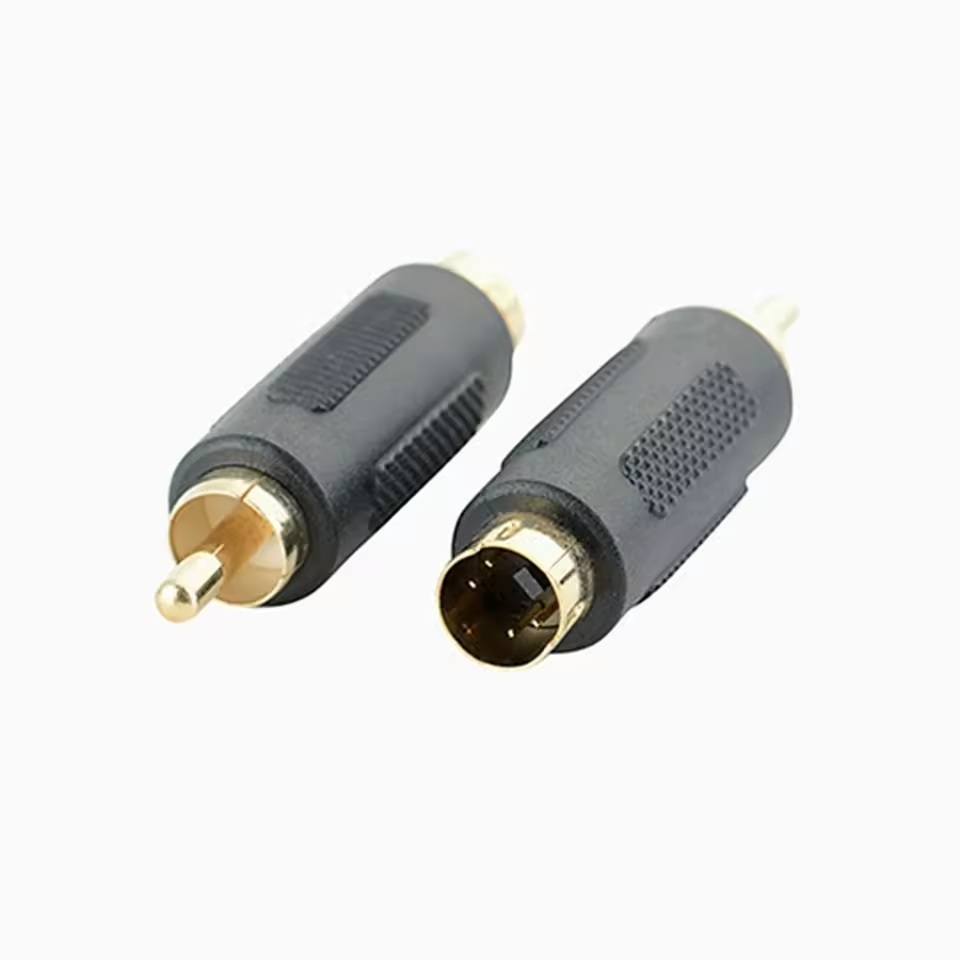
Thanks to kitty666cats/Mike Lindquist, a fellow member of the CRT community, I got this one for about $30 on eBay. It has a male RCA connector, so I had to use a coupler to connect it to the male RCA connectors from my consoles.
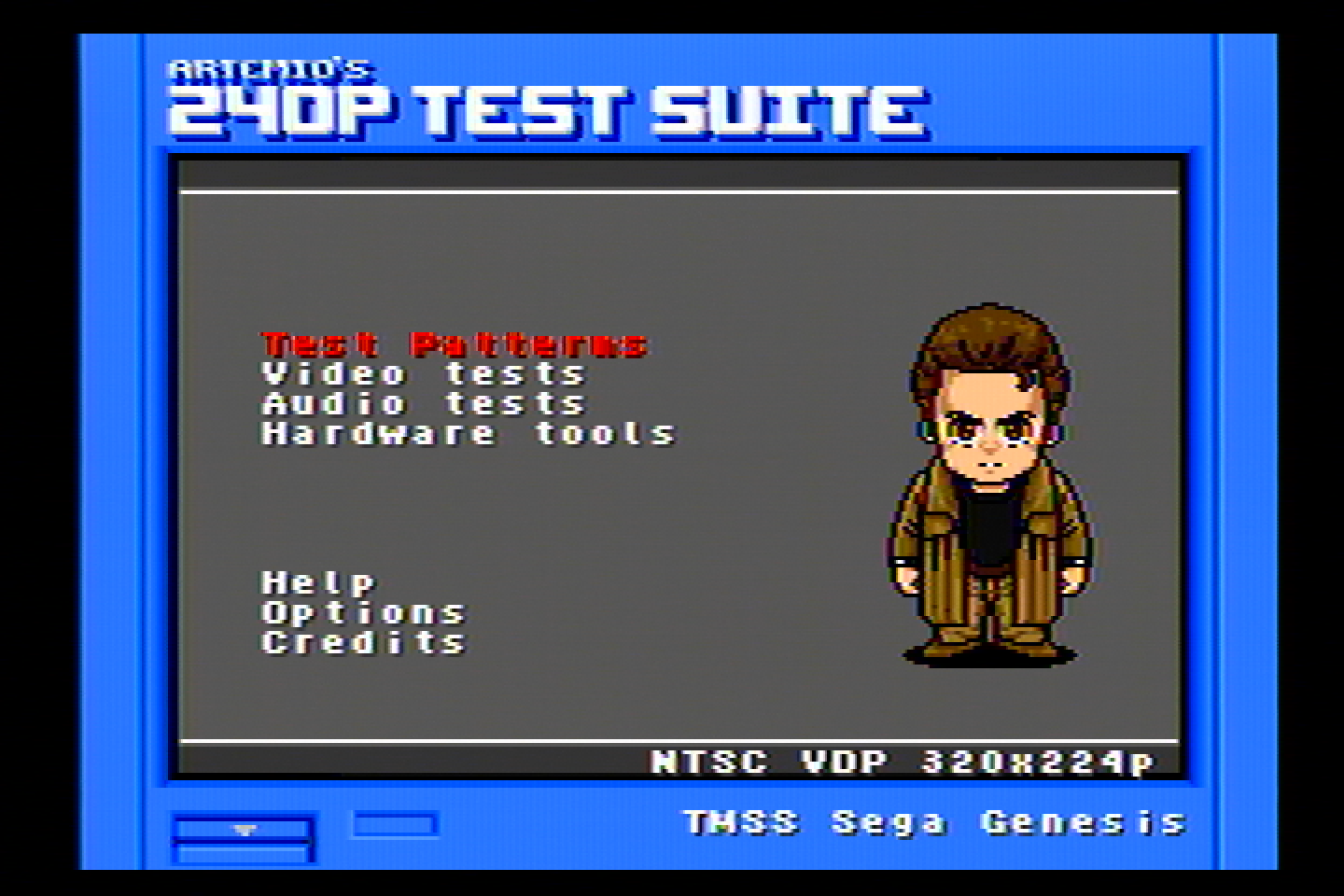


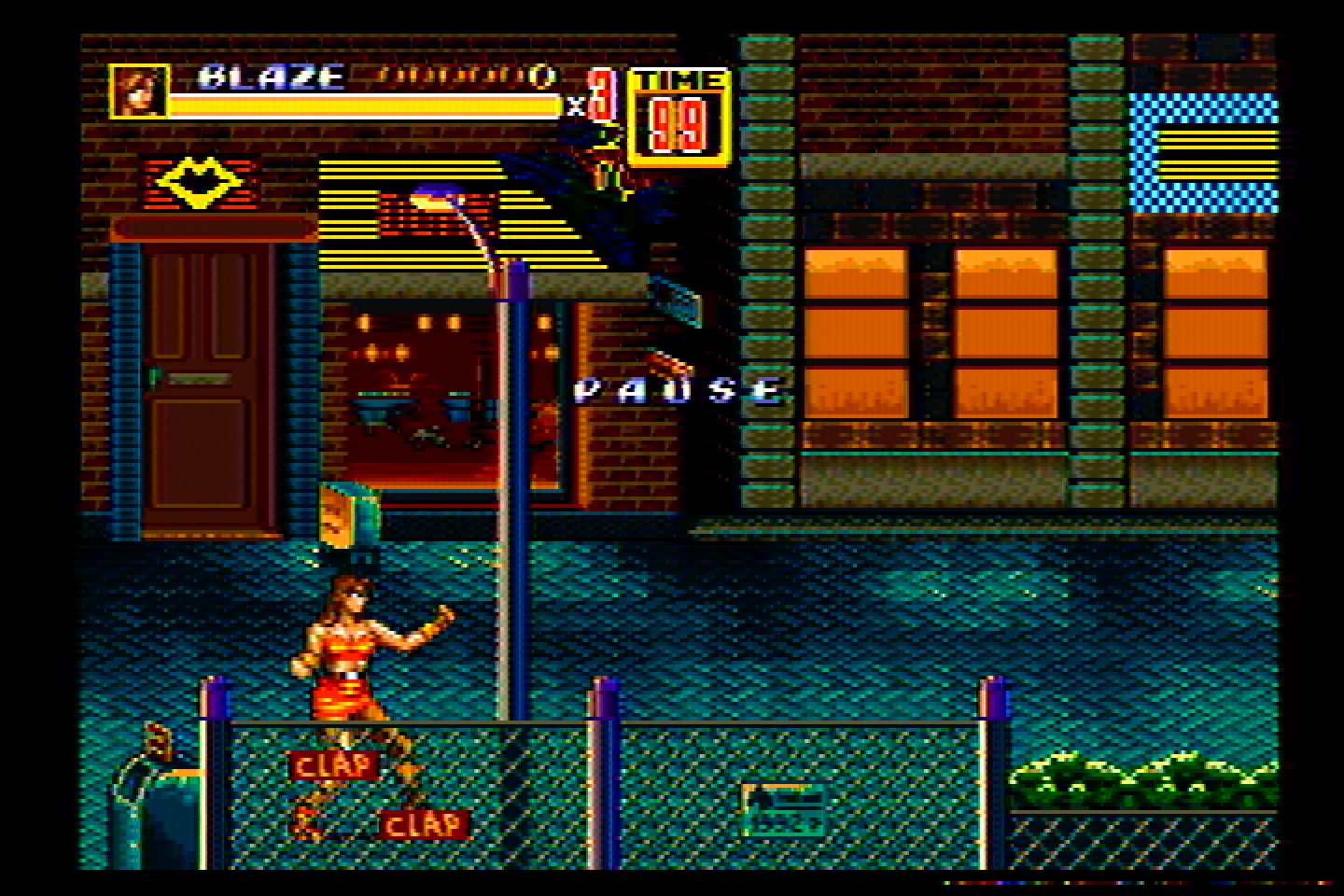
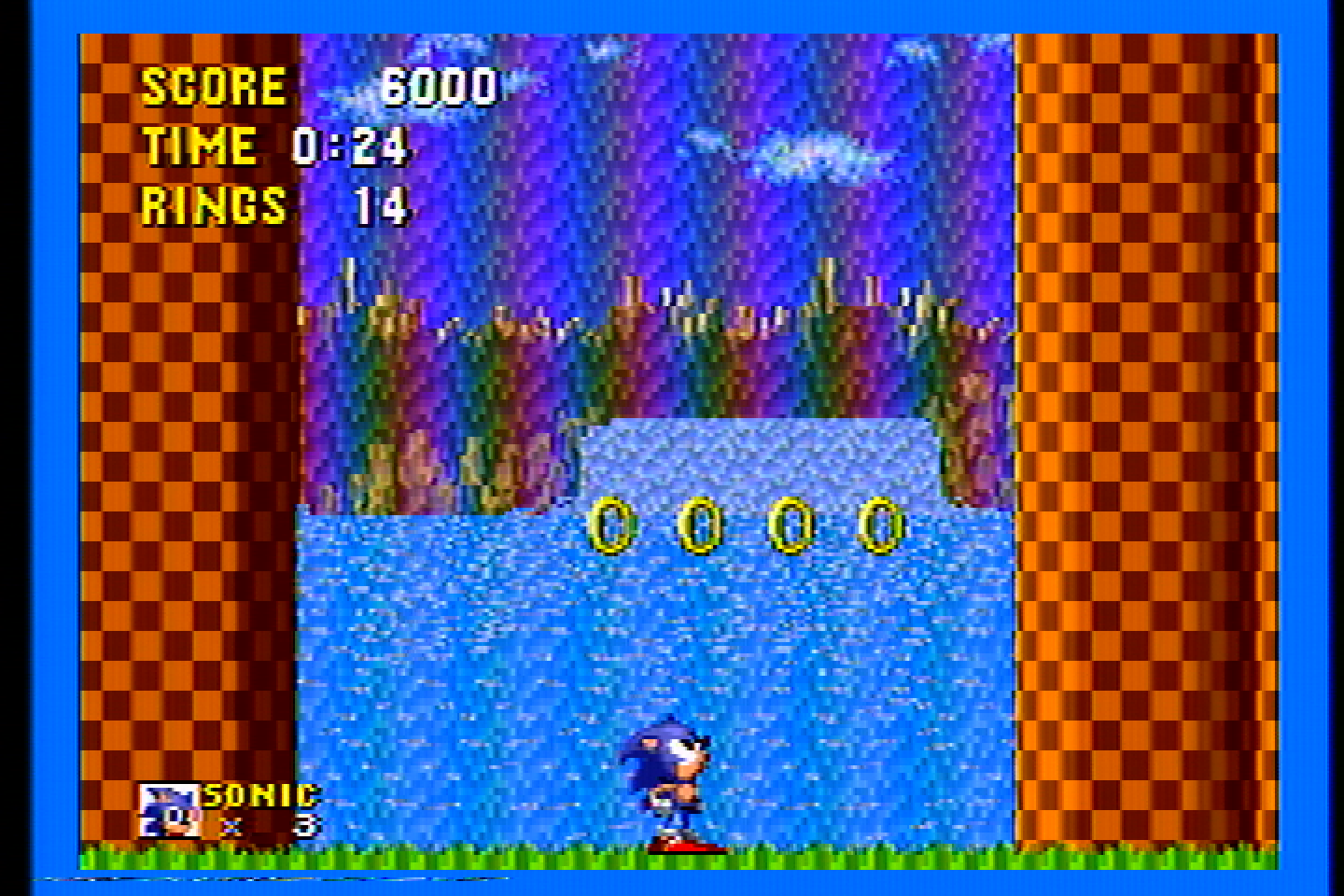
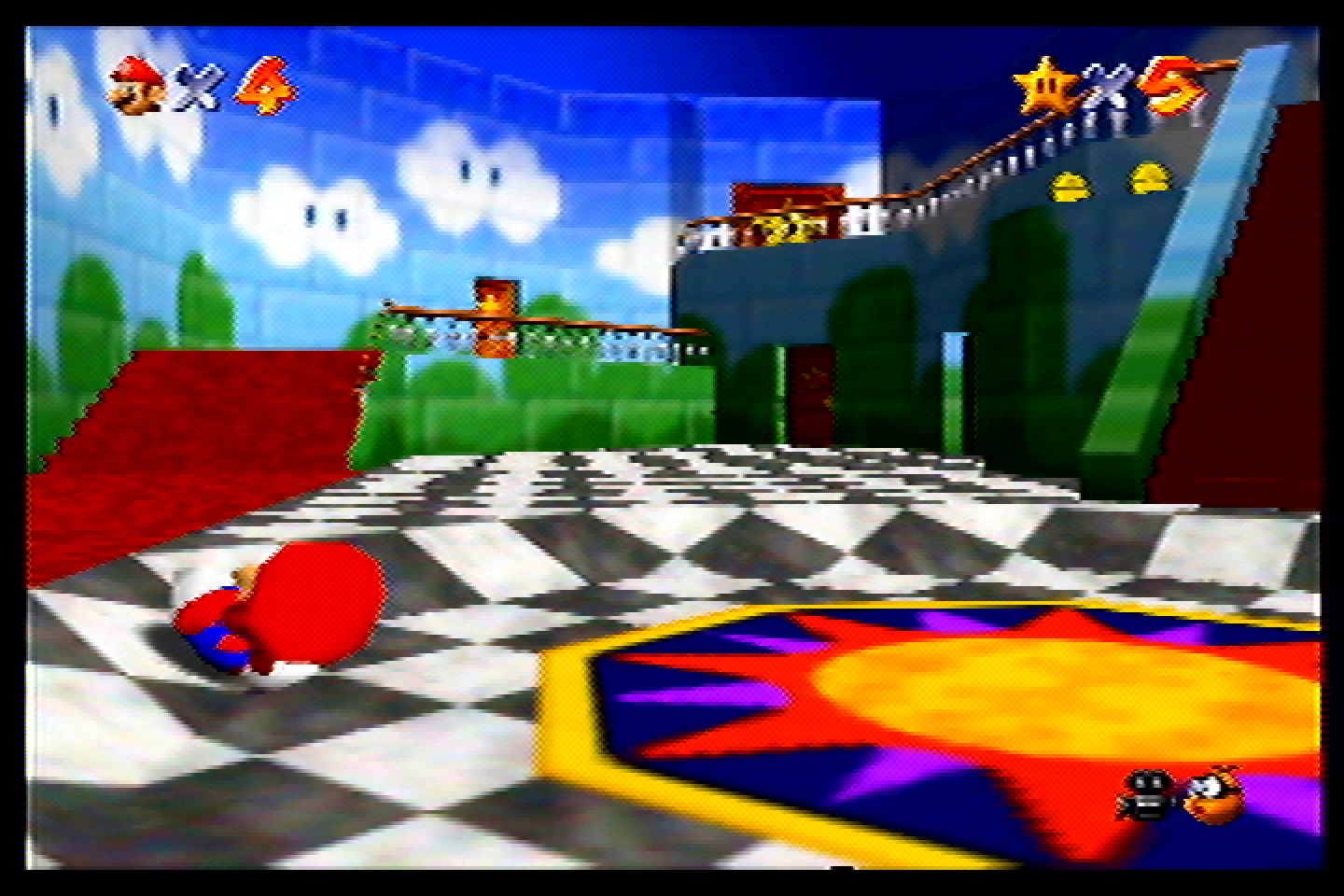
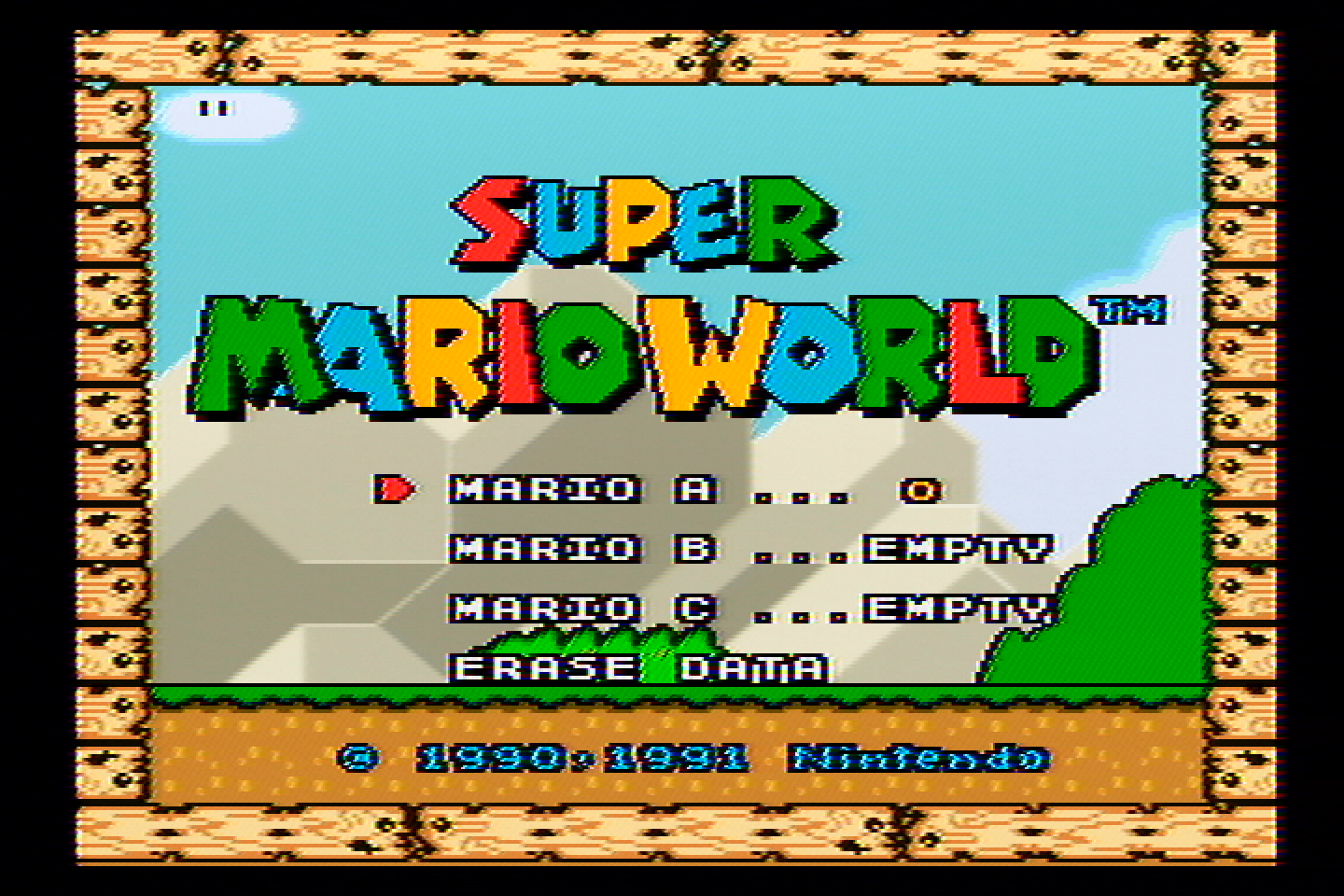
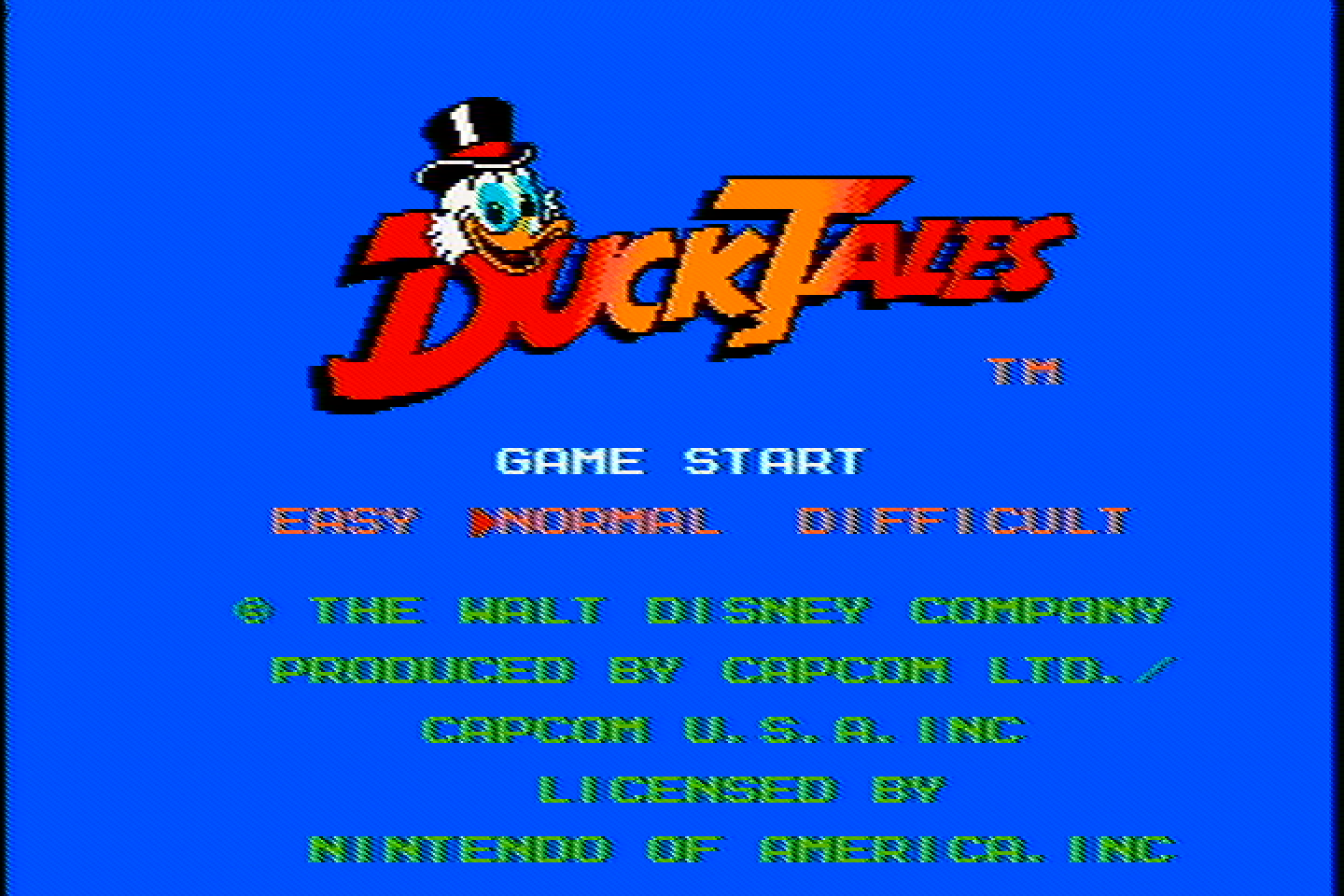
This one has less dot crawl and rainbow artifacts than the Tributaries, Kramer and Extron, but more than the Radioshack filter. It exhibits a fair bit of dot crawl on NES games in particular. It does do a slightly better job with the diagonal lines on NES and SNES and Genesis Jailbars.
manadream Notch Filter
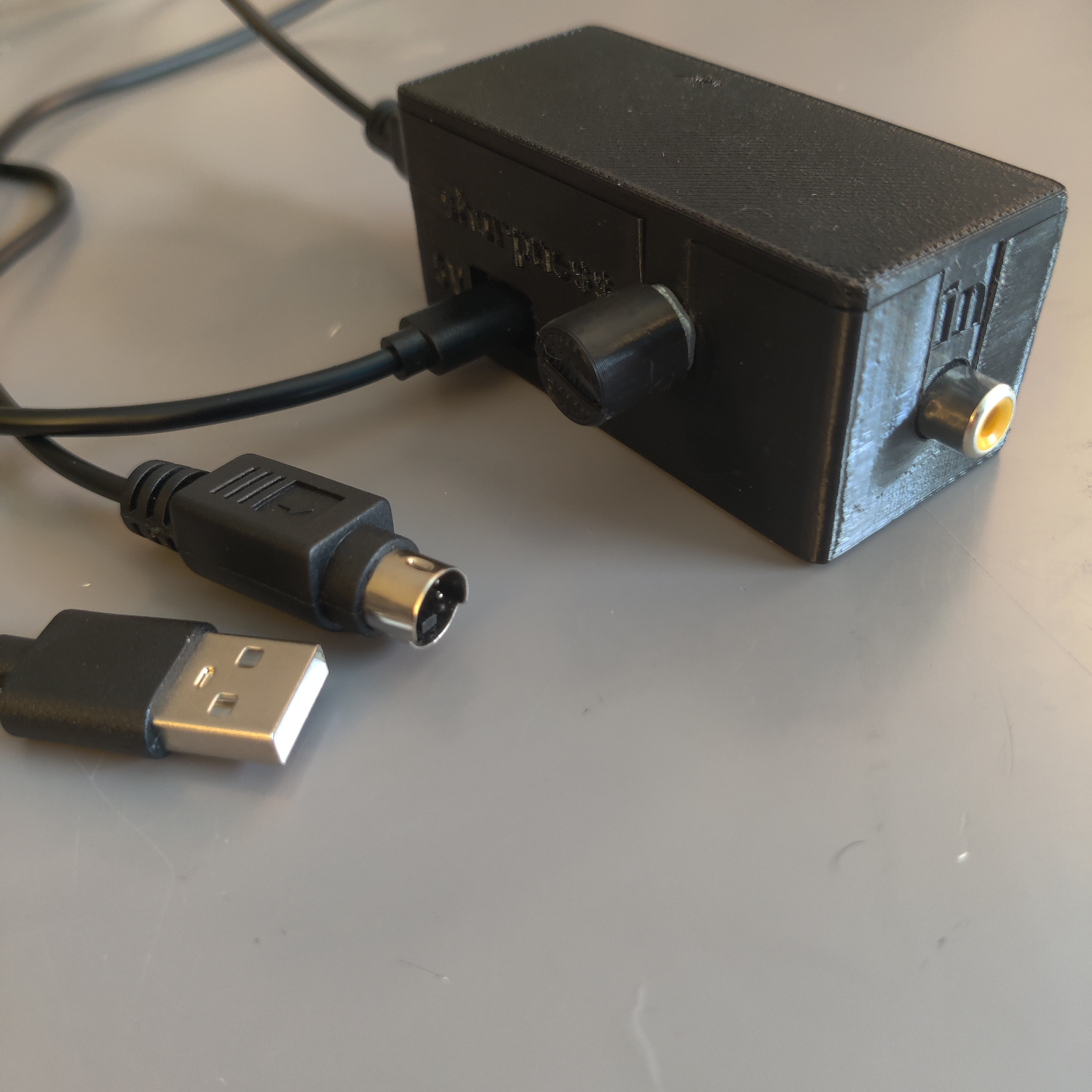
Full disclosure, I designed this filter myself with the goal of being better for retro gaming than anything available on the market. I believe I have accomplished this goal, but you can decide for yourself.
This filter comes with a knob that lets you adjust the strength of the filter, and thus the sharpness of the picture. It is the nature of a notch filter that the stronger it is, the more frequencies it will cut from the Luma signal, and thus the more blending there will be. The goal is to dial it in for your specific TV set to get the sharpest image possible that also does not have dot artifacts.
These images are all captured with the sharpness knob at maximum sharpness.
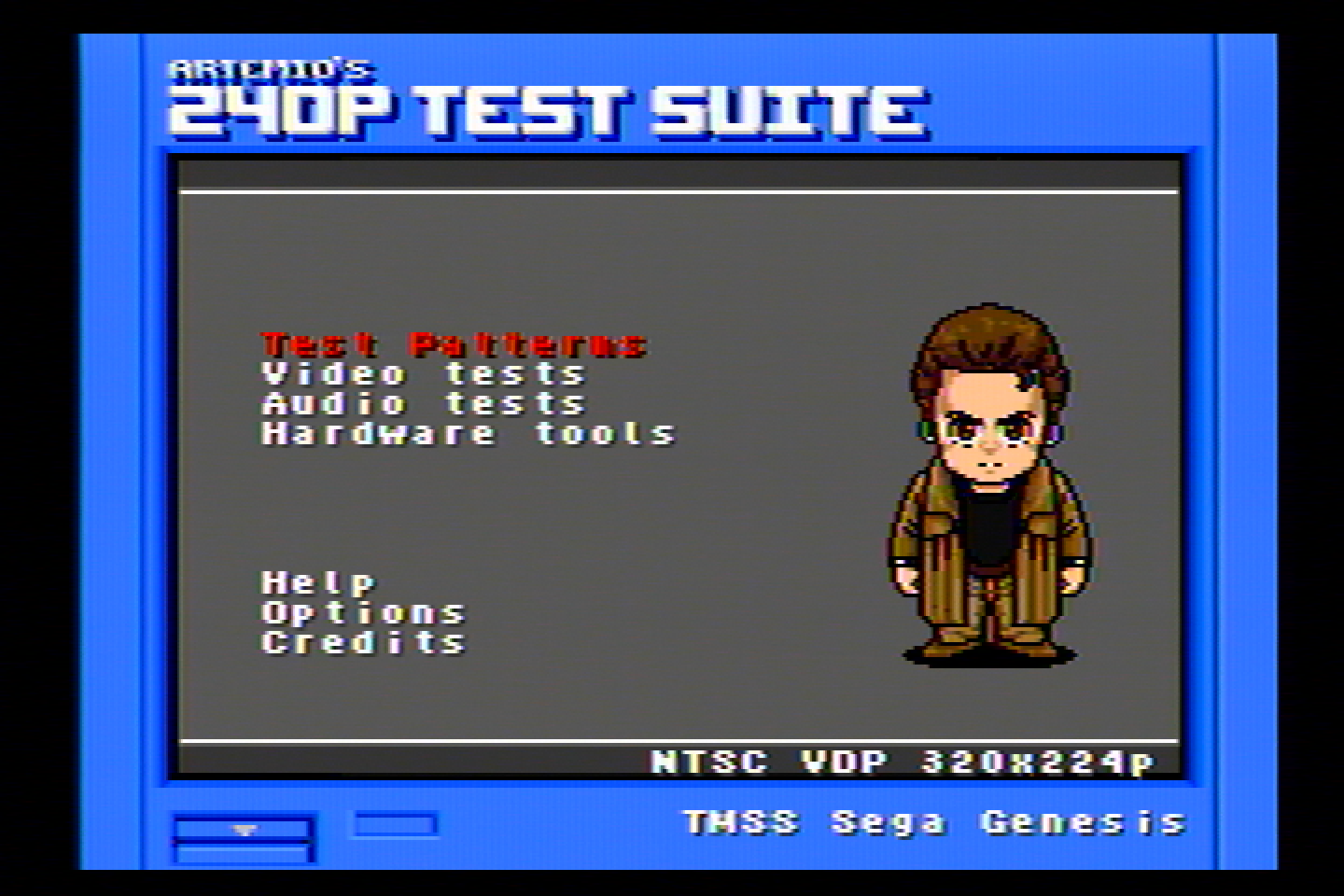

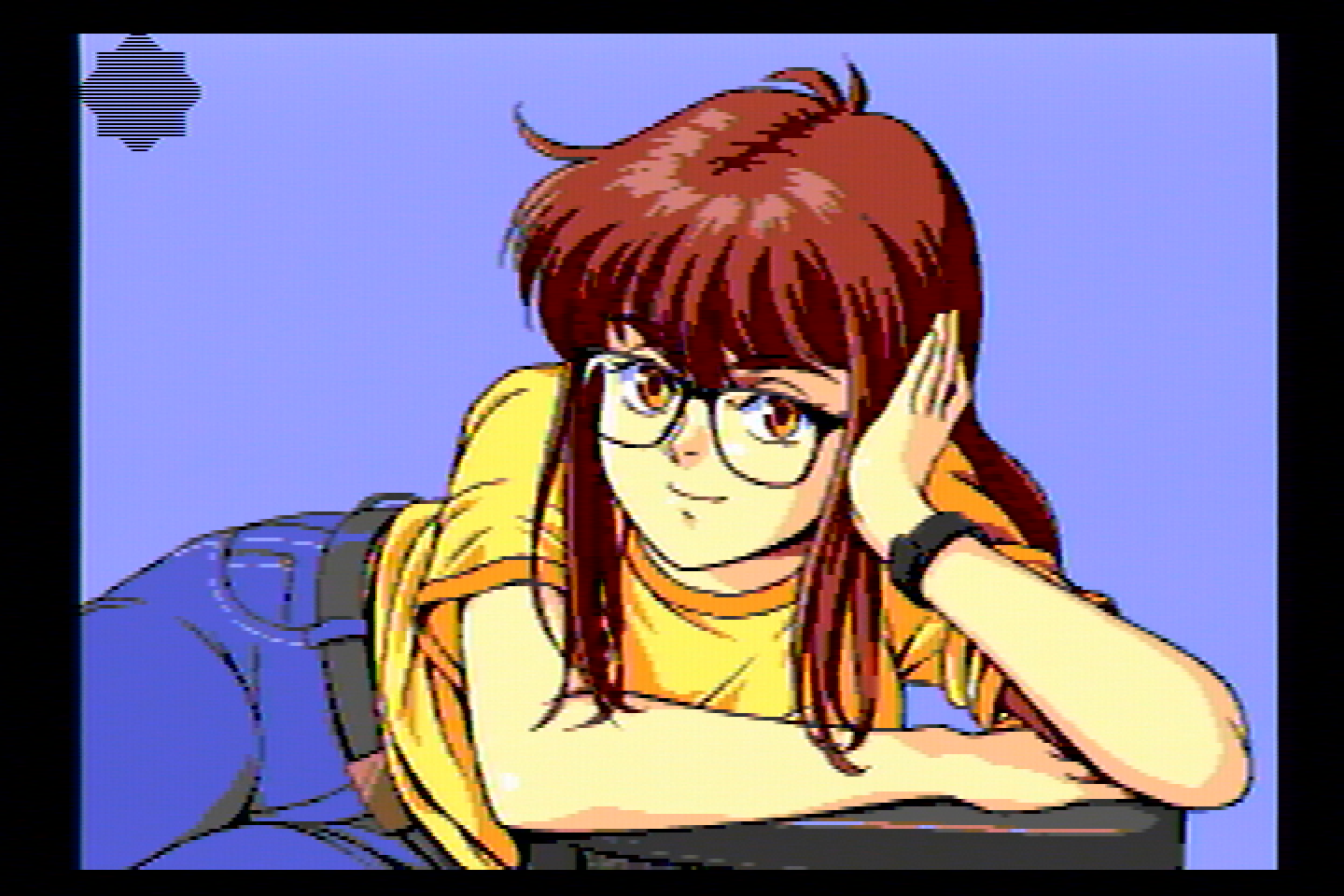
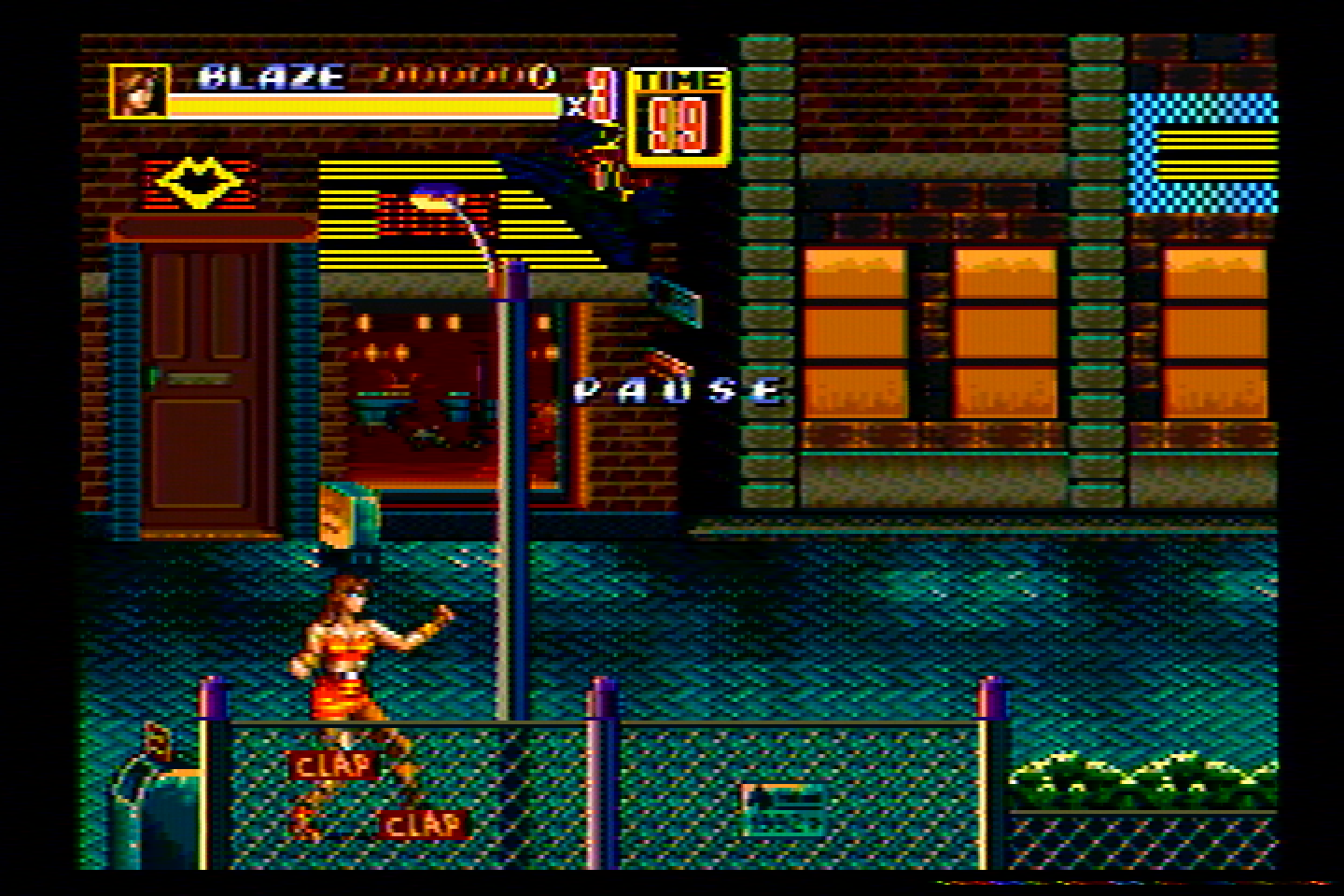
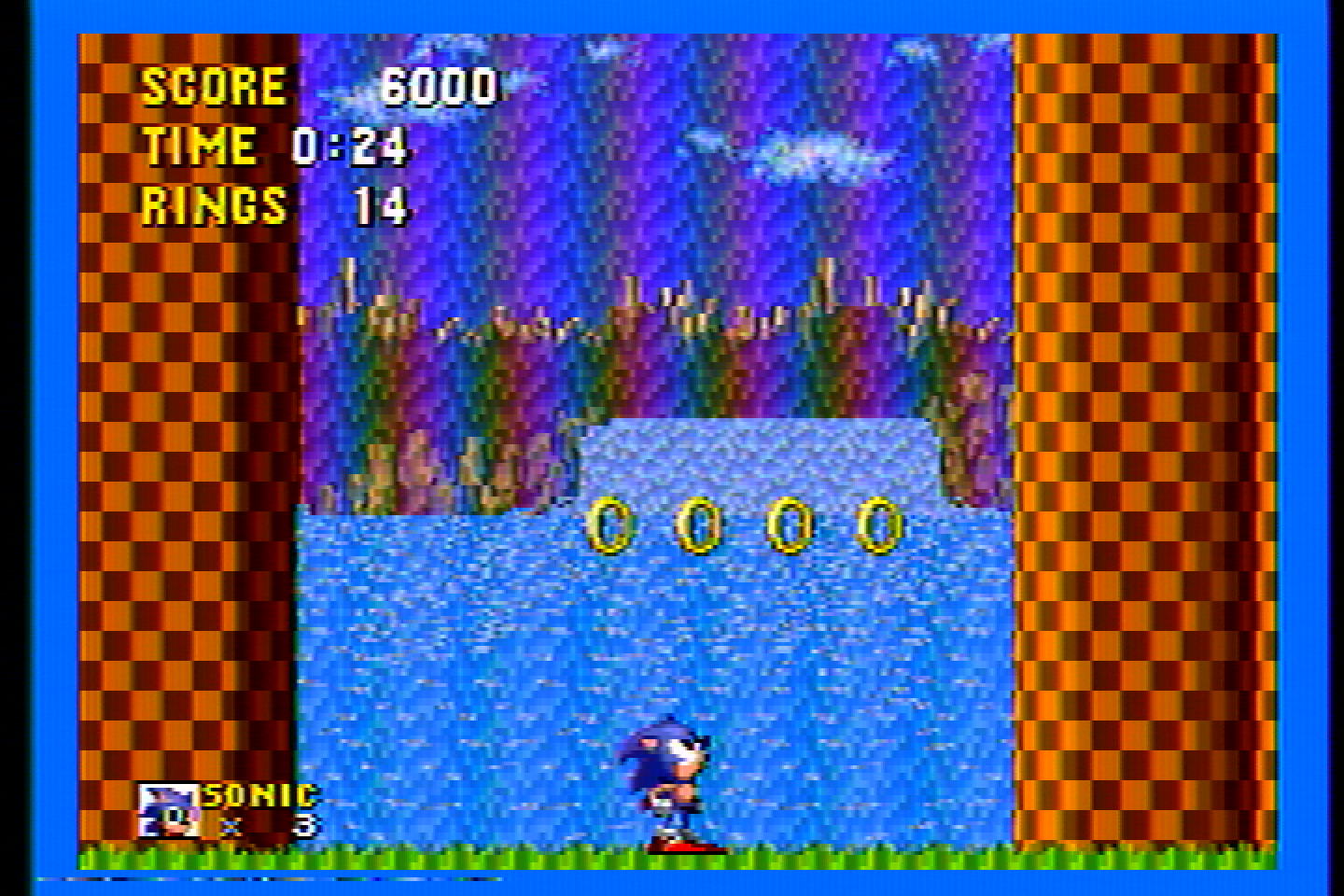
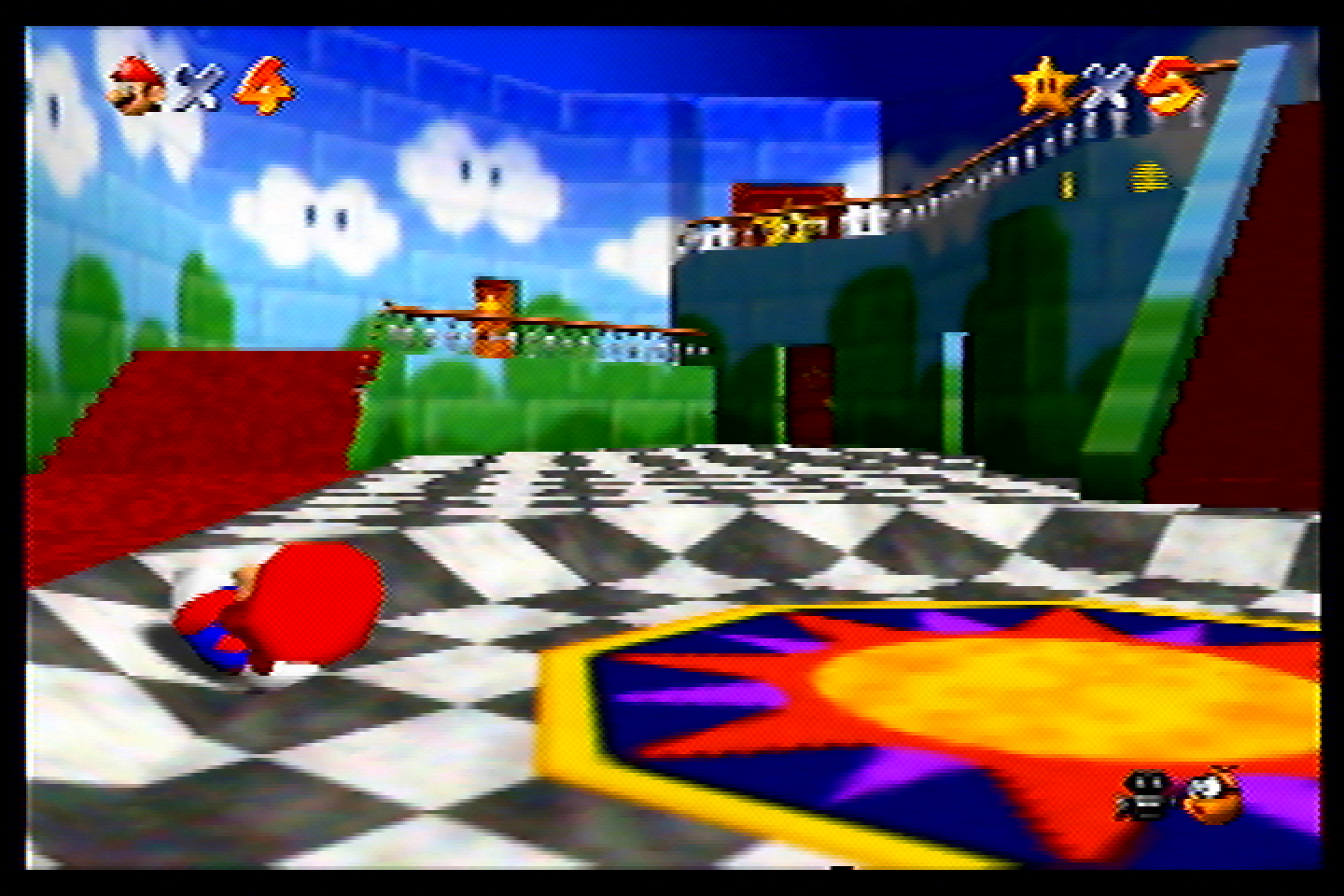
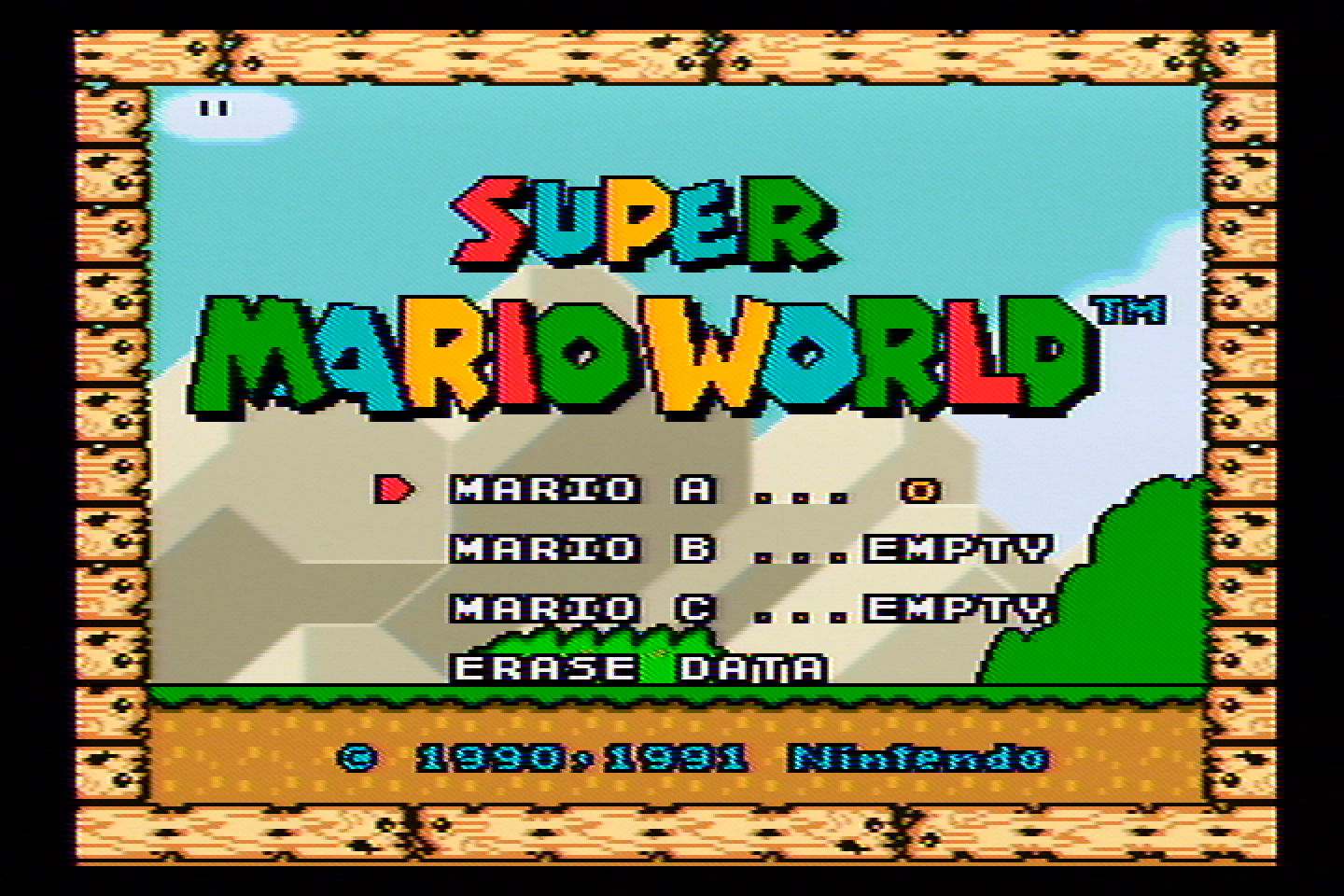
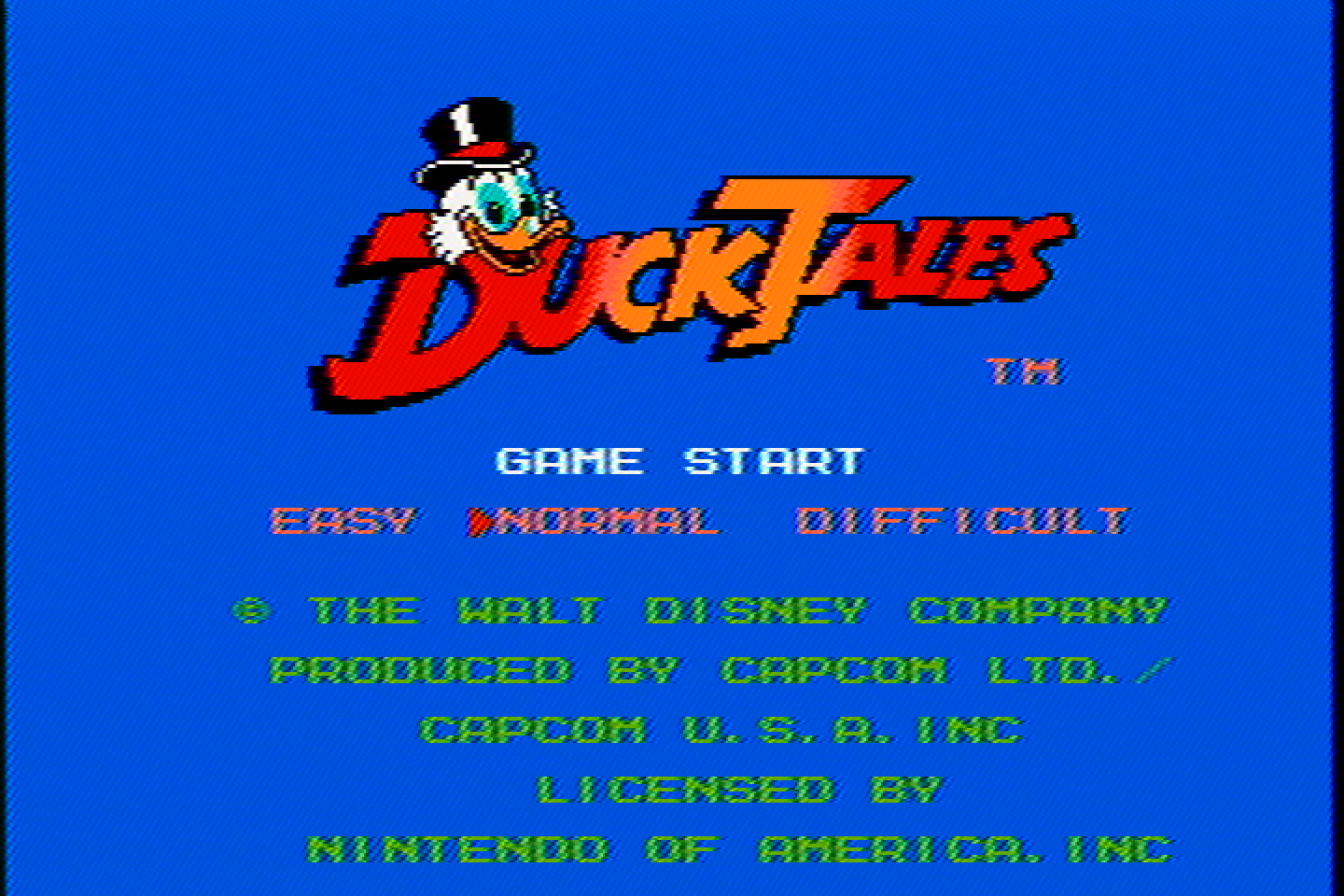
It’s very similar to the Entech filter, though with more vibrant colors and slightly less dot crawl and less ghosting.
But if we sacrifice just a little bit of sharpness, we can eliminate a lot of it.
These images were captured with the sharpness knob at 75% of max sharpness.
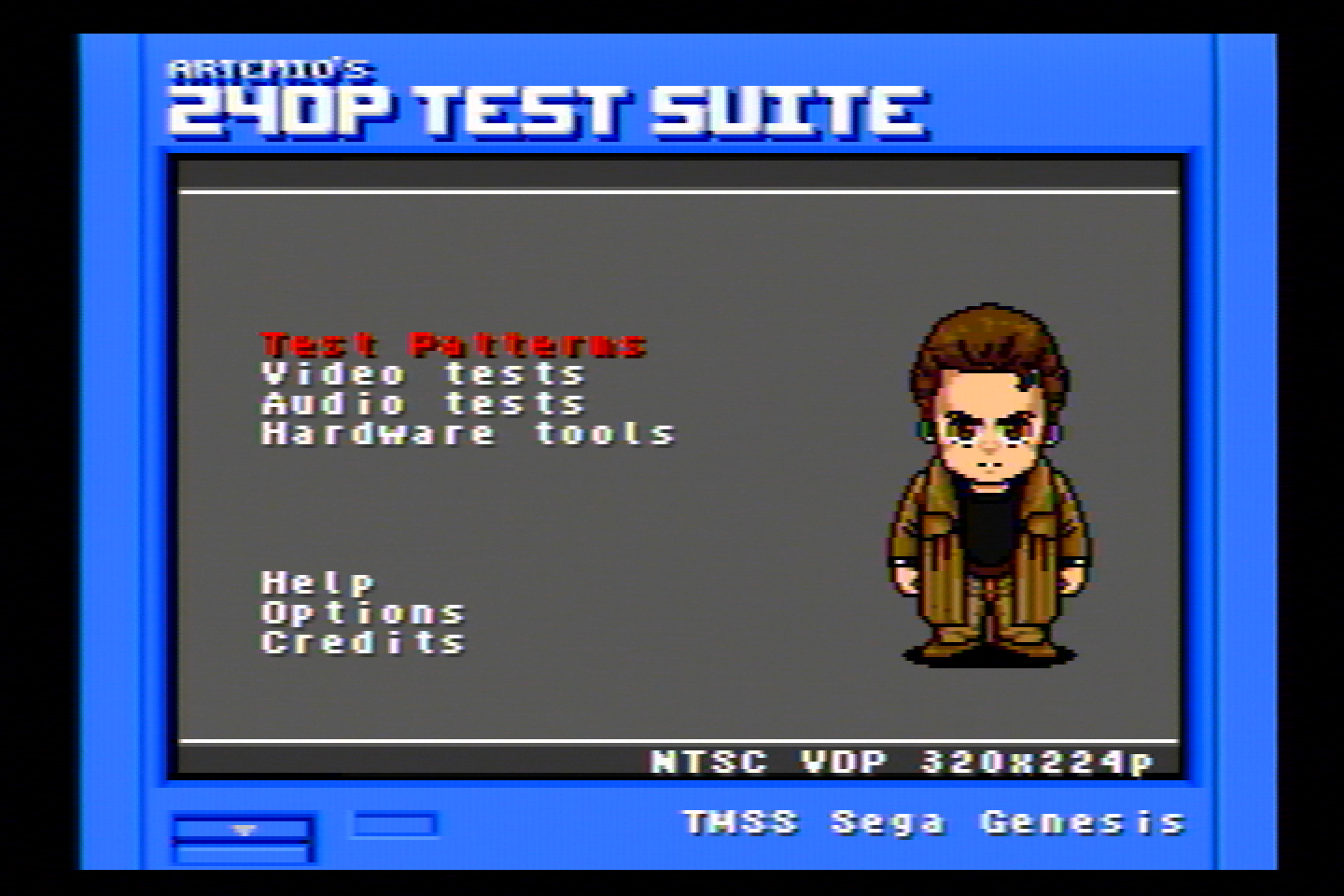

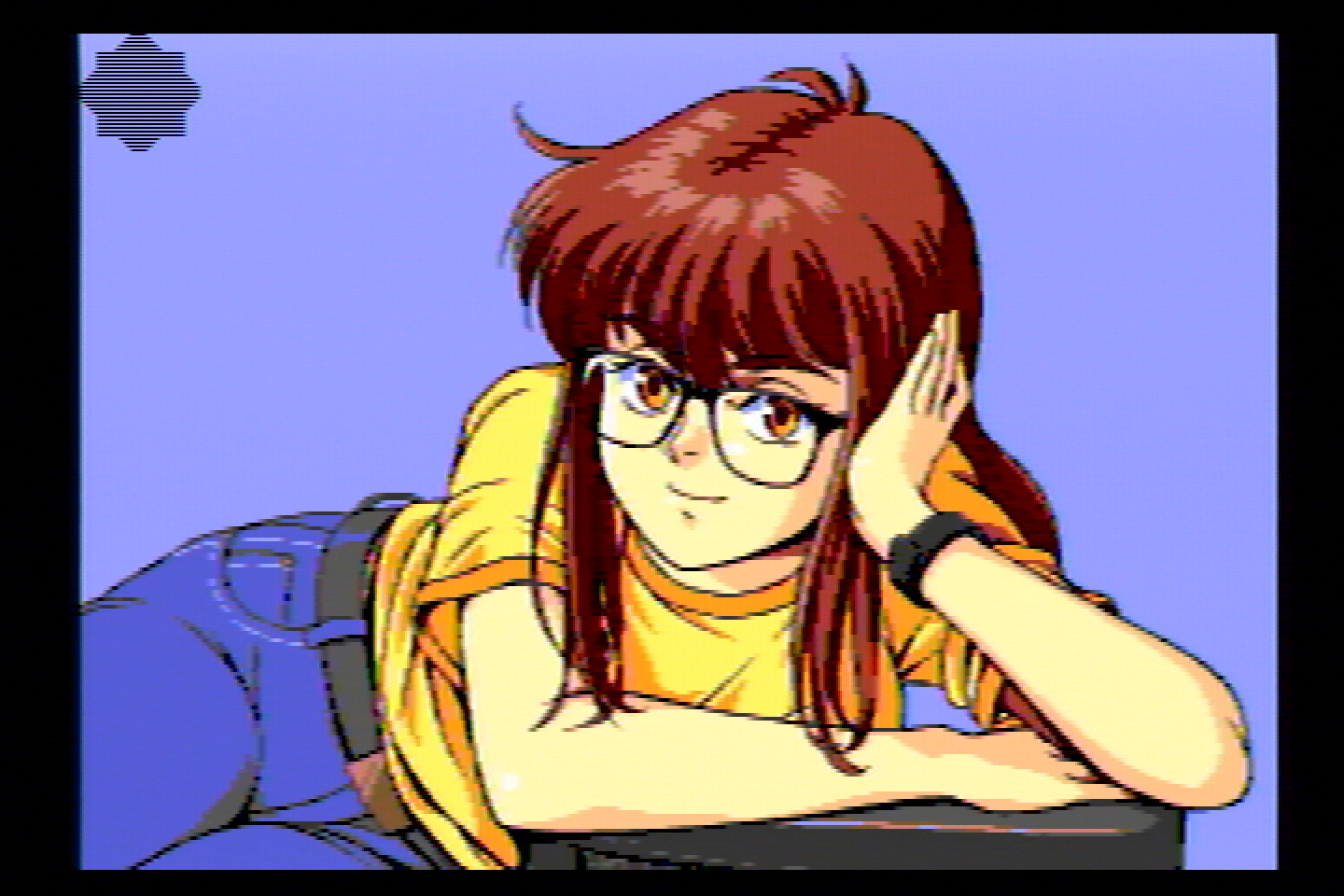
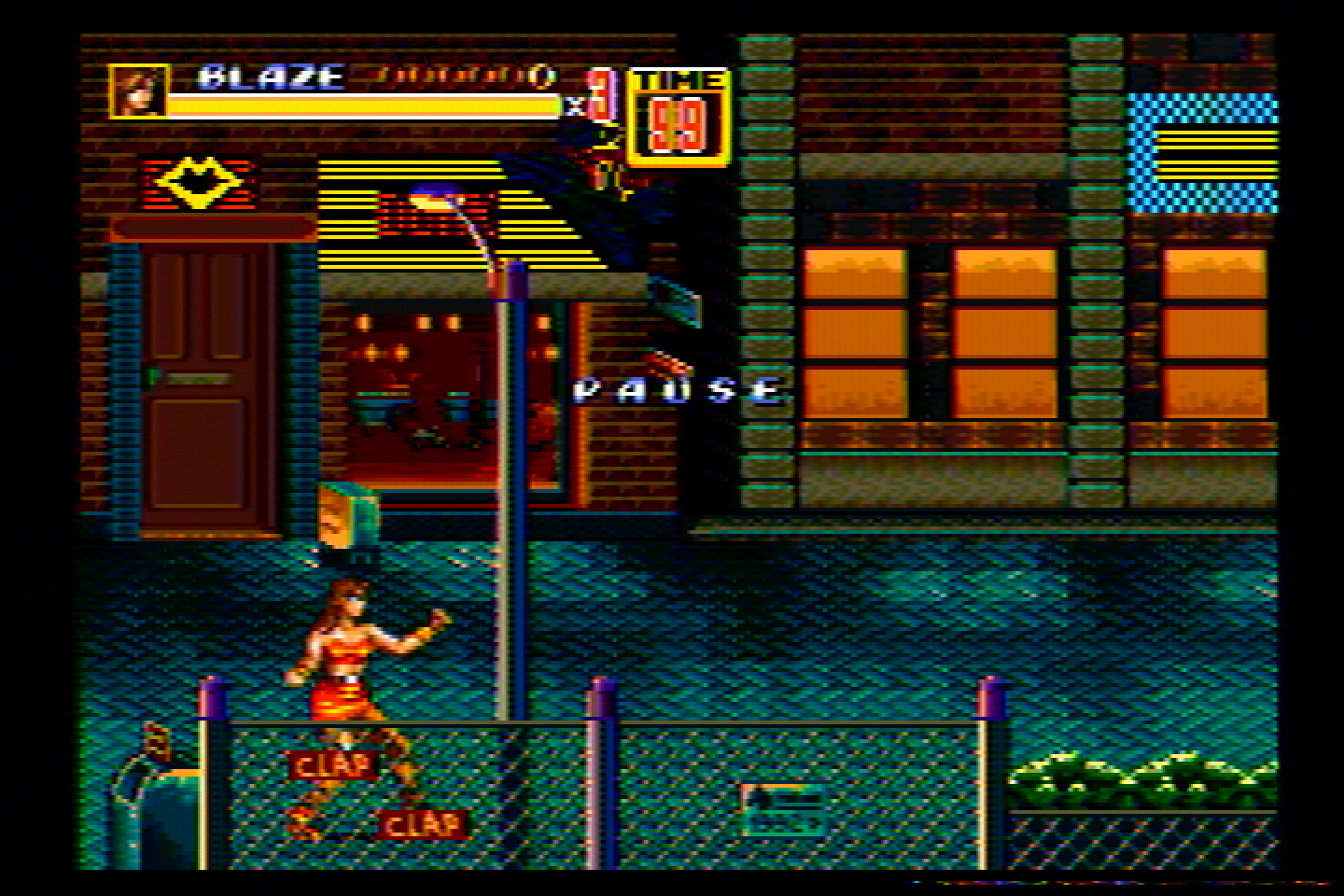
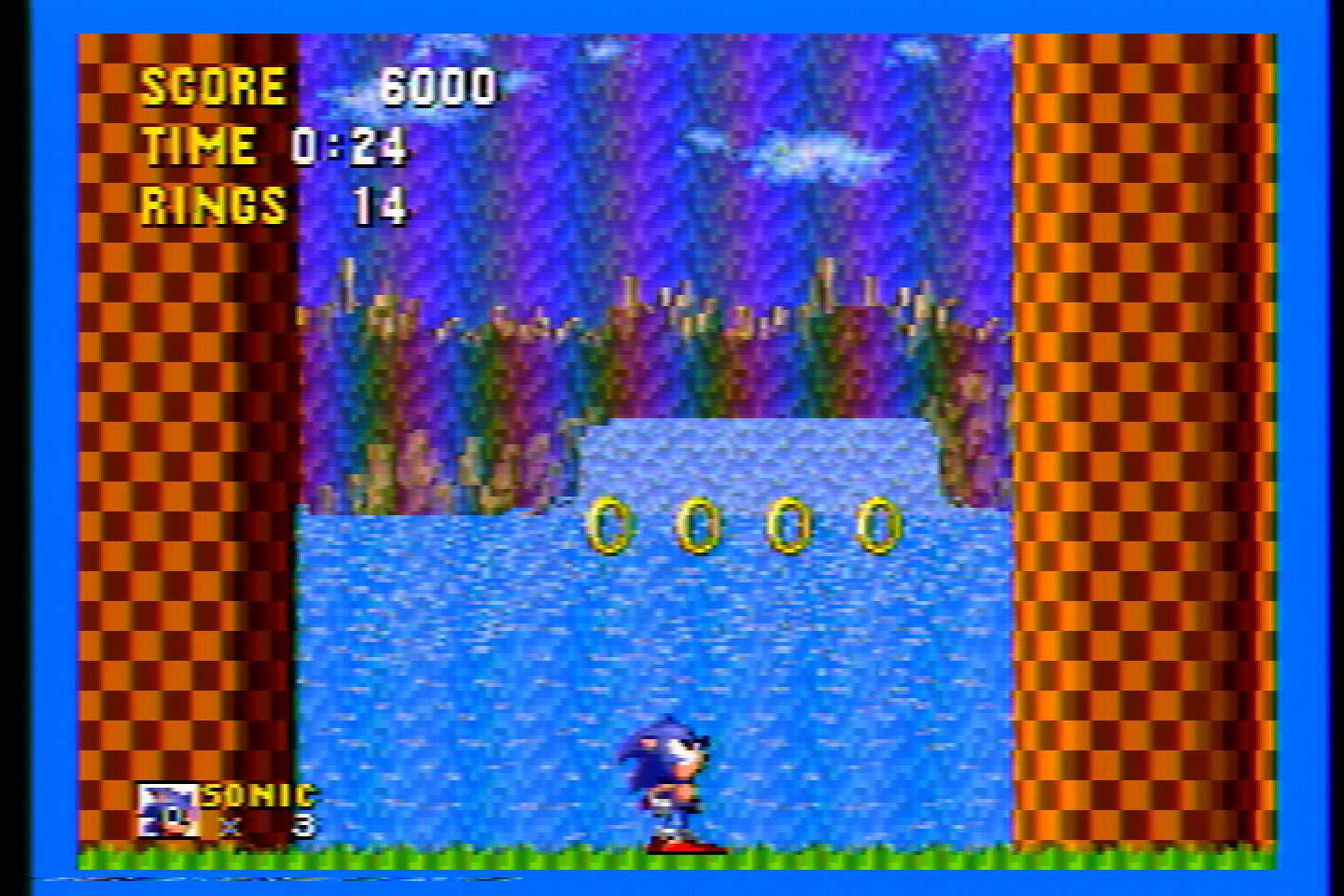
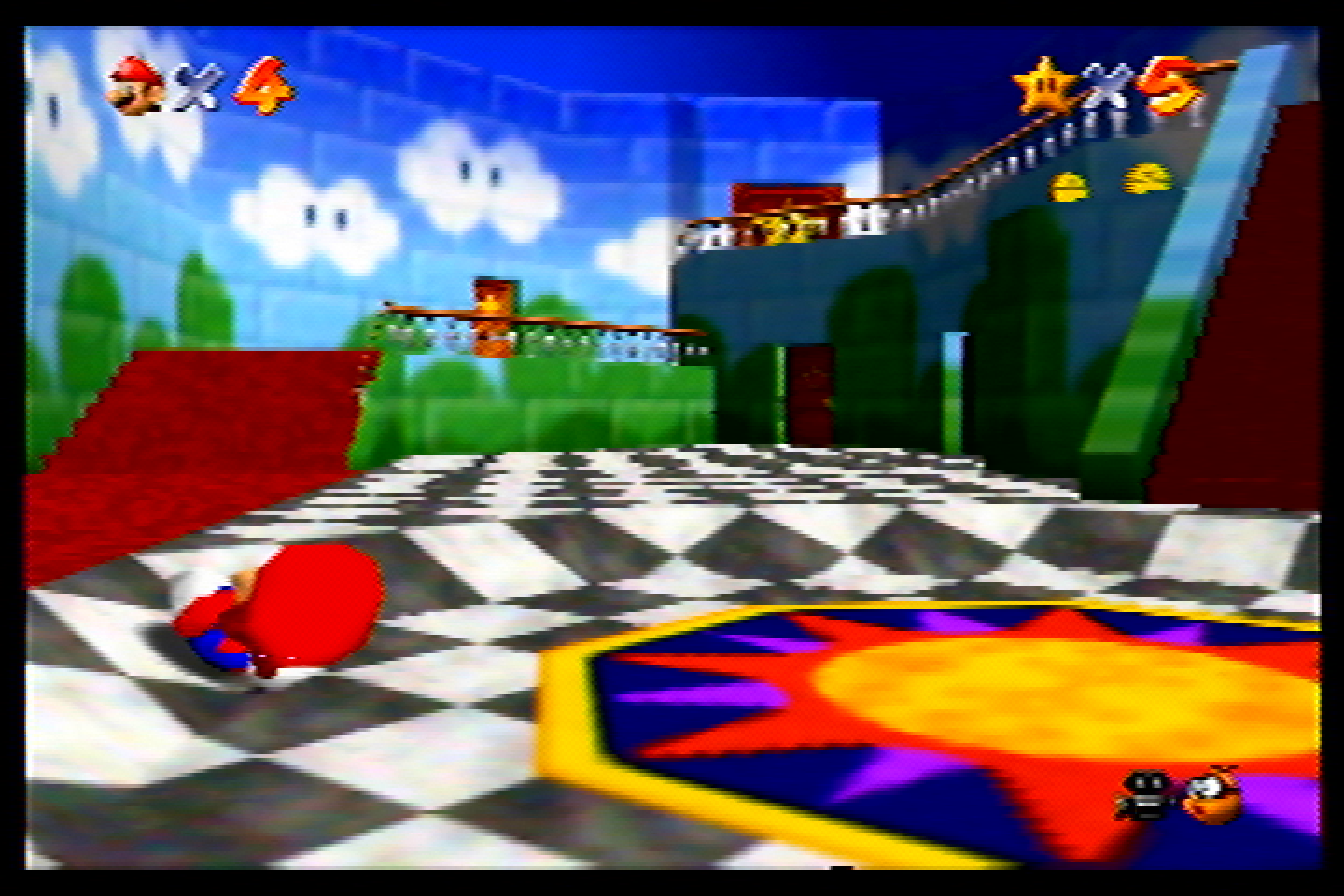
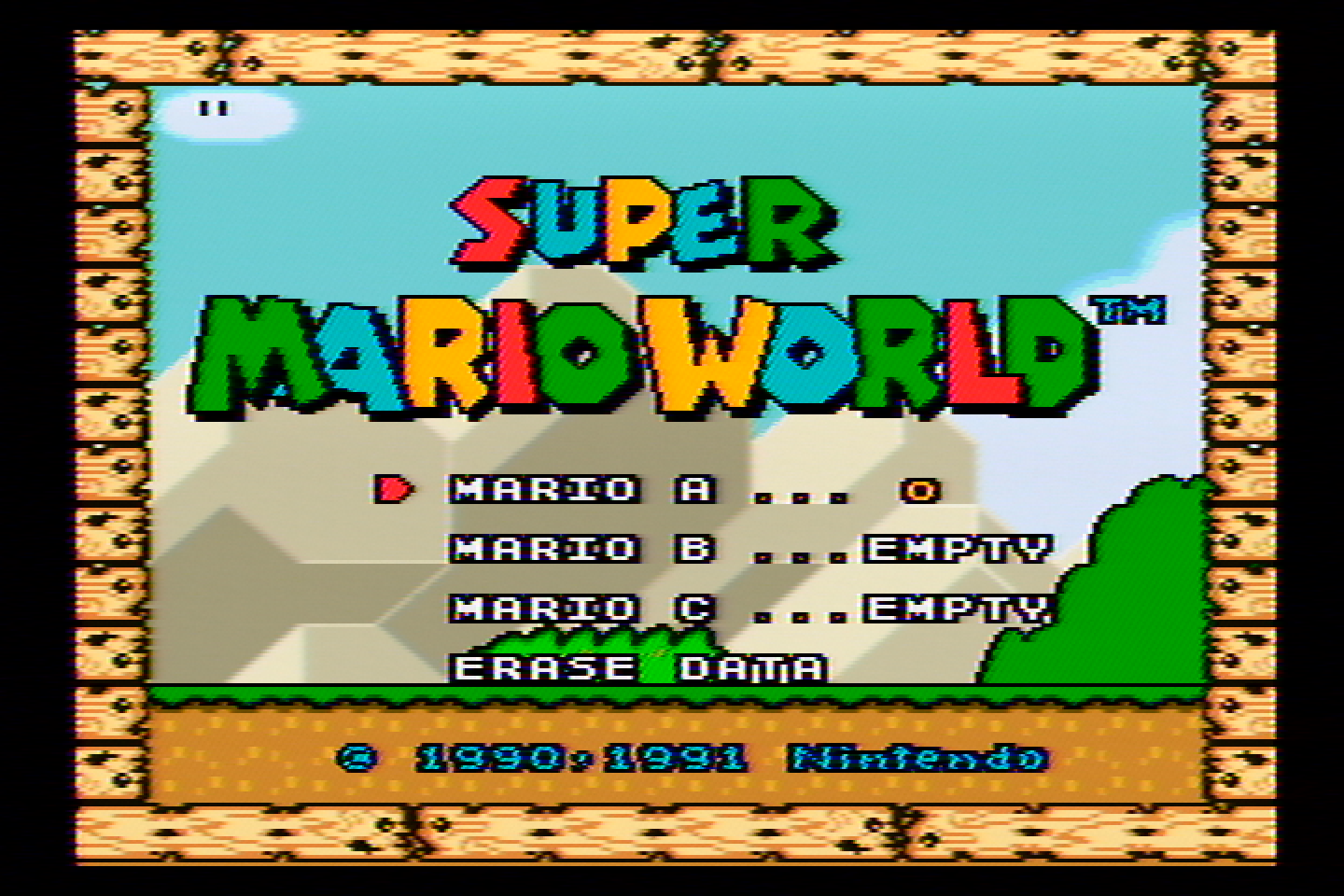
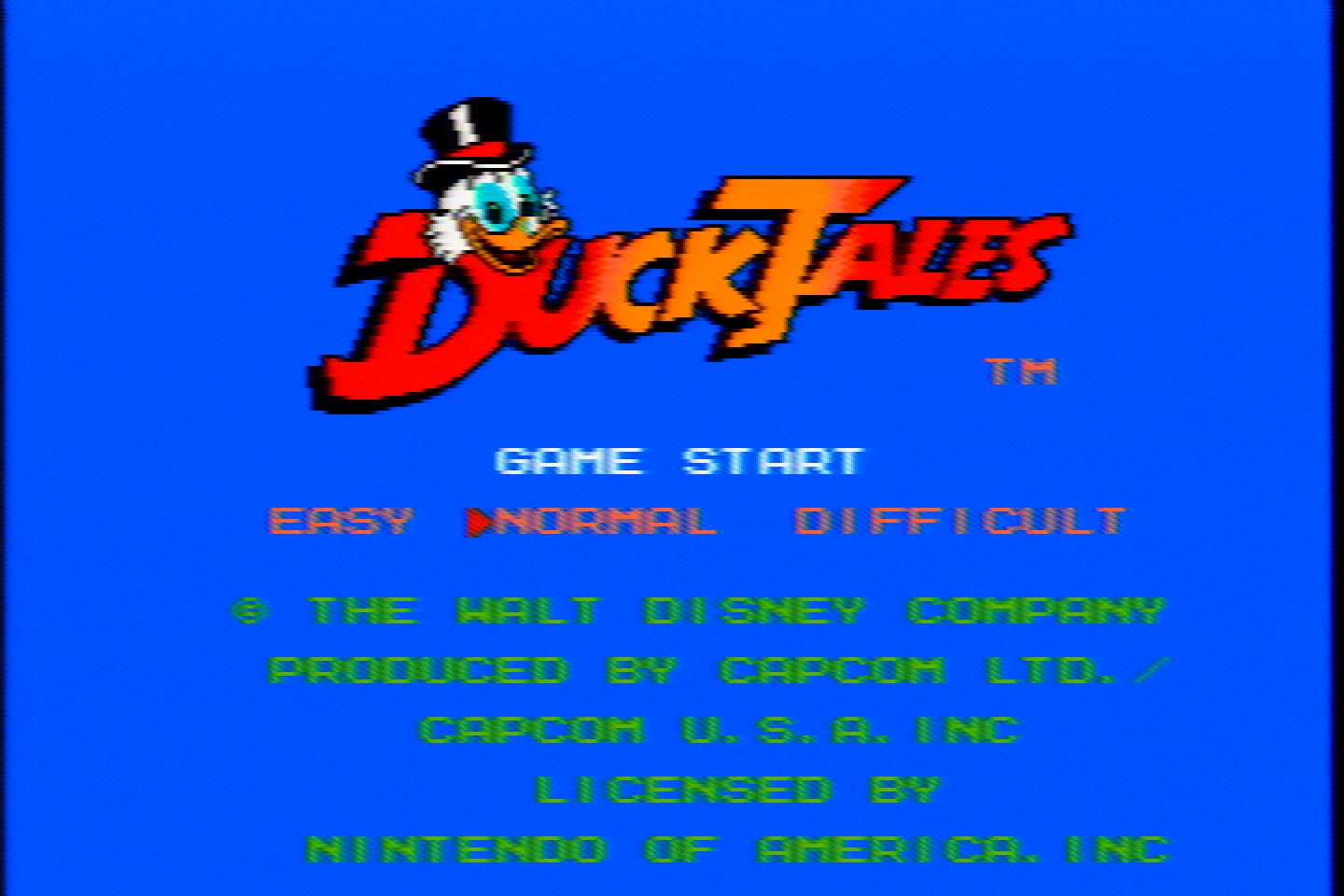
As you can see, the dot crawl is significantly reduced. It can be reduced even further by lowering the sharpness more.
On a CRT, the visible sharpness difference between 100% sharp and 75% sharp is going to be barely noticeable, especially from a normal viewing distance.
Having this sharpness knob allows you to dial in the sharpness vs dot artifacts to your preference.
The way these results are achieved is by having multiple stages of filtering in addition to video amplification.
The manadream Notch Filter is a proper, 75-ohm input terminated, 75-ohm output impedance video filter and amplifier for NTSC composite video. You’ll notice more vibrant colors and a brighter picture than other filters using this filter.
The manadream Notch Filter is available for purchase on my store. I also sell other retro gaming products and modding services, let me know if there’s something you’d like that I don’t have listed!
Side-By-Side Comparisons
Here are some of these filters compared side-by-side. I have chosen the images that show the differences most clearly.
Notch Side-By-Sides
Comb and Notch Side-By-Sides
Bonus Images
These are some images/comparisons that were provided to me by others and/or are on CRTs instead of direct captures. I’m showing them here to further demonstrate the difference between Comb filters and Notch filters in general.
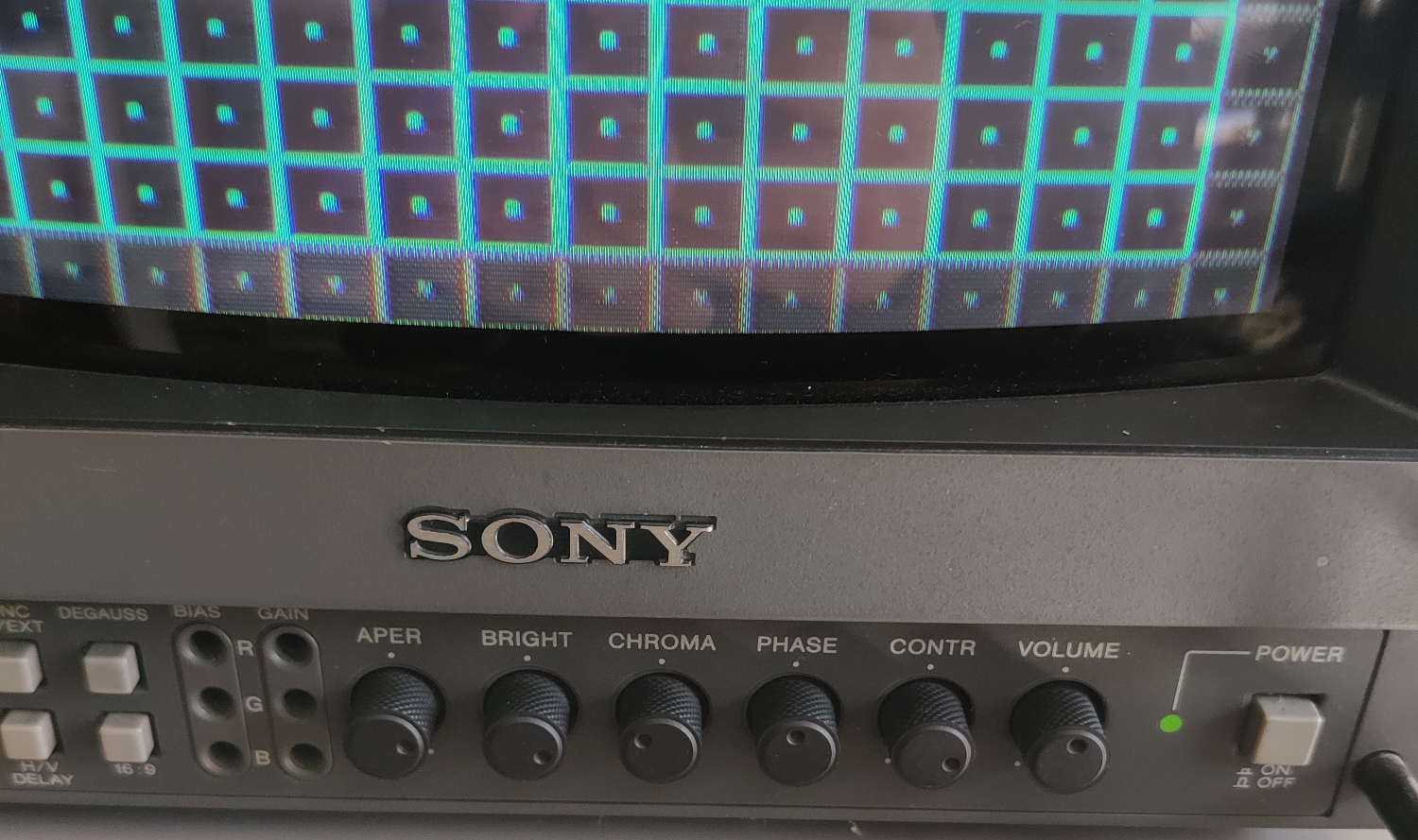
Comb filter dot artifacts on a PVM, you can see it in the red squares on the bottom very clearly (might need to open the image in a new tab and zoom in):
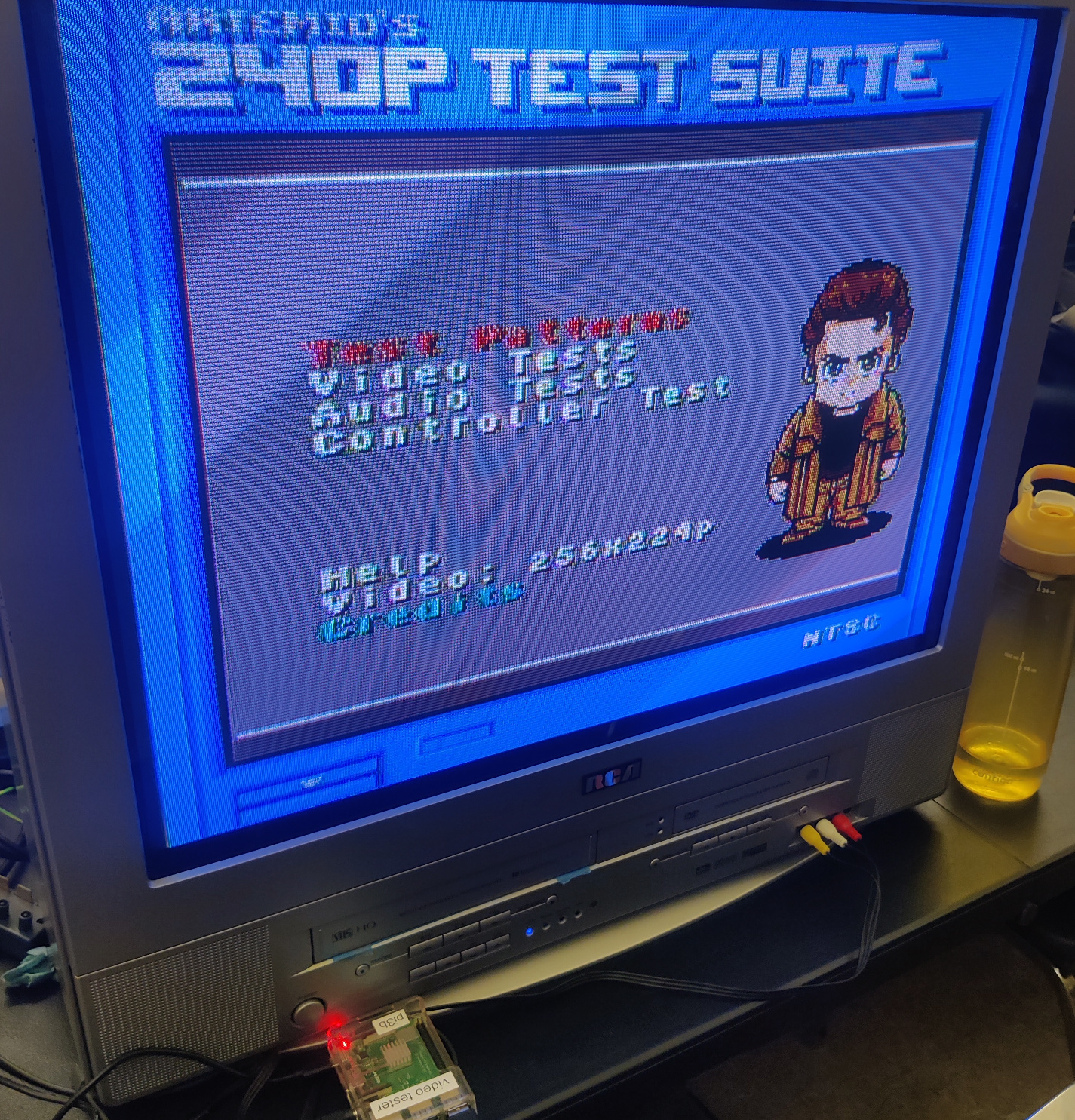
Comb dot artifacts on an RCA set:
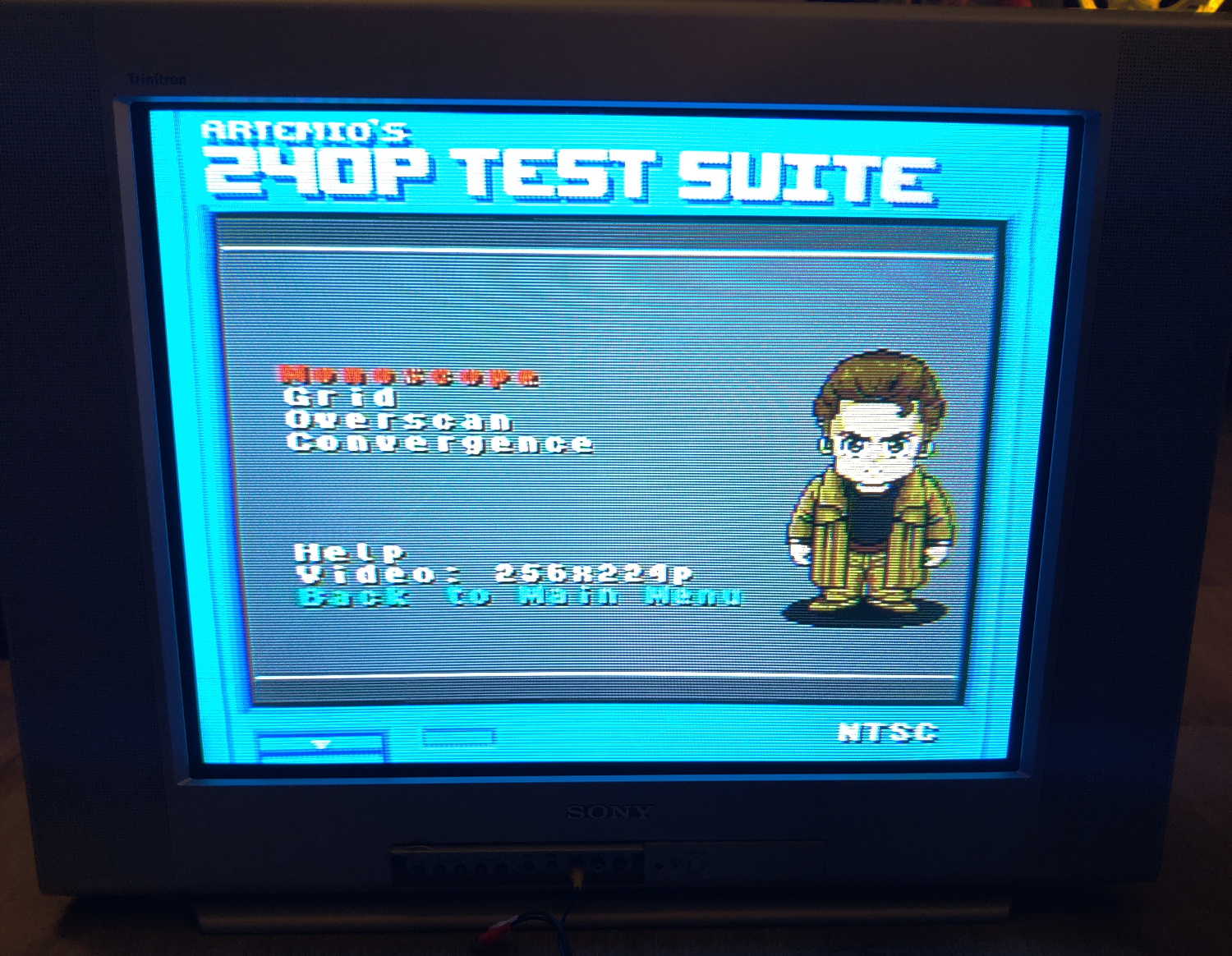
Comb dot artifacts on a Sony Trinitron, visible in the red text:
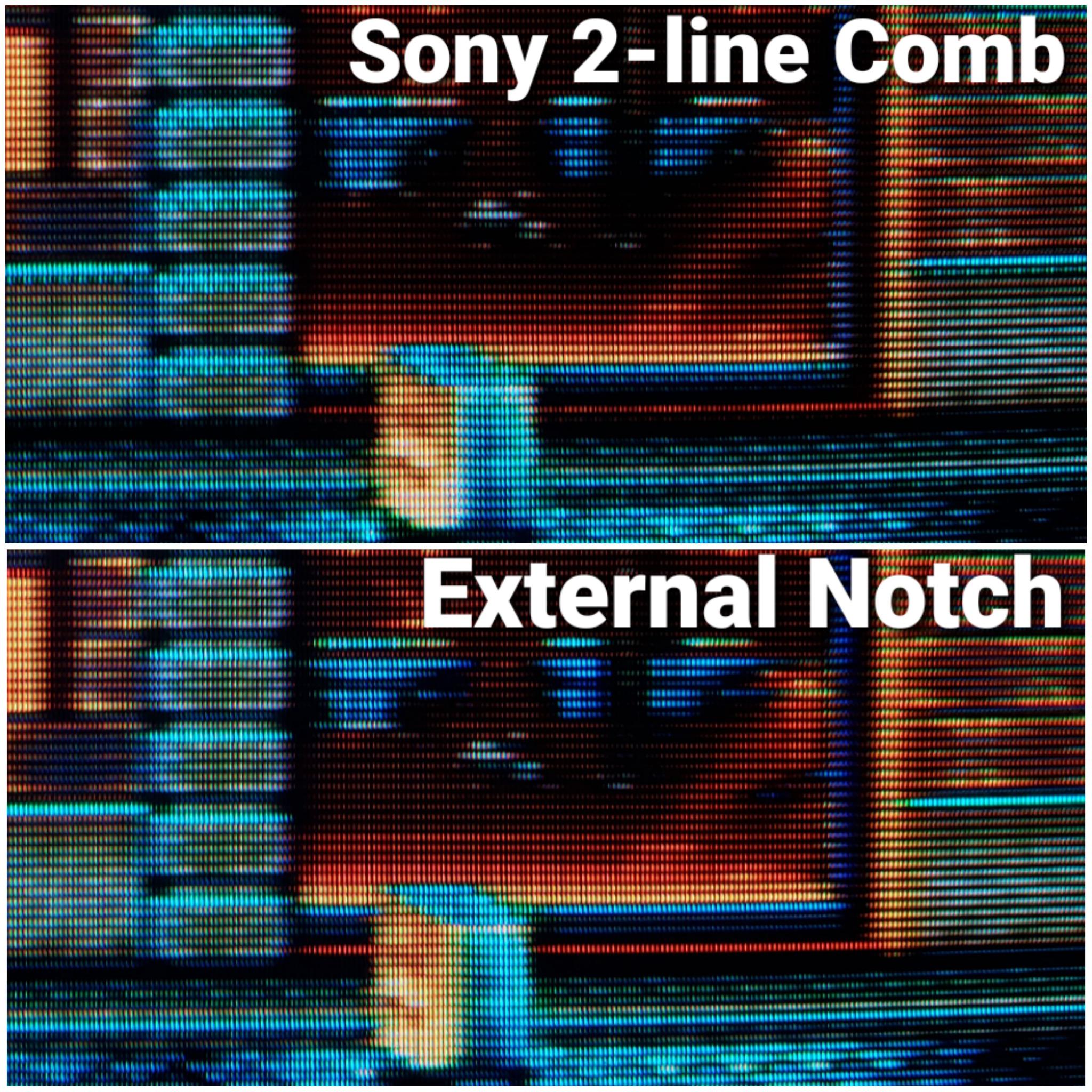
Streets of Rage 2 on a CRT:
An example of a really bad external Notch (in one of those tiny, inline adapters) not removing Chroma information from Luma, on a CRT:
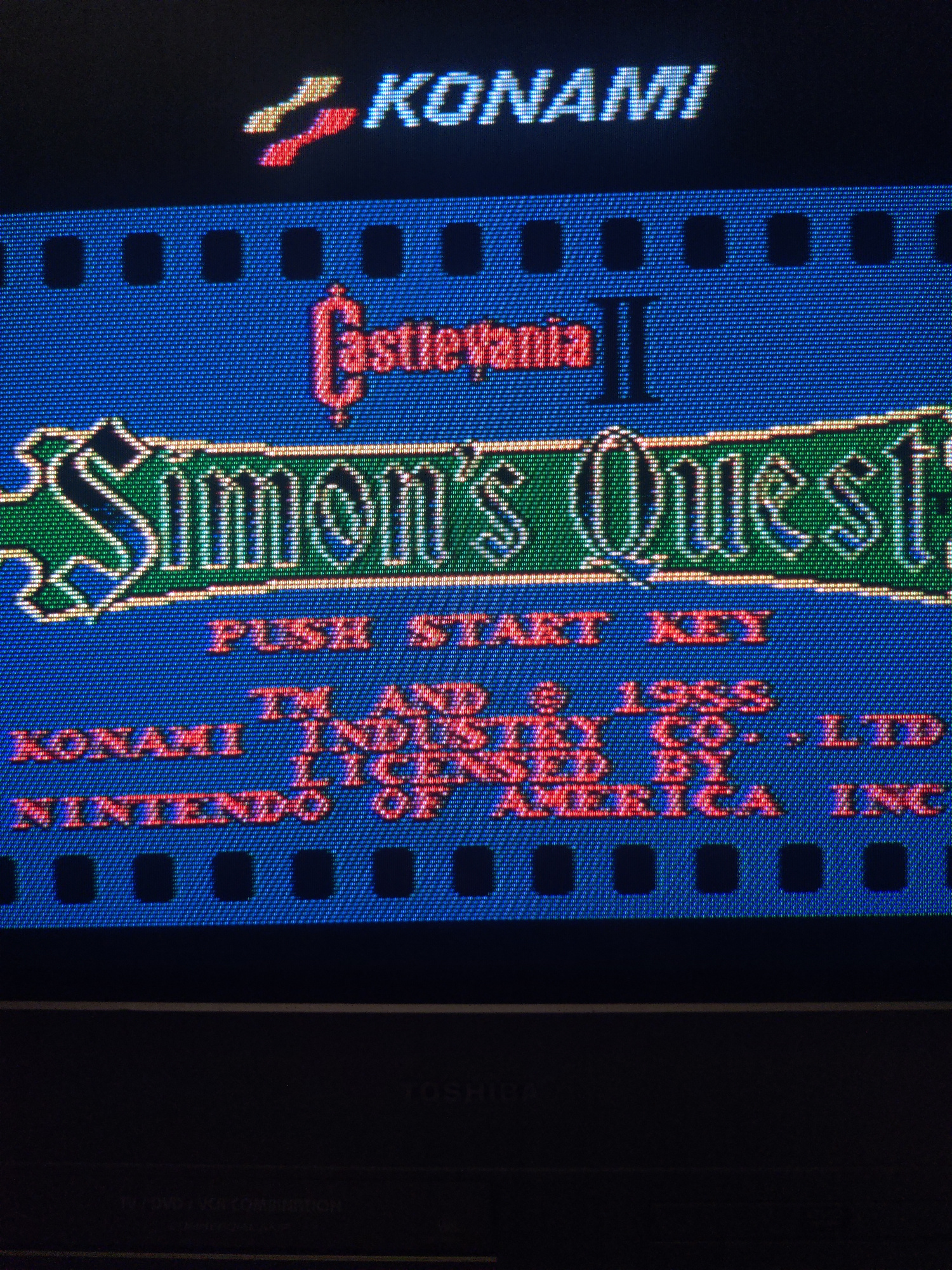
An example of a typical 2-line comb filter on a CRT (notice the hanging dots):
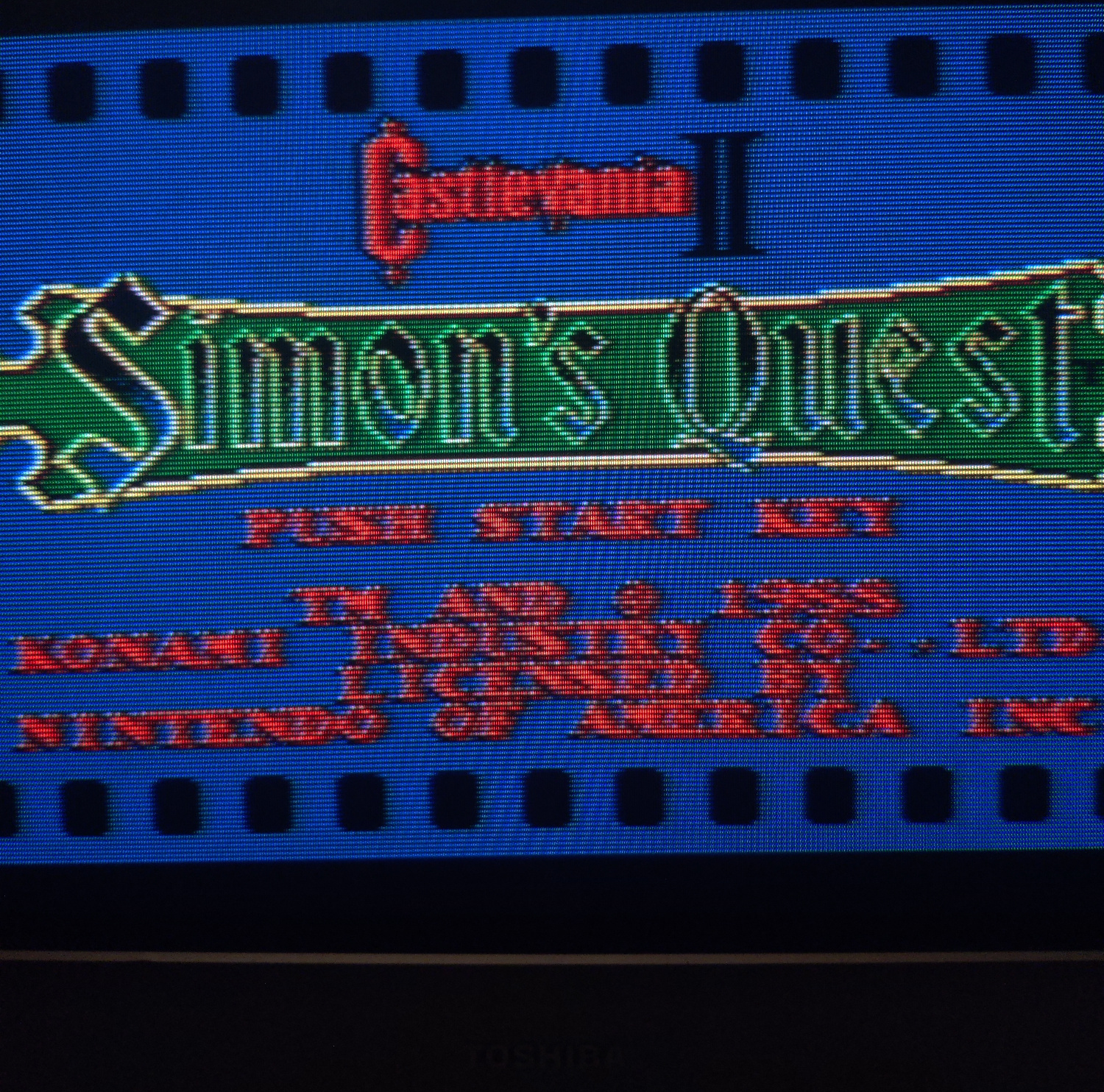
The comb on my Toshiba MW24FM3 CRT (again, notice the hanging dots):
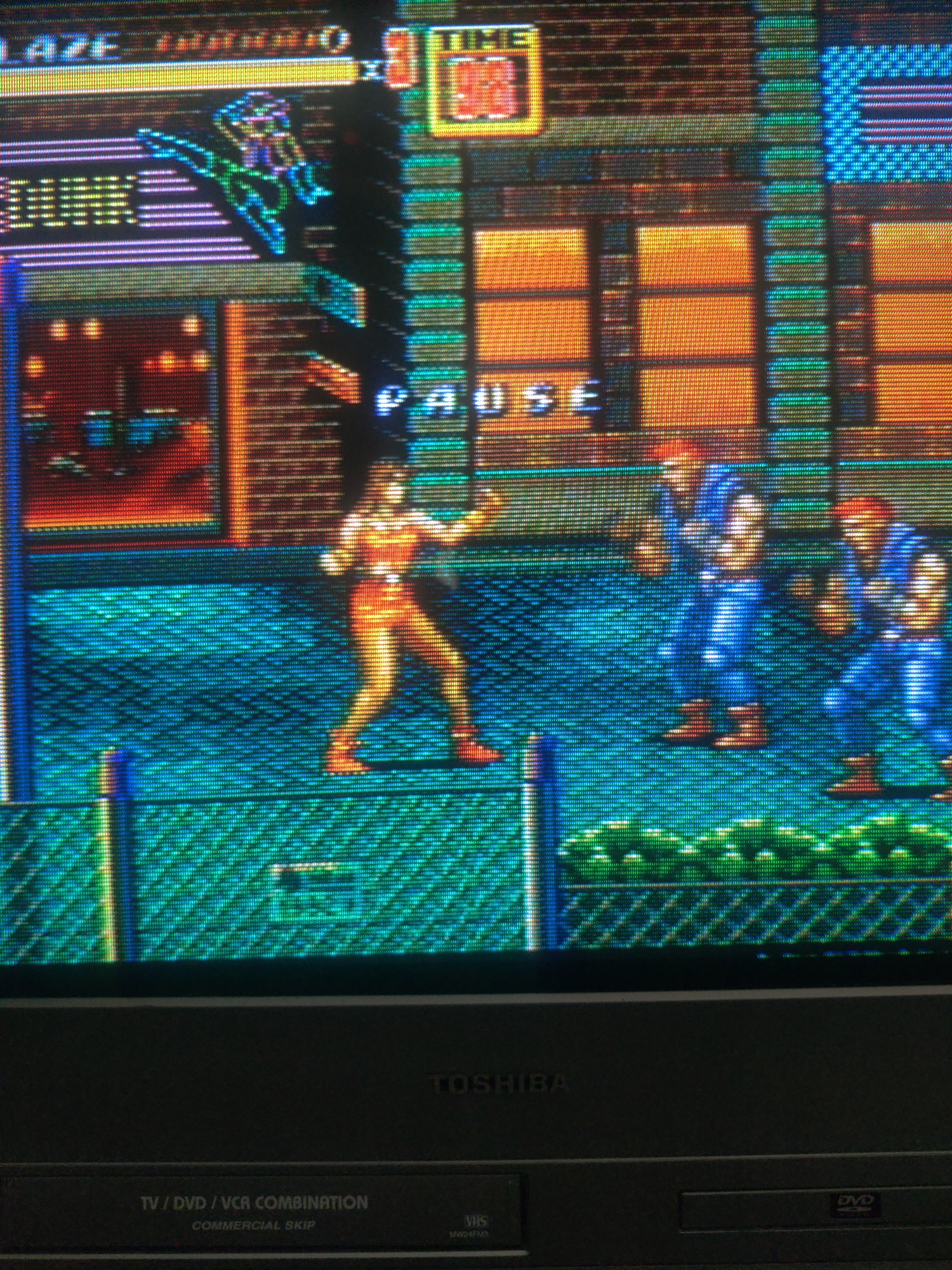
A mediocre comb on an LCD:
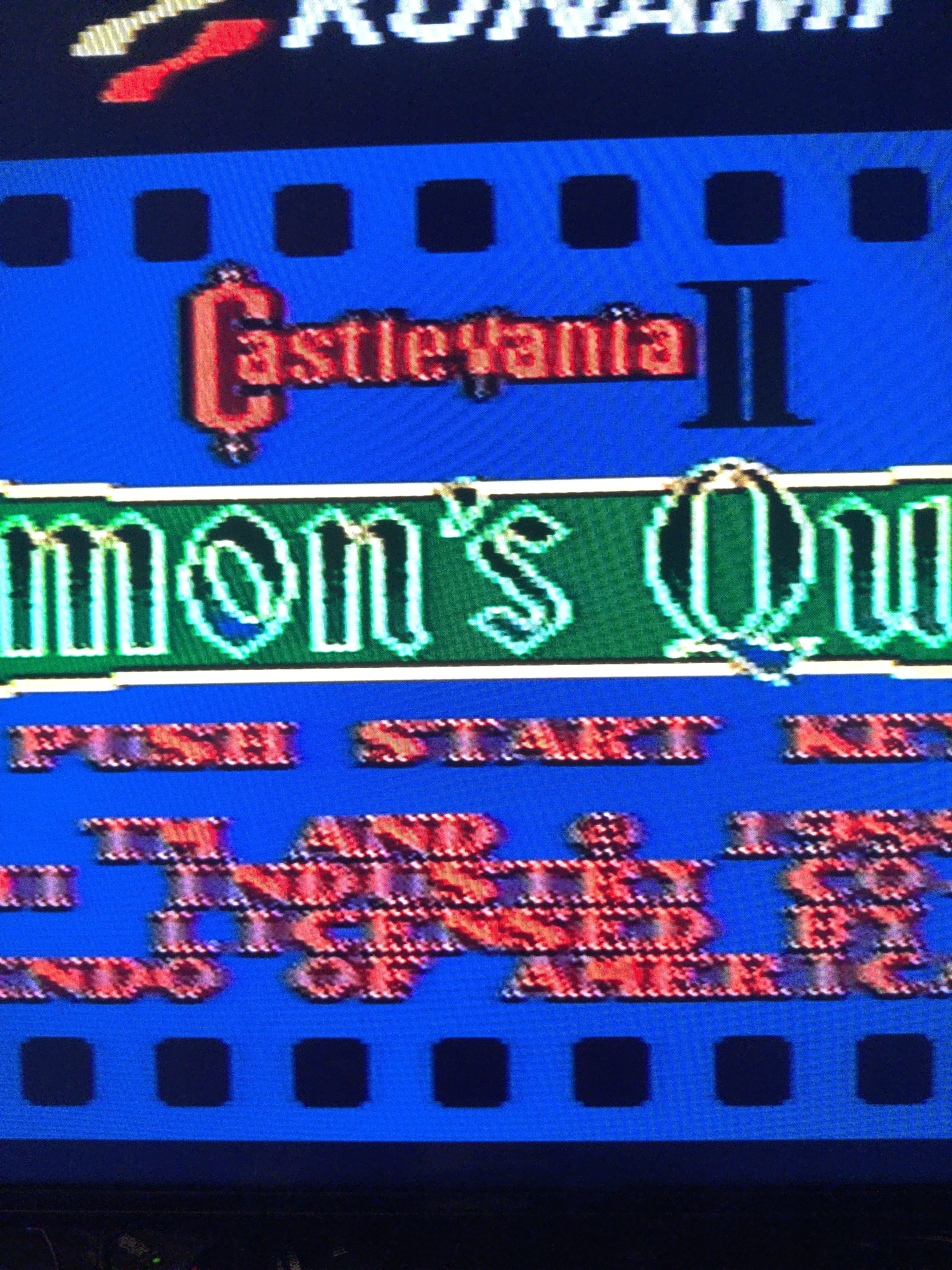
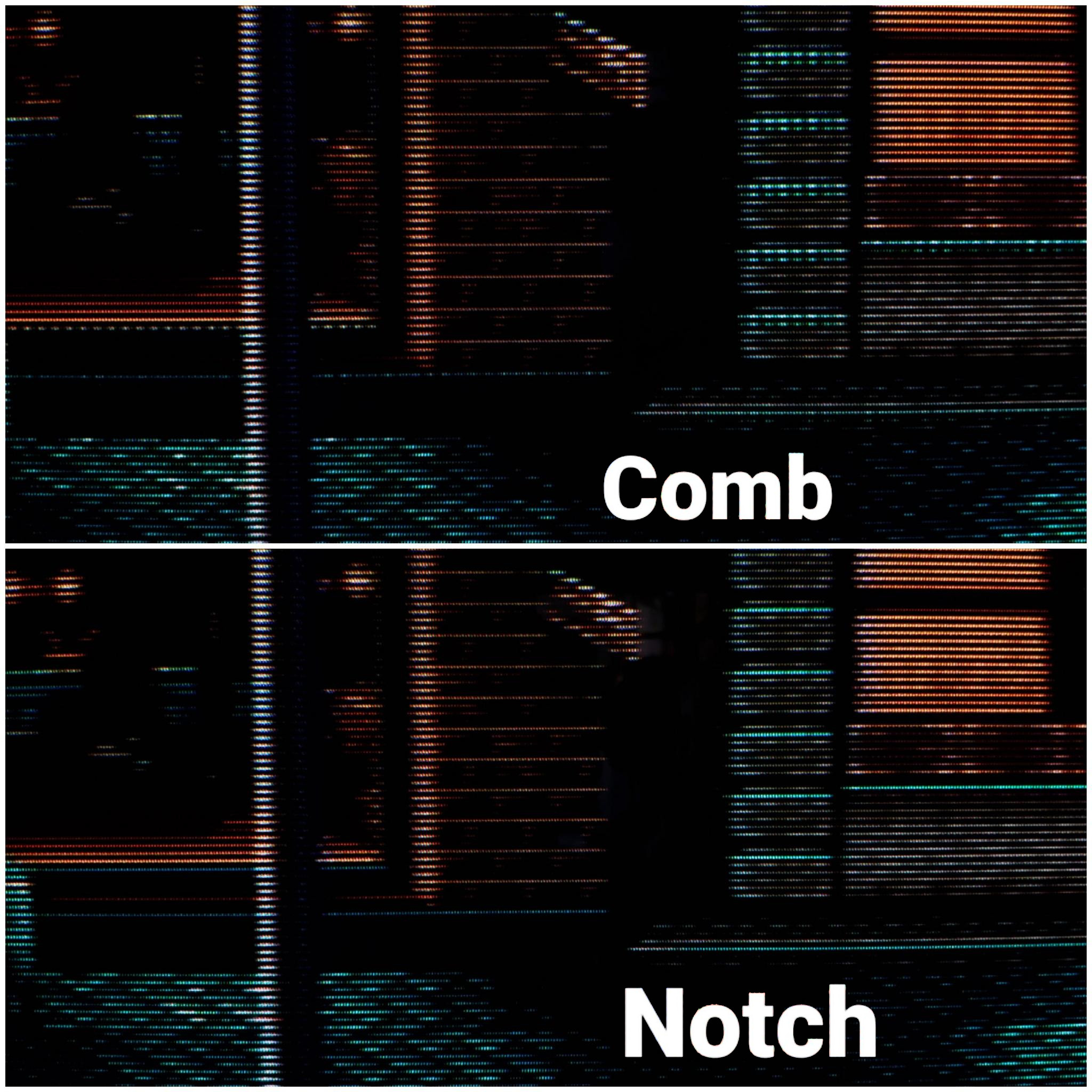
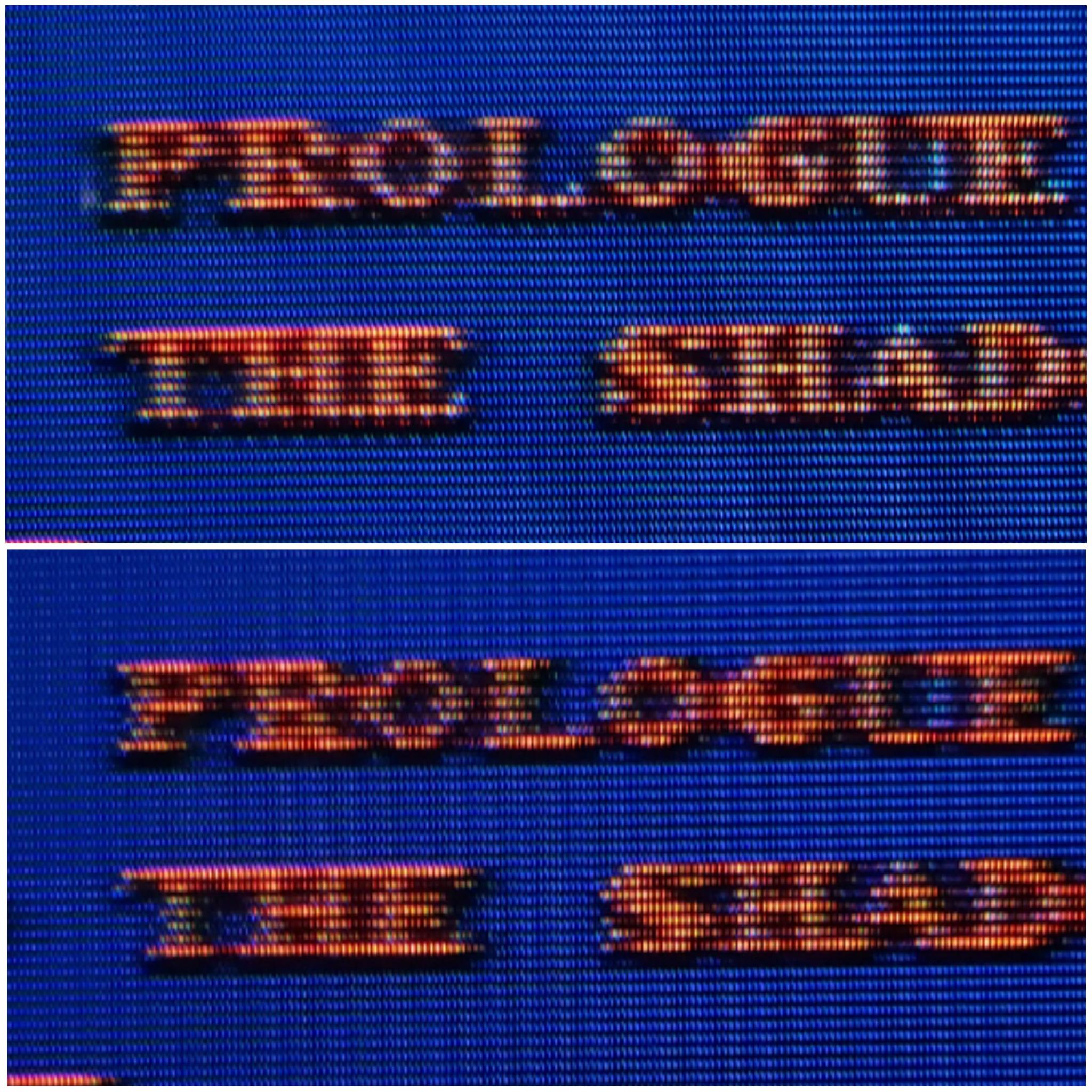
Comb (Top) vs. Notch (bottom) on Castlevania 2’s title screen text:
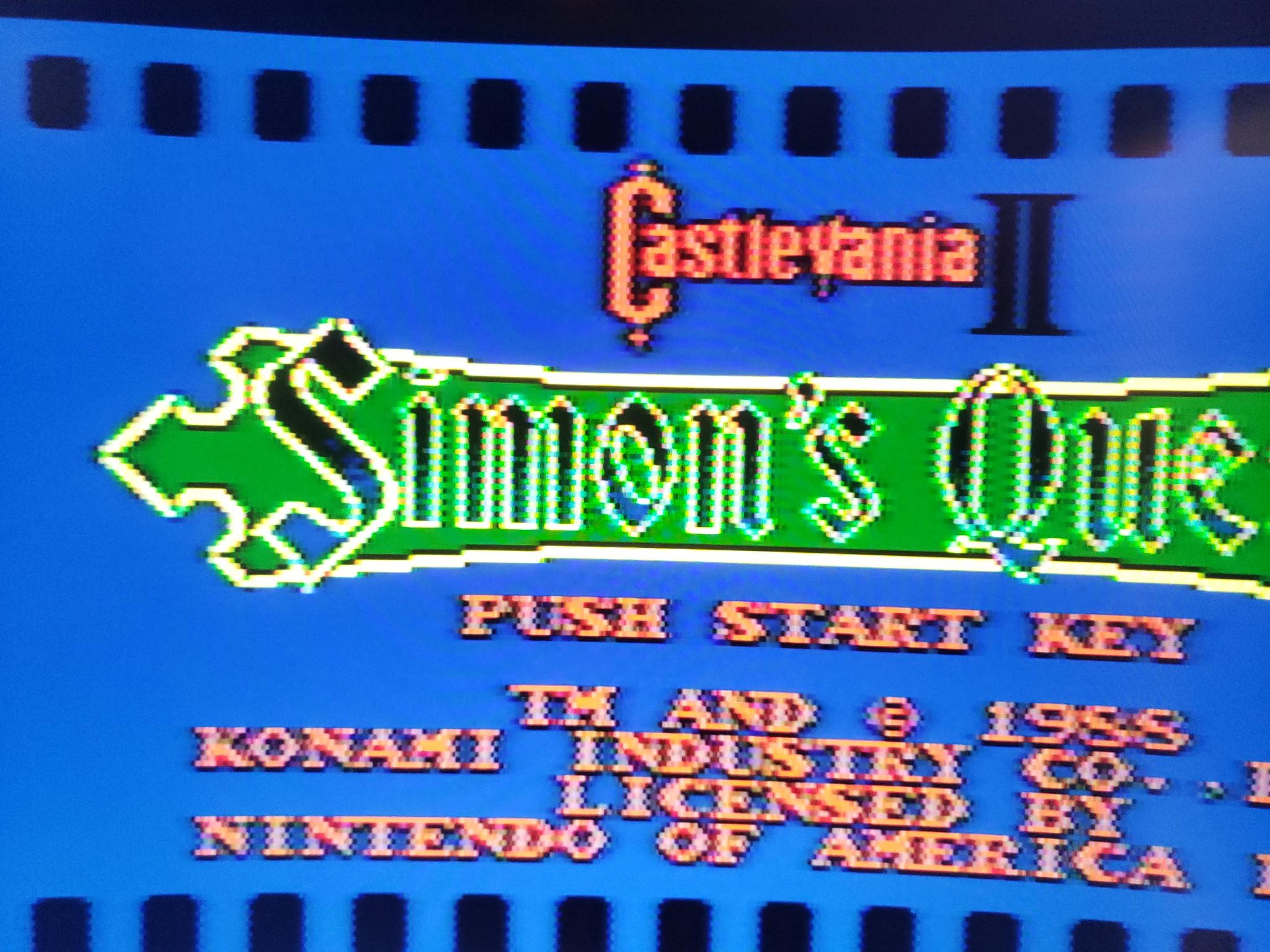
The notch filter on a RetroTink 5x on an LCD:
And that’s all I got!
I hope this article was helpful. Feel free to contact me if you have any questions or suggestions for how to improve this article for others, and go to my shop to check out the manadream notch filter and other stuff I’ve made/modded.
References/Further Reading:
https://en.wikipedia.org/wiki/NTSC
https://crtdatabase.com/articles/art-design
https://en.wikipedia.org/wiki/Dot_crawl
https://crtdatabase.com/articles/decoding-240p
https://www.extron.com/article/ntscdb1
https://www.extron.com/article/ntscdb2
https://www.extron.com/article/ntscdb3
https://www.extron.com/article/ntscdb4
https://nicole.express/2021/composite-conflict-completed.html
Back to top