Panasonic CT-9R10 S-Video and Composite Mod
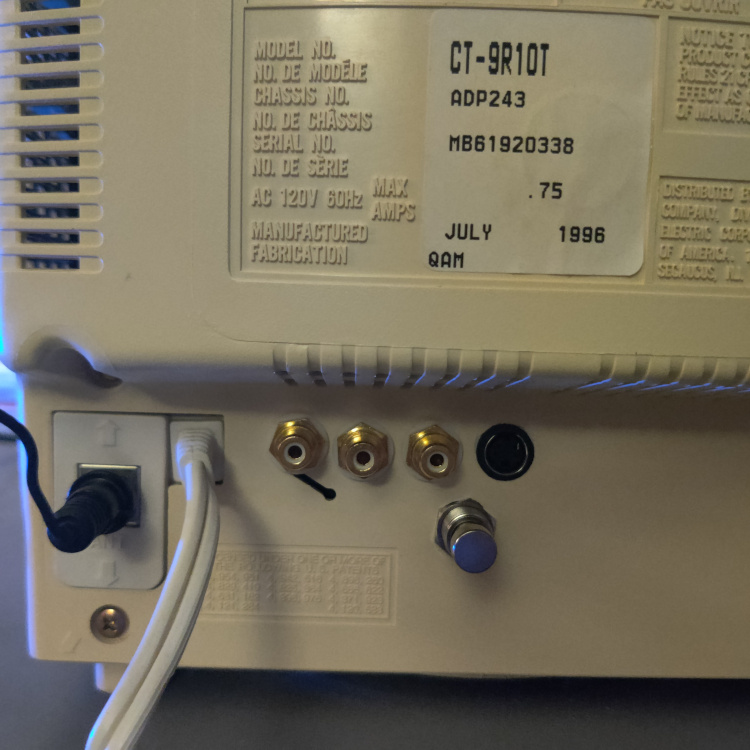
While this CRT requires an amp to properly RGB mod it, adding Composite and S-Video input to this TV is quite easy to do.
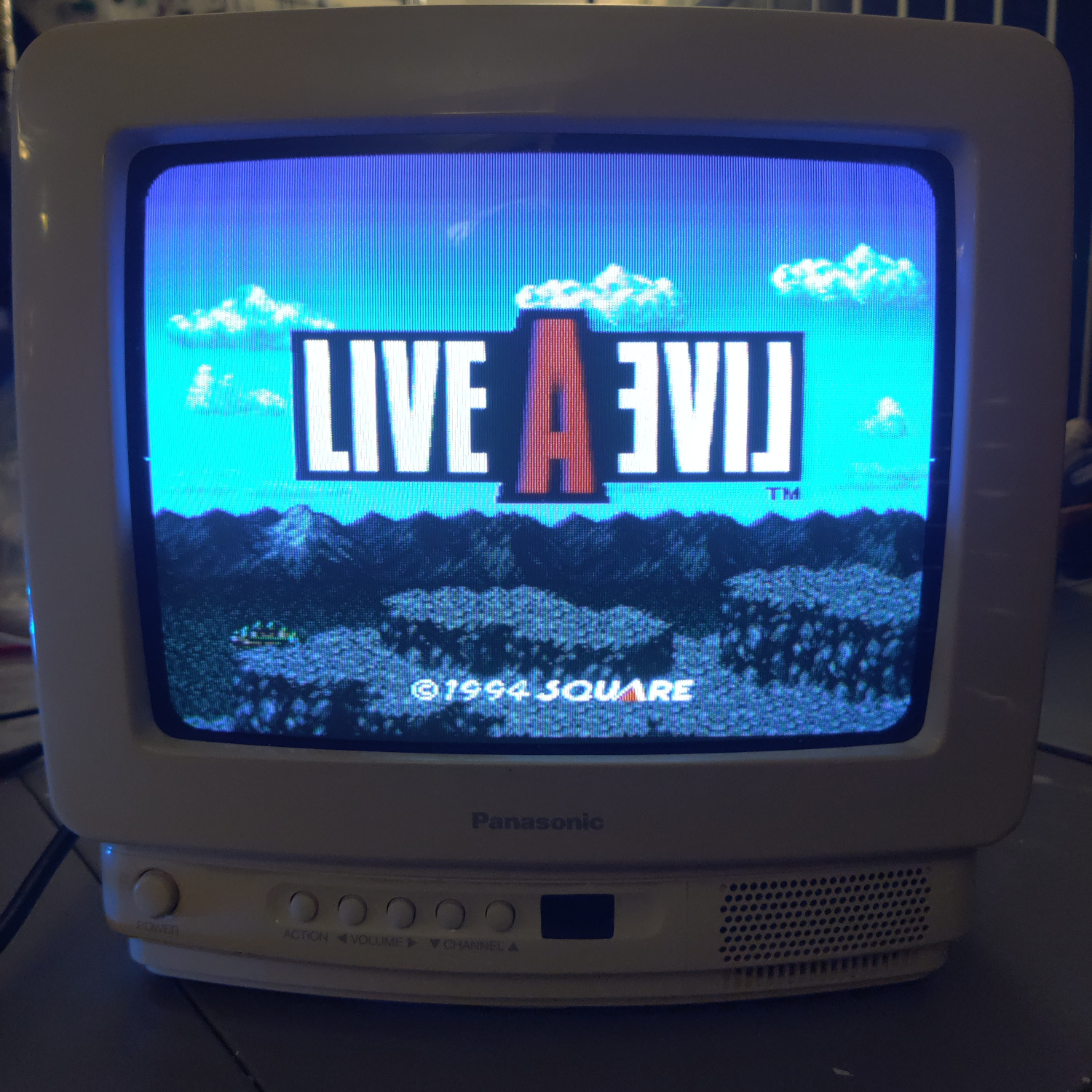
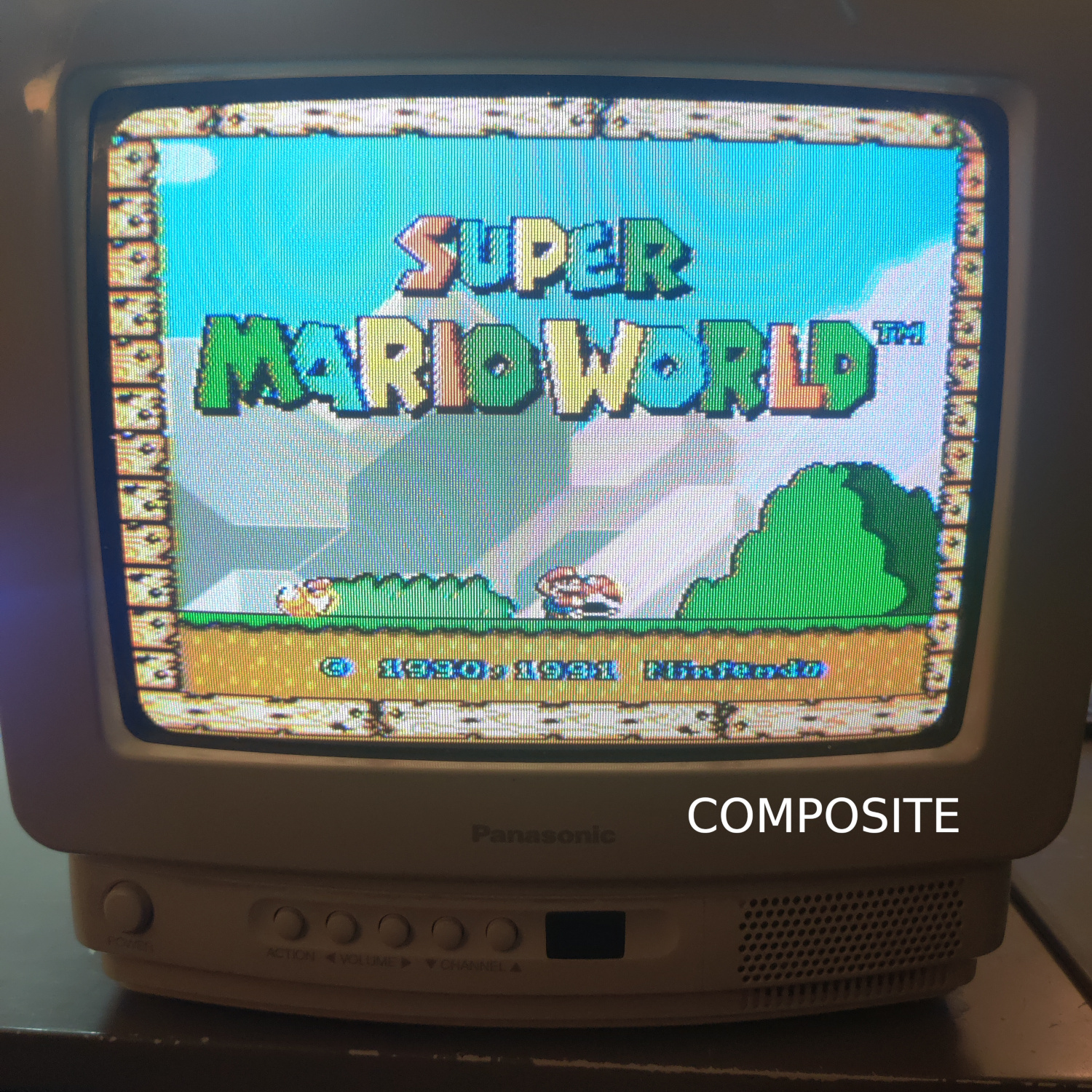
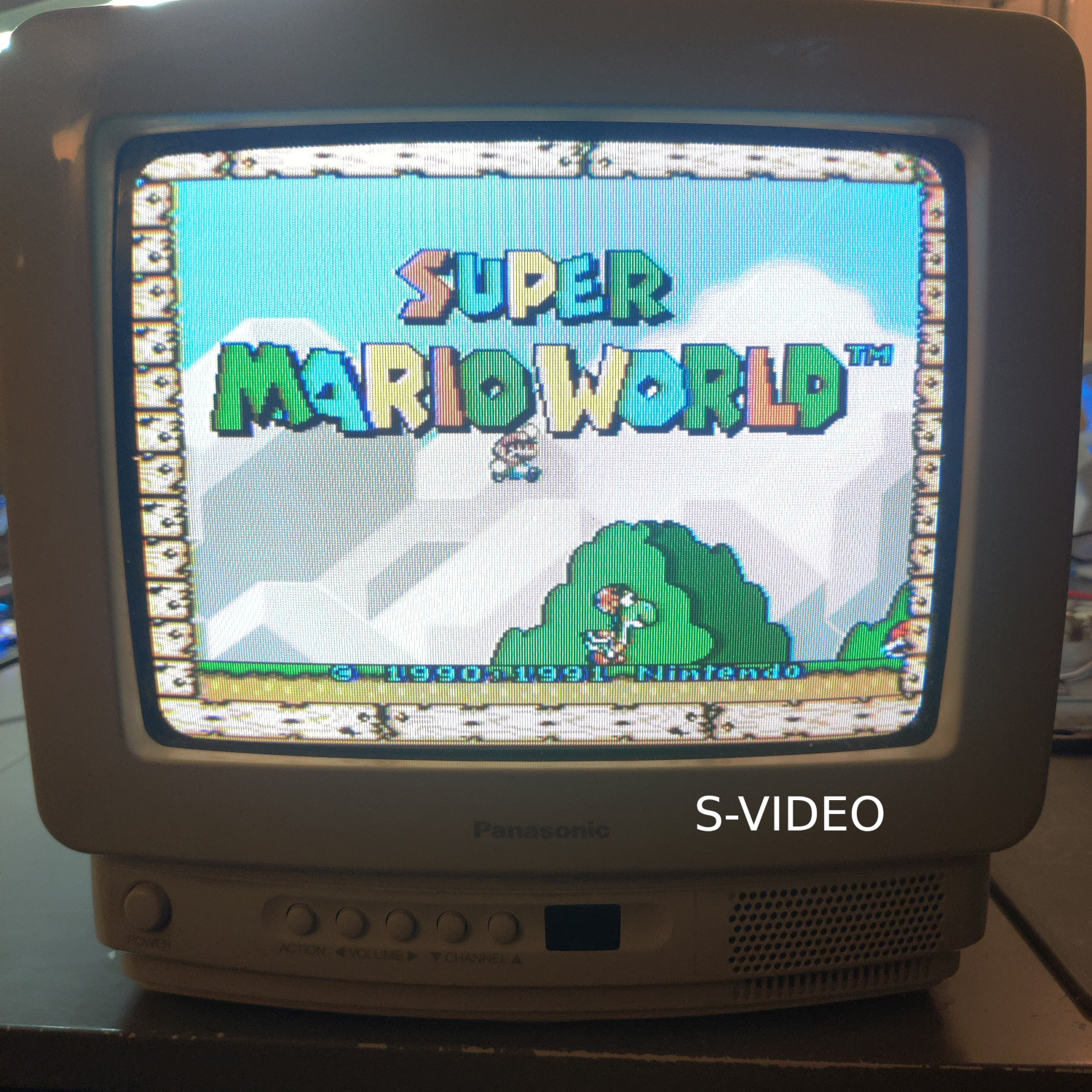
Both Composite video and Luma from S-Video can be injected at C108, and Chroma for S-Video can be injected at C601 but this requires a little more work to do correctly.
If you only want composite video, you can simply lift the positive (+) side of the electrolytic capacitor C108 and connect your 75 Ohm terminated composite video signal to the positive (+) side, and also properly connect your composite ground to the chassis ground (there are a lot of ground points, I used one near the back of the CRT PCB). That’s it, you now have Composite input.
For S-video Luma, lift the positive (+) side of C108 and connect your 75 Ohm terminated Luma to the positive (+) side of the capacitor.
For S-Video Chroma, it is a bit more work to inject it. First you must remove the capacitor C601 (or cut the trace that connects to Q306), and route your 75 Ohm terminated Chroma signal through the capacitor you just removed and connect the other side of the capacitor to the pad that connects to R619. (If you cut the trace, you can simply connect Chroma to the side of the capacitor that had the trace cut).
Then connect your S-Video grounds to chassis ground and you’re done. That is all you need to do for S-Video to work.
If you want to be able to switch between Composite and S-Video, you will need a DPDT switch. Follow the instructions for S-Video setup, but connect Chroma and Luma from the CRT board to the center of the DPDT. Then connect Chroma and Luma from S-Video to one of the sides of the DPDT, matching Chroma from S-Video with Chroma to the CRT board and the same for Luma. Then, you need to connect composite video to the other Luma input on the DPDT. Lastly, you need to connect the video signal coming off of the emitter of Q306 to the other Chroma input on the DPDT. Connect all your grounds and then you should be able to switch between Composite and S-Video.
For Audio, you can inject mono audio at the negative (-) side of C207. Simply lift the negative (-) side of C207 and connect your audio signal to the negative (-) side of this electrolytic capacitor. Then connect your audio ground to the chassis ground and that’s it.
If you want to mix stereo into mono, connect two 1k Ohm resistors together on one side, and connect the other two sides to the Left and Right audio channels. Then connect the combined side of the resistors to the negative (-) side of C207 like above.
See schematic and images for more details, as well as the schematics in the service manual.
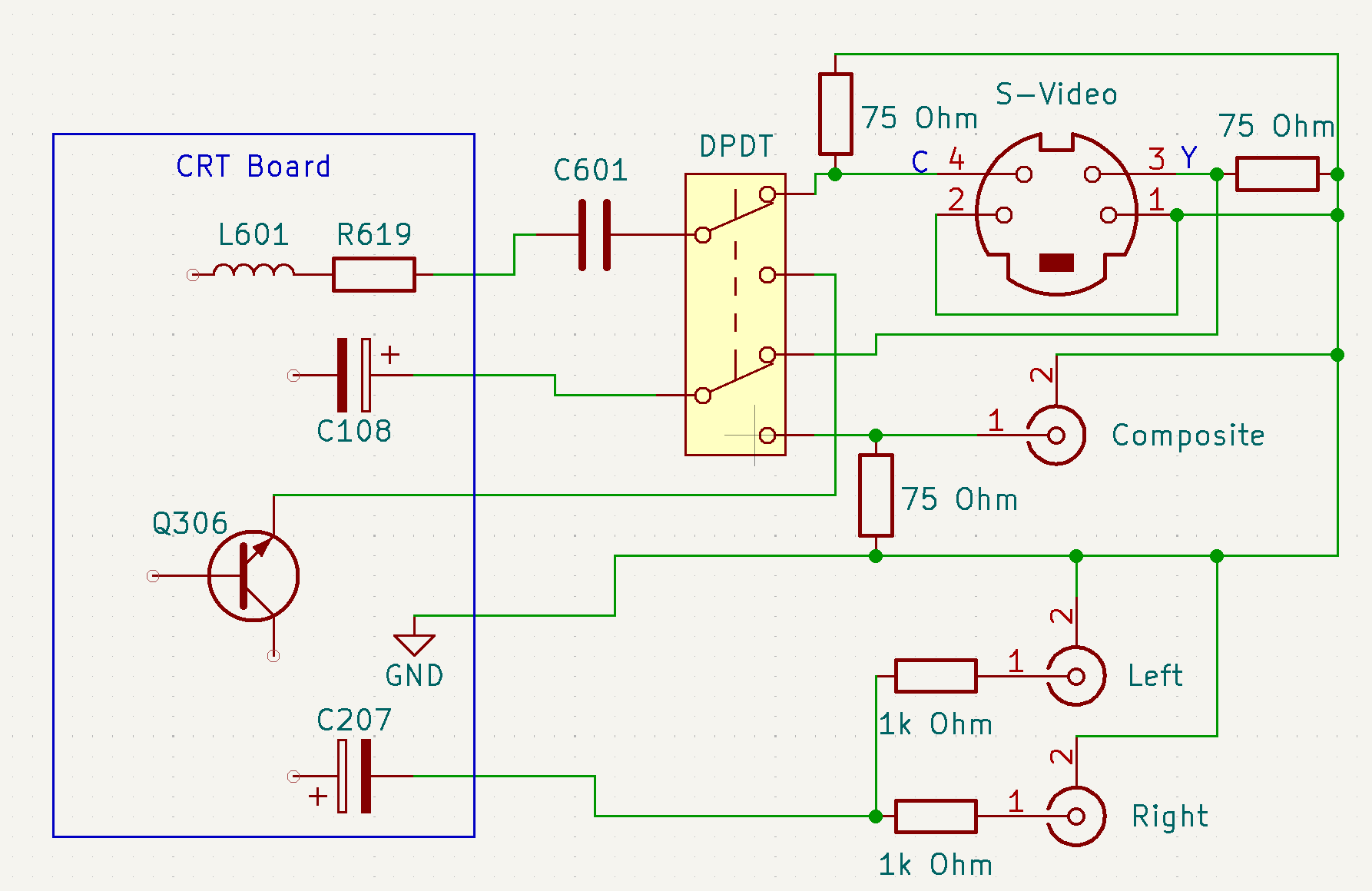
A simplified schematic of the mod.
This article is also hosted on Sunthar.com
Back to top