Supersonic SC-2200 S-Video Mod
It is possible to S-Video mod this CRT by tying into the video and audio lines from the DVD player.
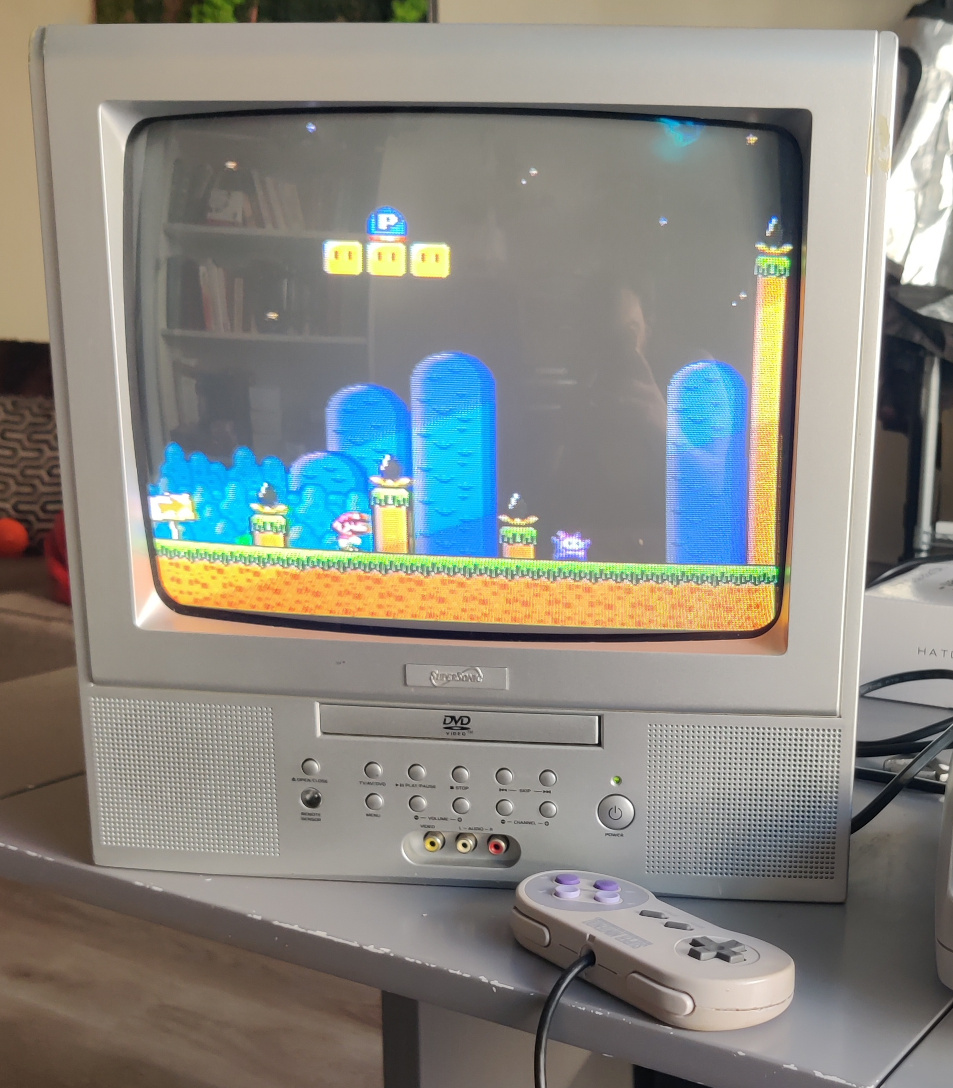
You will need:
- An S-Video Socket Connector
- A 4PDT Switch (or 2PDT if you don’t want to use the TV’s speakers)
- 2 RCA jacks (not needed if you only want video)
- Some wire
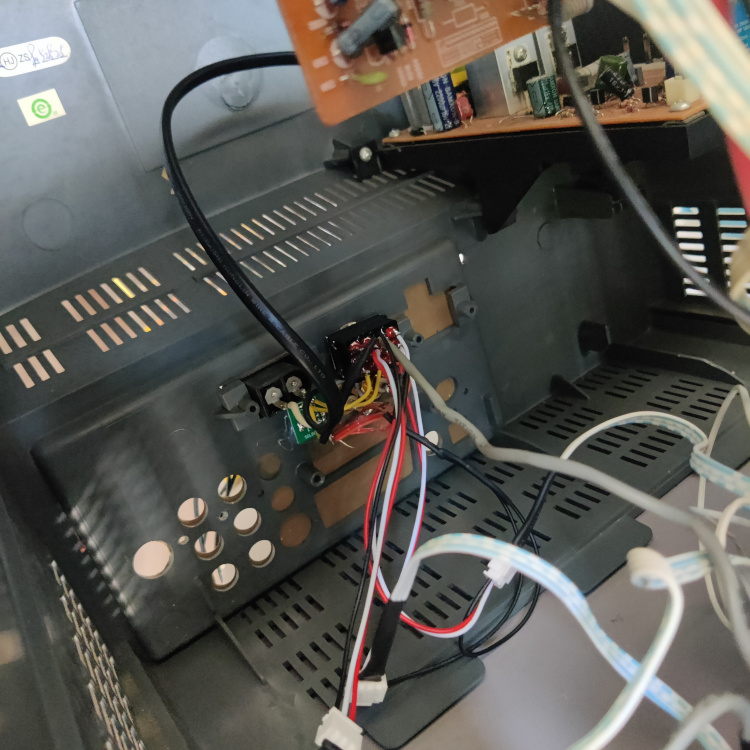
See the schematic for wiring details. Basically you:
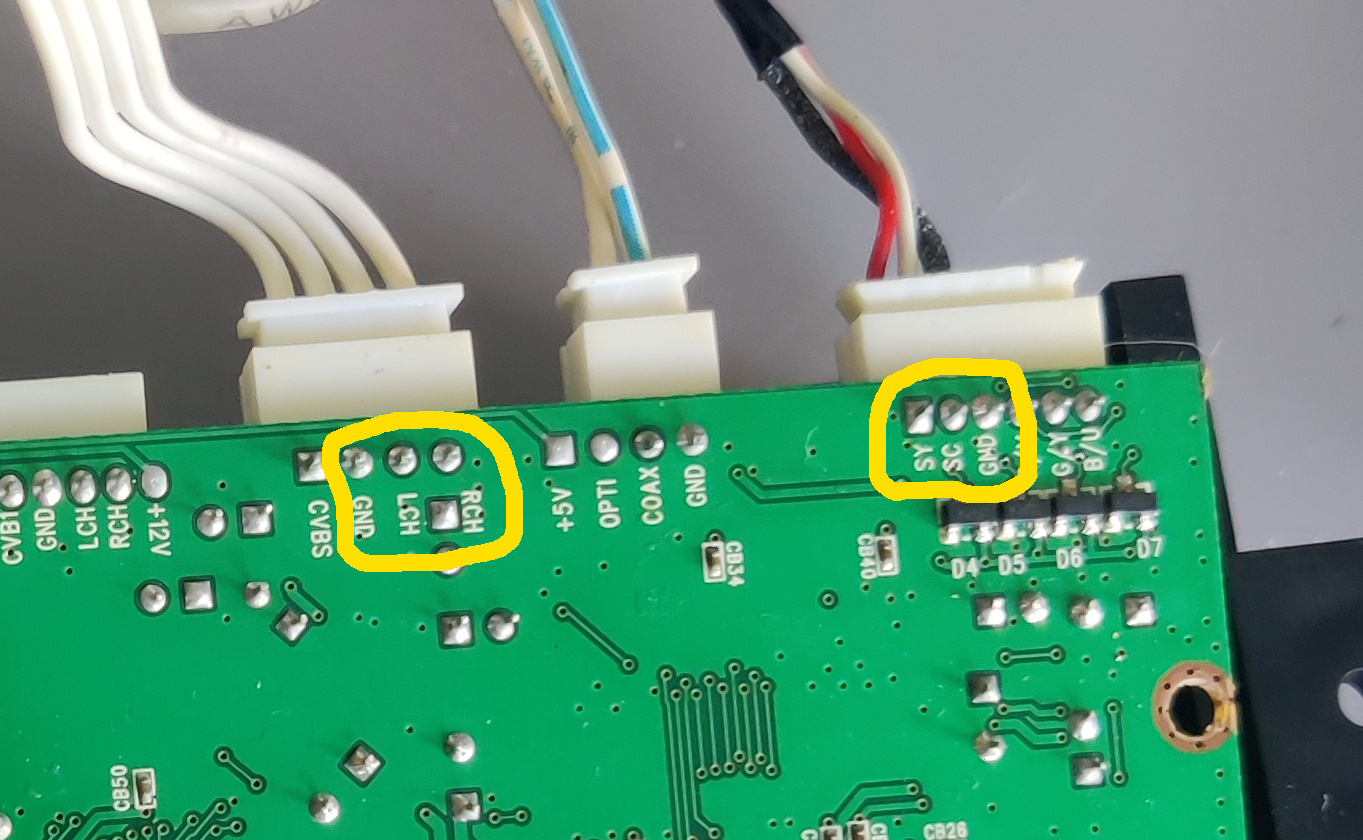
- cut in half the Video and Audio wires going from the DVD player to the main board
- Connect all the grounds together, there should be two from the DVD player, 2 going to the main board, and 3 from your external S-Video and Audio input (or just 1 if only doing video)
- connect the audio and video wires going to the main board to the center of a 4PDT switch
- connect the audio and video wires from the DVD player and your external S-Video input to either side of the 4PDT.
That’s it, there’s no need to remove any components or cut any traces, and audio is unmuted as long as there is a video signal present, so no need to permanently unmute the TV or anything like that.
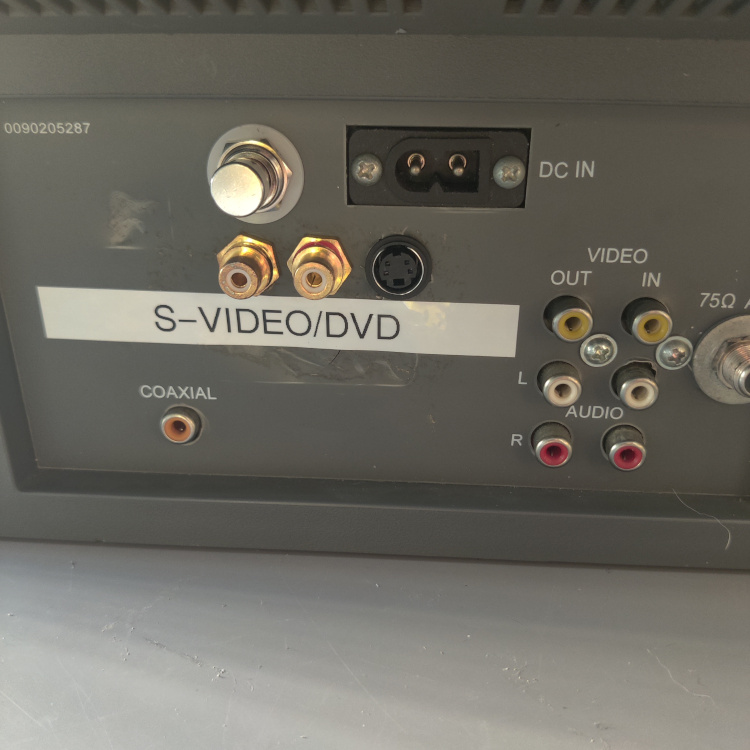
Turn the TV on and switch to the DVD player input. Then use the installed switch to toggle between the DVD player and the S-Video input.
You can view the Service Manual for more info. The model doesn’t match up but this is in fact the same TV.
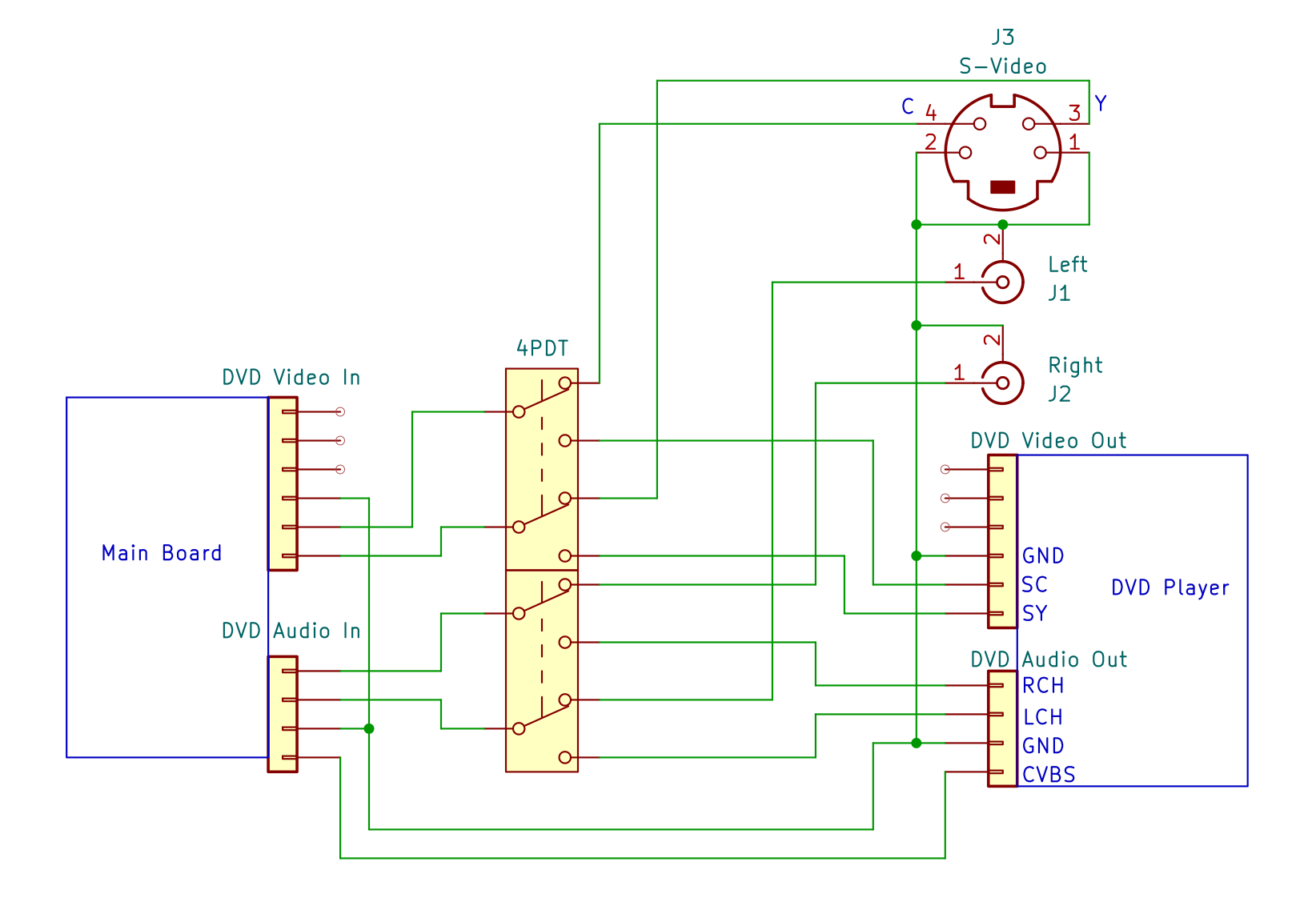
A simplified schematic of the S-Video mod.
This article is also hosted on Sunthar.com
Back to top